7 English
〈〈FOR SYSTEMS WITHOUT COOL/
HEAT CHANGEOVER REMOTE
CONTROL SWITCH〉〉
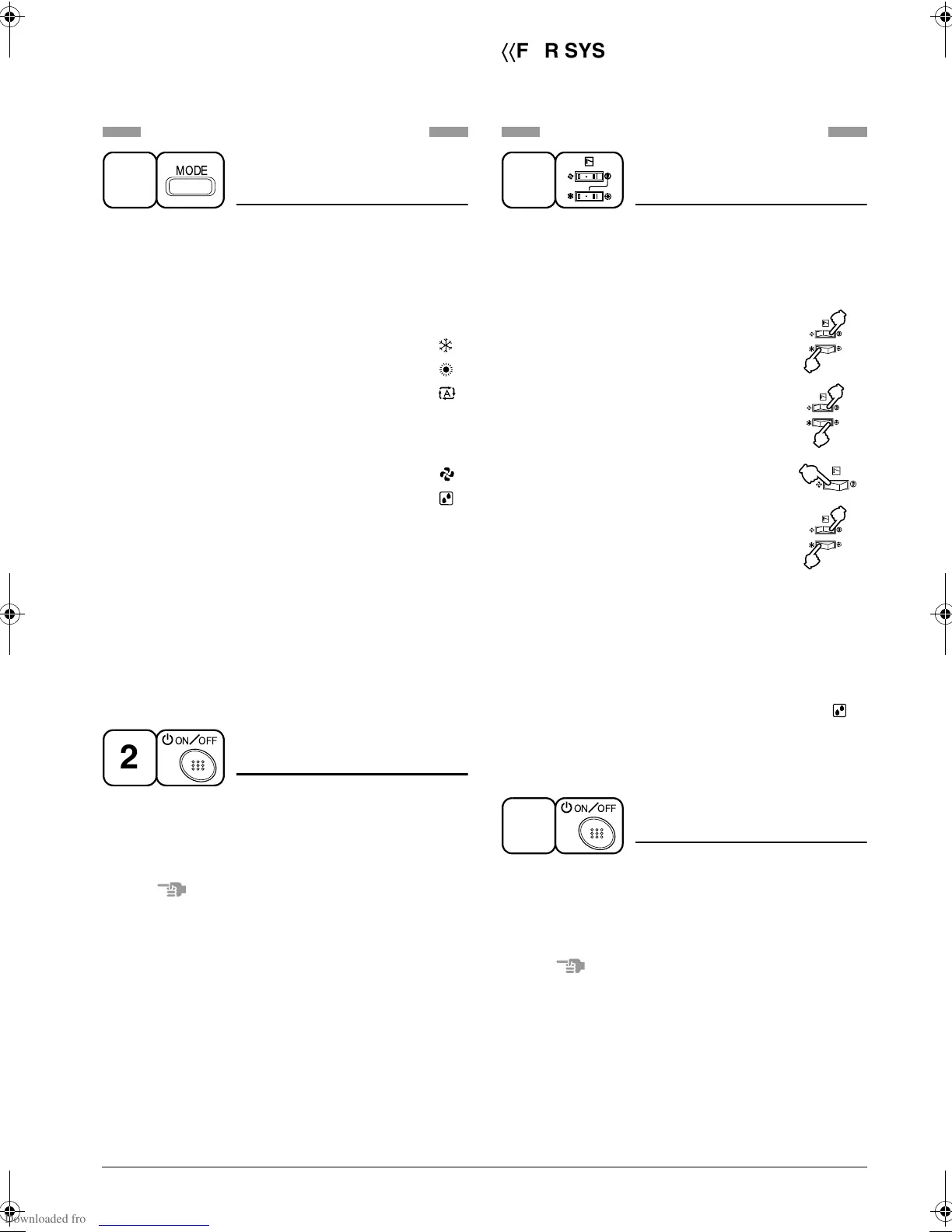
Refer to figure 1-1, 2 on page [2]
OPERATION MODE
SELECTOR
Press OPERATION MODE SELECTOR
button several times and select the
OPERATION MODE of your choice as
follows.
COOLING OPERATION .................... “ ”
HEATING OPERATION ..................... “ ”
AUTOMATIC OPERATION ................ “ ”
• In this operation mode, COOL/HEAT
changeover is automatically conducted.
FAN OPERATION.............................. “ ”
DRY OPERATION ............................. “ ”
• The function of this program is to
decrease the humidity in your room with
the minimum temperature decrease.
• Micro computer automatically
determines TEMPERATURE and FAN
SPEED.
• This system does not go into operation if
the room temperature is below 16°C.
ON/OFF
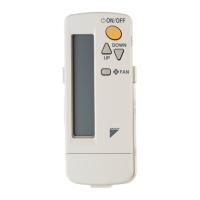
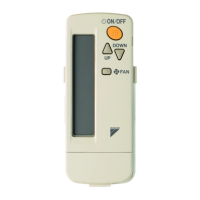
Press ON/OFF button
OPERATION lamp lights up or goes off and
the system starts or stops OPERATION.
NOTE
• Do not turn OFF power immediately after
the unit stops. Then, wait no less than
5 minutes.
Water is leaking or there is something else
wrong with the unit.
1
MODE
2
ON OFF
〈〈FOR SYSTEMS WITH COOL/HEAT
CHANGEOVER REMOTE CONTROL
SWITCH〉〉
Refer to figure 1-1,3 on page [2]
OPERATION MODE
SELECTOR
(1) Select OPERATION MODE with the
COOL/HEAT CHANGEOVER REMOTE
CONTROL SWITCH as follows.
COOLING OPERATION ............. “ ”
HEATING OPERATION .............. “ ”
FAN OPERATION....................... “ ”
DRY OPERATION ...................... “ ”
• See “FOR SYSTEM WITHOUT COOL/
HEAT CHANGEOVER REMOTE CON-
TROL SWITCH” for details on dry opera-
tion.
(2) Press OPERATION MODE SELECTOR
button several times and select “ ”
(This operation is only available during
dry operation.)
ON/OFF
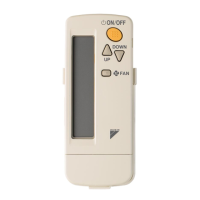
Press ON/OFF button
OPERATION lamp lights up or goes off and
the system starts or stops OPERATION.
NOTE
• Do not turn OFF power immediately after
the unit stops. Then, wait no less than
5 minutes.
Water is leaking or there is something else
wrong with the unit.
1
2
ON OFF
01_EN_3P107422-8S.fm Page 7 Thursday, May 29, 2008 7:41 PM



 To Next Page