4 About the box
Installation manual
7
BRP069C51, BRP069C81, BRP069C82
Wireless LAN connecting adapter BRP069C41
4P567679-2H – 2022.04
3.3 Compatibility
Make sure the indoor unit is compatible for use with the adapter. For the
latest details about installation of the adapter and applicable units, visit
app.daikineurope.com.
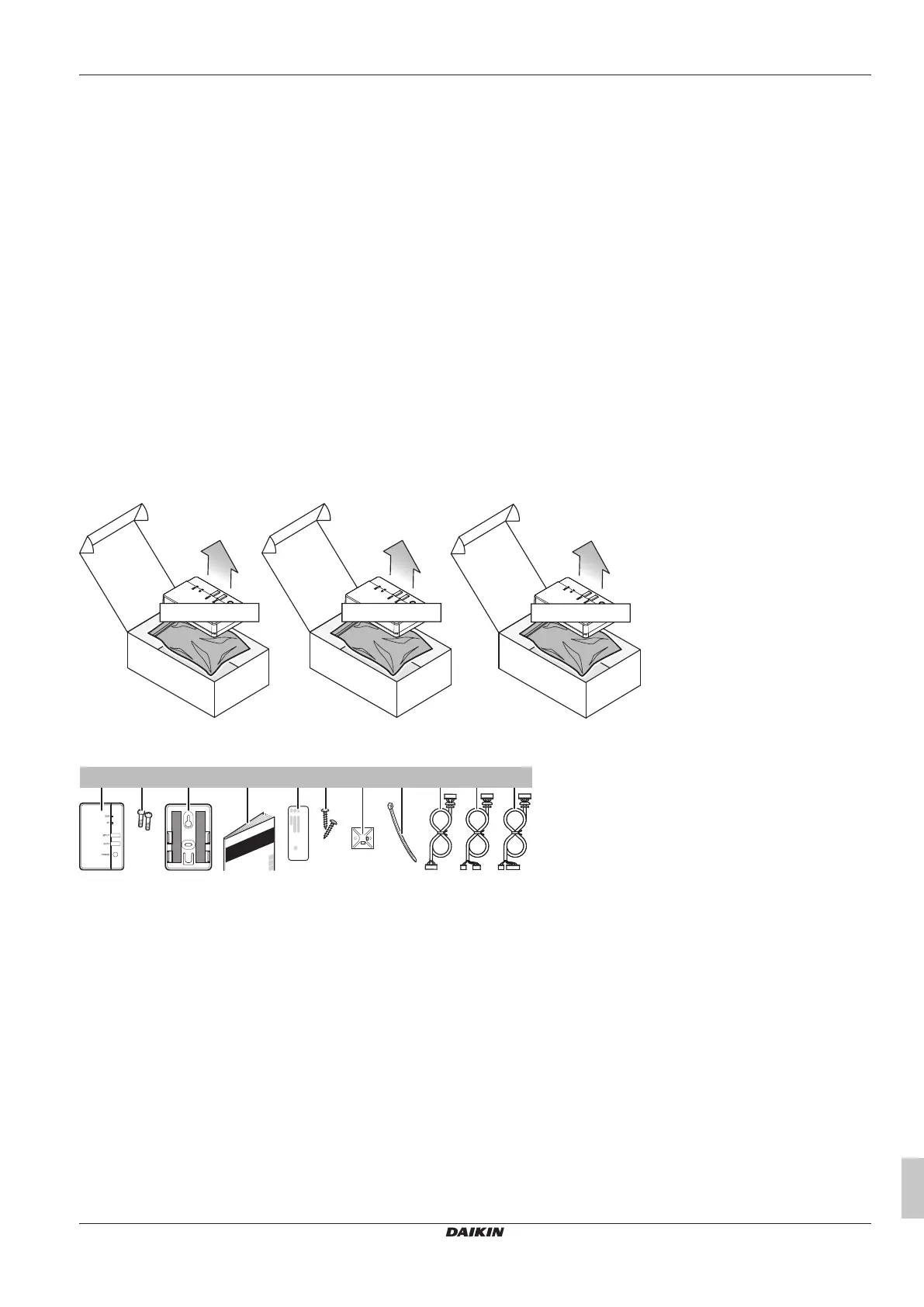
4 About the box
4.1 To unpack the adapter
1 Open the box.
2 Take out the adapter BRP069C41 from the option kit box
(BRP069C51, BRP069C81 or BRP069C82).
BRP069C51
BRP069C81
BRP069C82
BRP069C41
BRP069C41
BRP069C41
3 Separate the accessories.
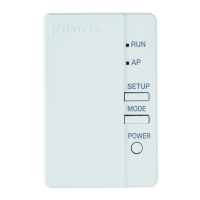
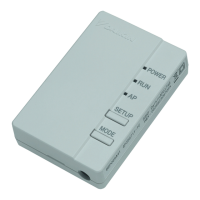
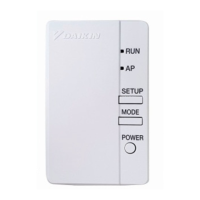
a Adapter BRP069C41
b Screws (M3×8) for the adapter
c Adapter holder with double face tape
d Installation manual
e Serial number sticker (SSID, KEY, MAC)
f Mounting screws for the holder (M3×16)
g Cable tie holder
h Cable tie
i1 For BRP069C51: connection cable to X801A
i2 For BRP069C81: connection cable to X35A + X50A (type 1)
i3 For BRP069C82: connection cable to X35A + X50A (type 2)



 To Next Page