3 Operacije
Operation manual
4
D2CNL024A1AA
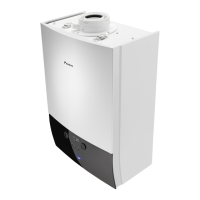
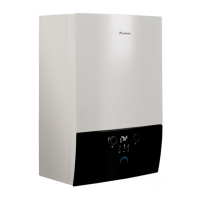
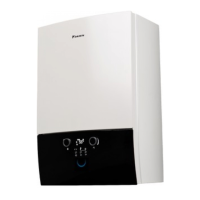
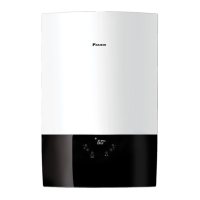
Wall-mounted condensing boiler
3P469438-12N – 2020.07
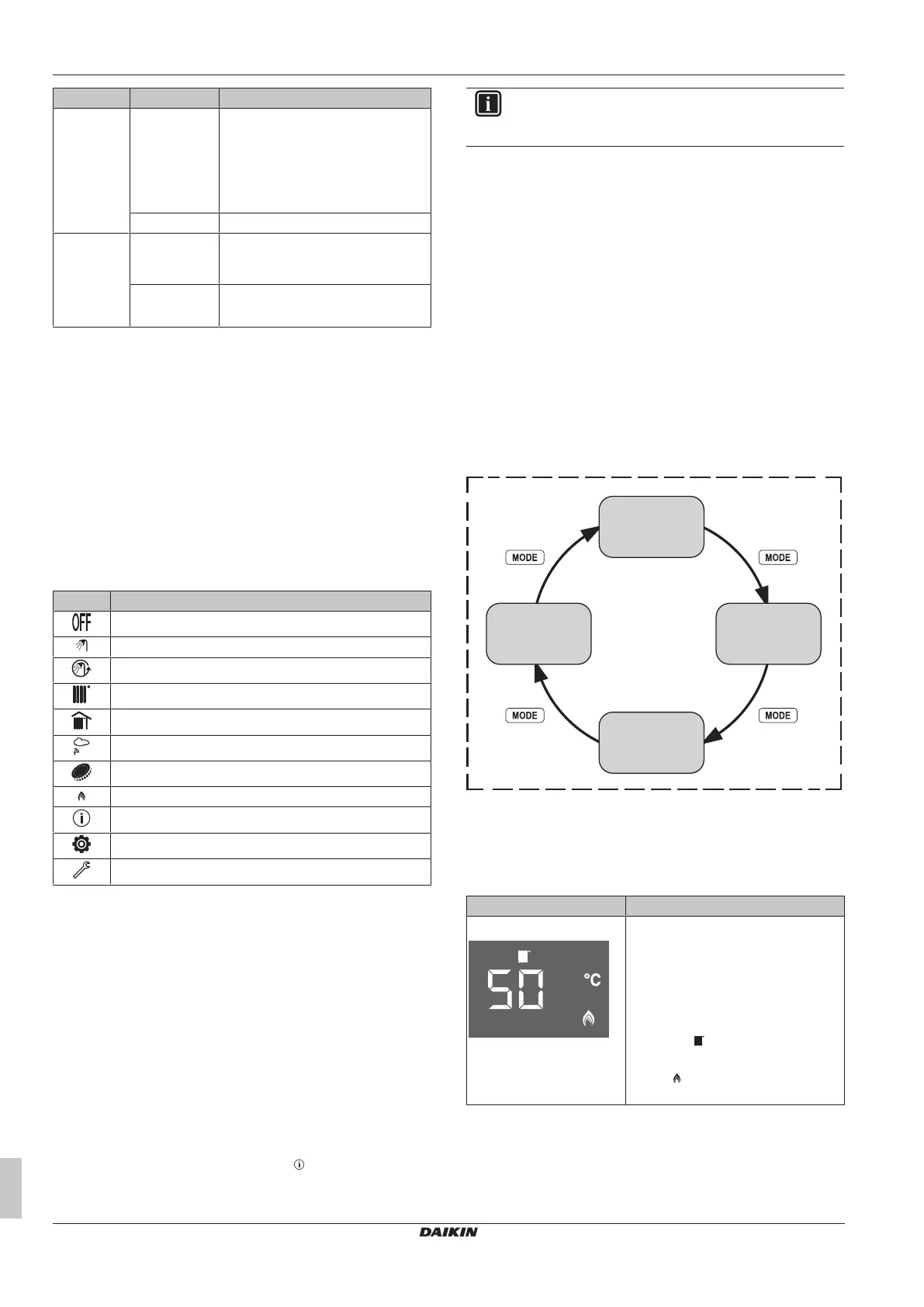
Button/Dial Function Description
CH+ / CH- User
interaction
level
Central heating temperature setpoint.
This is either the central heating flow
temperature, the room temperature,
or the virtual room temperature,
depending on the system
configuration.
Menu level Selection of info, user, service menu.
DHW+ /
DHW-
User
interaction
level
Domestic hot water temperature
setpoint.
Menu level ▪ Selection parameter index.
▪ Change parameter values.
3.1.2 LCD screen
LCD screen is the monitor of the user interface. You can see the
boiler operation mode, setpoints, information about actuators and
menu parameters on this screen.
The LCD screen has a sleeping function. After one minute of non-
interaction with the user interface, the screen darkens. Pressing any
button or rotating any dial awakens the display.
When you interact with the user interface, the LCD screen will show
the home screen of the active operation mode and the related
setpoint, depending on the system configuration (see "Possible
operation modes"[44]).
Status icons
Meaning of icons that appear on the LCD screen:
Icon Description
Operation mode: Standby mode
Domestic hot water operation enabled
Domestic hot water comfort mode is enabled
Central heating operation enabled
Room temperature
Outdoor sensor connection
Central heating ECO mode enabled
Flame
Info menu
User settings menu
Service settings menu
3.2 Operating the unit
3.2.1 To switch the unit ON
1 Connect the unit to the main power supply.
2 Select an operation mode by pressing the "Mode" button
shortly.
Usage of the unit is explained in following parts of this manual.
3.2.2 About the low water temperature function
The low water temperature function is a safety function that takes
place at first central heating operation after each power supply
interruption and at first central heating operation after each 90 days.
When this function is active, boiler operates according to a defined
set value for around 15 minutes and the icon blinks. After this
function is ended, normal operation goes on.
INFORMACIJA
Low water temperature function is a safety function and it
cannot be disabled.
3.3 Osnovna upotreba
3.3.1 About the home screen
It is the screen that is displayed after activating the LCD screen with
one of the buttons. You can use the home screen to read out
settings that are meant for daily use. What you can see on the home
screen depends on your system configuration.
The following home screens may be possible:
▪ Central heating set temperature
▪ Virtual room temperature (with outdoor sensor)
▪ Domestic hot water set temperature
▪ System pressure (at standby mode)
3.3.2 To select the operation mode
The operation mode can be changed by pressing the "Mode" button.
a Standby mode
b Summer mode
c Winter mode
d Central heating only mode
3.3.3 Possible operation modes
Operation mode Description
Central heating only mode ▪ Only central heating operation mode
is enabled.
▪ The central heating temperature
setpoint (which setpoint is shown
depends on the system
configuration; see "Possible central
heating operation modes" [4 6]
and the icon is shown on the
home screen.
▪ The icon is shown if central
heating operation is active.



 To Next Page