3 Operacije
Operation manual
5
D2CNL024A1AA
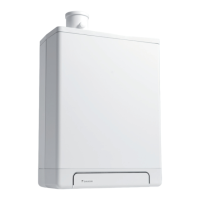
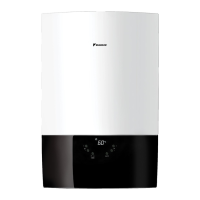
Wall-mounted condensing boiler
3P469438-12N – 2020.07
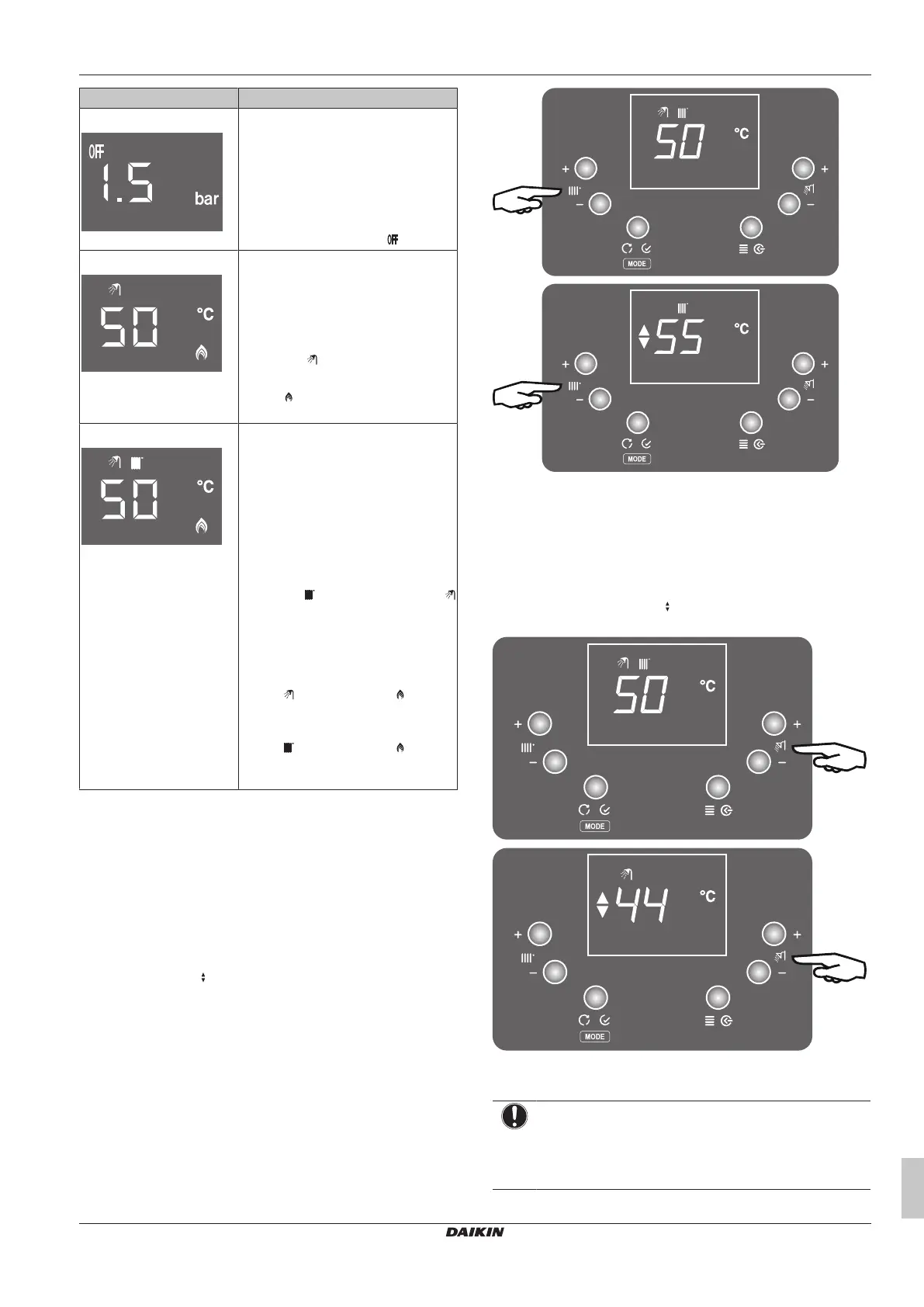
Operation mode Description
Standby mode ▪ Both central heating and domestic
hot water operation modes are
disabled.
▪ The protection functions such as
frost protection are still active at
standby mode.
▪ The home screen shows the system
pressure, as well as the icon.
Summer mode ▪ Only domestic hot water operation
mode is enabled. Central heating
operation mode is disabled. The
boiler will only produce heat for
domestic hot water.
▪ The domestic hot water setpoint,
and the icon is shown on the
home screen.
▪ The is shown if domestic hot
water operation is active.
Winter mode ▪ Both domestic hot water operation
mode and central heating operation
mode are enabled. The boiler can
produce domestic hot water, as well
as produce heat for central heating.
▪ The central heating temperature
setpoint (which setpoint is shown
depends on the system
configuration; see "Possible central
heating operation modes" [4 6],
and the icon, as well as the
icon are shown on the home screen.
When domestic hot water operation
is active, domestic hot water
setpoint is shown on the home
screen.
▪ The is shown and icon is
shown if domestic hot water
operation is active.
▪ The is shown and icon is
shown if central heating operation is
active.
3.3.4 Changing temperature setpoints
Temperature setpoints can be changed with the CH+, CH-, DHW+
and DHW- buttons.
To change the central heating temperature
setpoint
1 Push CH+ or CH- buttons while you are at the home screen.
The setpoint screen will appear as shown below and the
setpoint can be adjusted by pushing CH+ or CH- buttons.
Napomena: The icon means you are at the setpoint screen.
2 To apply changes done, wait for 3seconds or press the "Enter"
button. Pressing the "Cancel" button cancels the changes done.
To change the domestic hot water setpoint
1 Push DHW+ or DHW- buttons while you are at the home
screen. The setpoint screen will appear as shown below and
the setpoint can be adjusted by pushing DHW+ or DHW-
buttons. Napomena: The icon means you are at the setpoint
screen.
2 To apply changes done, wait for 3seconds or press the "Enter"
button. Pressing the "Cancel" button cancels the changes done.
OBAVEŠTENJE
To be able to change the setpoint of central heating or
domestic hot water, the corresponding operation mode
must be enabled. If it is not, the related dial has no
function.



 To Next Page