12
Adjusting the Air Flow Direction
You can adjust the air flow direction to increase your com-
fort.
■
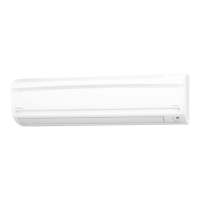
To adjust the horizontal
blades (flaps)
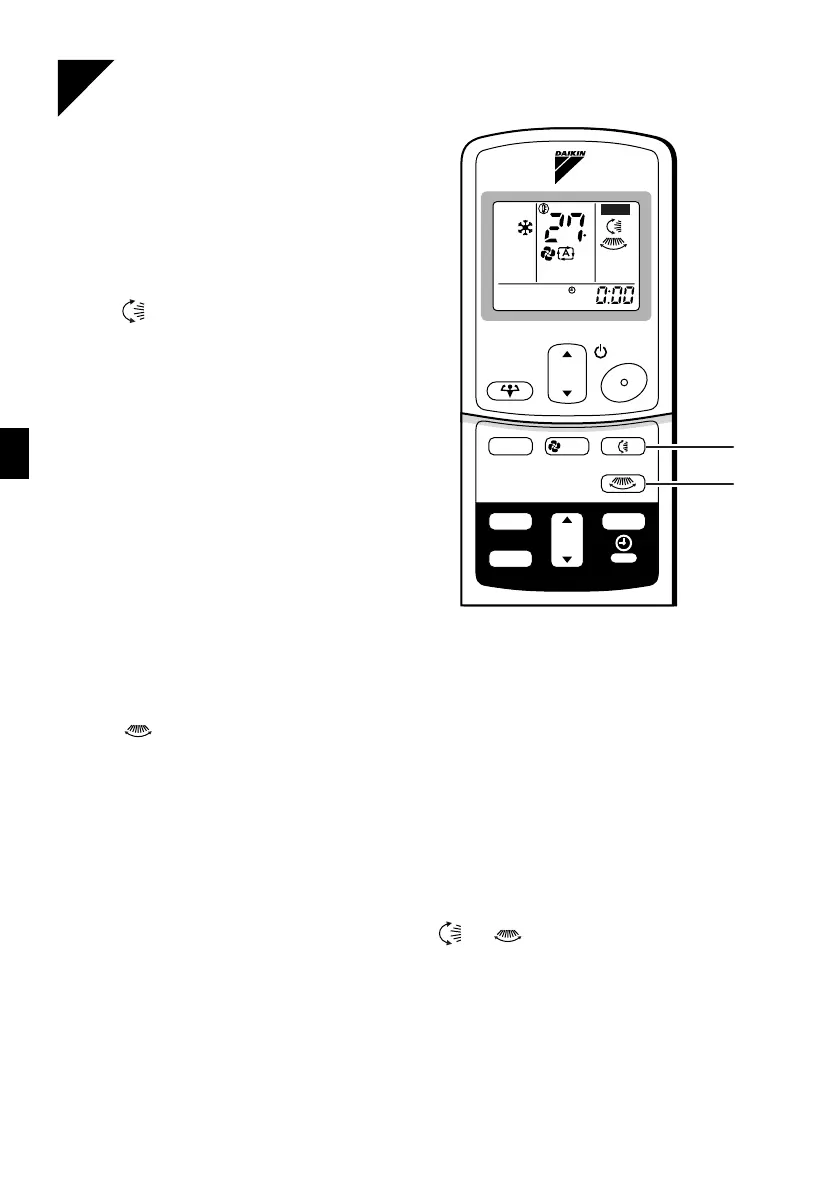
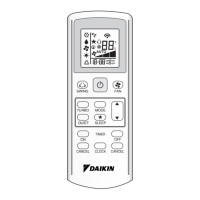
1. Press “SWING button”.
The display will light up and the flaps will
begin to swing.
2. When the flaps have reached the
desired position, press “SWING
button” once more.
The display will go blank.
The flaps will stop moving.
■
To adjust the vertical blades (louvers)
(18, 24 class only)
3. Press “SWING button”.
The display will light up and the louvers will begin to swing.
4. When the louvers have reached the desired position, press the
“SWING” button once more.
The display will go blank.
The louvers will stop moving.
■
To 3-D Airflow
(18, 24 class only)
1. 3. press “SWING button”: the “ ” “ ” display will light up and
the flaps and louvers will move in turn.
■
To cancel 3-D Airflow
(18, 24 class only)
2. 4. press “SWING button”
C
TEMP
ON/OFF
POWERFUL
MODE
TIMER
FAN
ON
CANCEL
OFF
ON
SWING
1, 2
3, 4


 To Next Page