8
Remote Controller
English
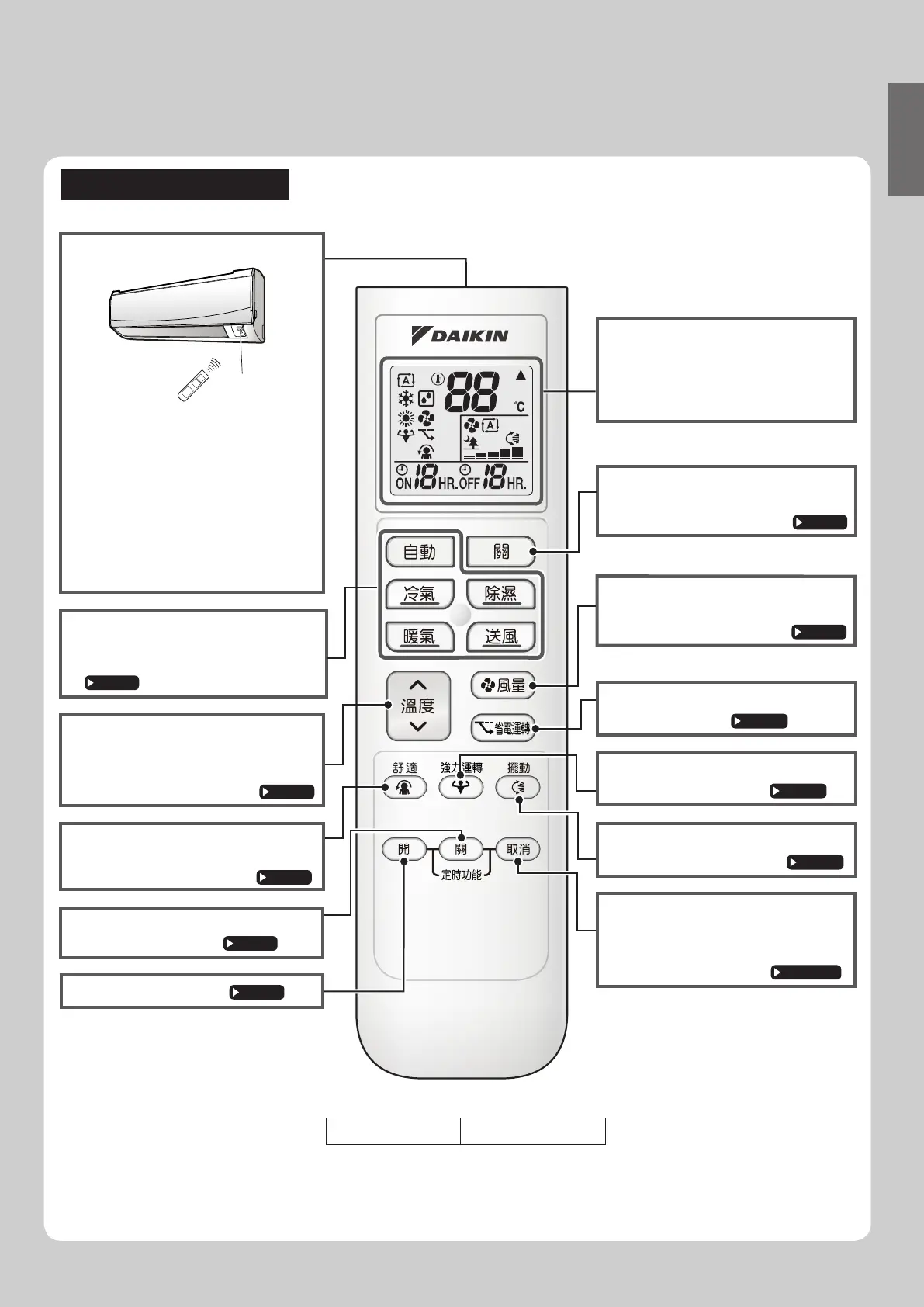
Model ARC480A30
Signal transmitter
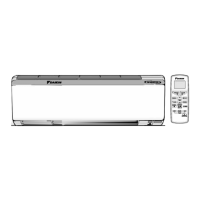
• To use the remote controller, aim the
transmitter at the indoor unit. If there
is anything to block signals between
the unit and the remote controller,
such as a curtain, the unit will not
receive signals.
•
•
Do not drop the remote controller.
Do not get it wet.
• The maximum distance for
communication is approx. 7m.
FAN setting button
•
Page 13
It selects the airflow rate setting.
Display (LCD)
• It displays the current settings.
(In this illustration, each section is
shown with its displays on for the
purpose of explanation.)
TEMPERATURE
adjustment buttons
• It changes the temperature setting.
Page 11
OFF button
• Press this button to stop operation.
Page 10
POWERFUL button
• POWERFUL operation.
Page 15
ECONO button
• Econo operation.
Page 17
COMFORT AIRFLOW button
• COMFORT AIRFLOW operation.
Page 14
SWING button
• Adjusting airflow direction.
Page 12
TIMER CANCEL
button
• It cancels the timer setting.
Page 18,19
Direct operation buttons
• It start operation of the selected mode.
(AUTO/DRY/COOL/HEAT/FAN)
Page 10
ON TIMER button
Page 19
OFF
(Night set mode)
TIMER button
Page 18
Receiver
ARC480A30


 To Next Page