EasyManua.ls Logo

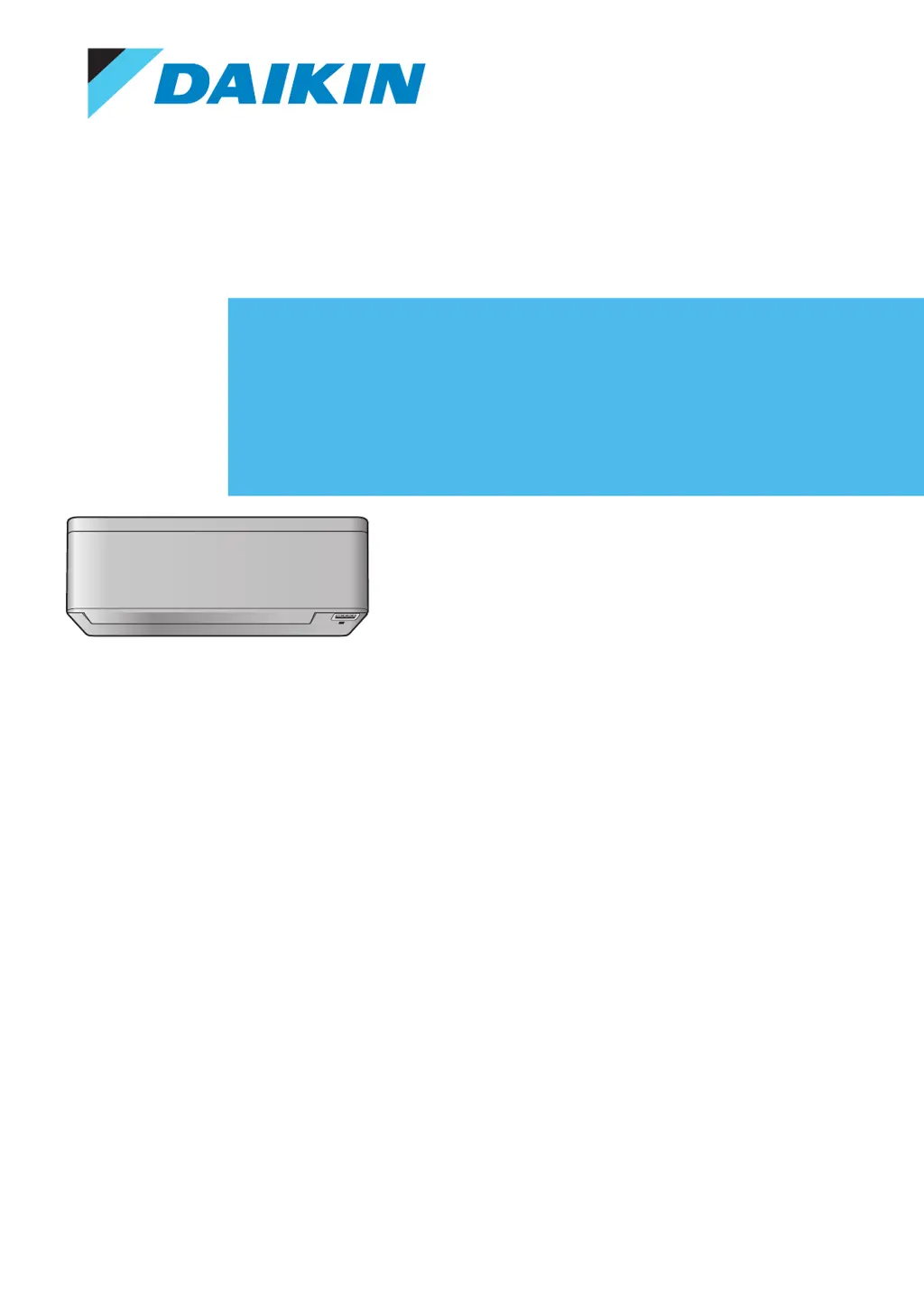
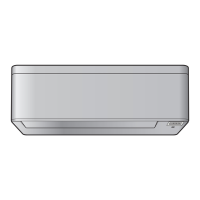
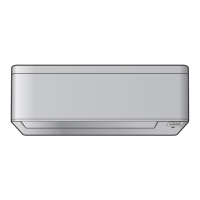
Daikin FTXA35B2V1BS - User Manual

Daikin FTXA35B2V1BS
56 pages
Print Icon
To Next Page IconTo Next Page
Loading...
User reference guide
Daikin room air conditioner
CTXA15A2V1BW
FTXA20A2V1BW
FTXA25A2V1BW
FTXA35A2V1BW
FTXA42A2V1BW
FTXA50A2V1BW
CTXA15(A)(B)2V1BS
FTXA20(A)(B)2V1BS
FTXA25(A)(B)2V1BS
FTXA35(A)(B)2V1BS
FTXA42(A)(B)2V1BS
FTXA50(A)(B)2V1BS
CTXA15(A)(B)2V1BT
FTXA20(A)(B)2V1BT
FTXA25(A)(B)2V1BT
FTXA35(A)(B)2V1BT
FTXA42(A)(B)2V1BT
FTXA50(A)(B)2V1BT
CTXA15B2V1BB
FTXA20B2V1BB
FTXA25B2V1BB
FTXA35B2V1BB
FTXA42B2V1BB
FTXA50B2V1BB

Table of Contents

Other manuals for Daikin FTXA35B2V1BS

Questions and Answers

Summary

General Safety Precautions

For the User

Key safety warnings and instructions for the end-user regarding appliance operation and maintenance.

About the System

Before Operation

Operation

Operation Mode and Temperature Setpoint

Explains the different operational modes and how to set the desired temperature for comfort.

To Start;Stop Operation Mode and to Set the Temperature

Step-by-step instructions for starting, stopping, and adjusting the temperature for various operation modes.

Airflow Rate

Details how to adjust the volume of air circulated by the unit, including automatic settings.

To Adjust the Airflow Rate

Instructions on selecting specific airflow rate levels or automatic settings via the remote control.

Airflow Direction

Explains how to control the direction of airflow using vertical and horizontal adjustments.

Comfort Airflow and Intelligent Eye Operation

Covers the use of Comfort airflow for enhanced room conditioning and Intelligent eye for energy saving.

Comfort Airflow Operation

Details how the system automatically directs airflow to optimize heating or cooling efficiency.

Intelligent Eye Operation

Explains the sensor-based system that adjusts airflow and temperature to avoid direct contact with people.

Powerful Operation

How to maximize the cooling or heating effect quickly for rapid room temperature adjustment.

To Start;Stop Powerful Operation

Procedure to activate or deactivate the Powerful operation mode for enhanced performance.

OFF;ON Timer Operation

How to schedule automatic ON and OFF times for the air conditioner.

To Start;Stop OFF Timer Operation

Detailed steps to set or cancel the automatic shutdown timer.

To Start;Stop ON Timer Operation

Detailed steps to set or cancel the automatic startup timer.

Weekly Timer Operation

Enables creating custom operating schedules for each day of the week with up to four settings.

To Set Weekly Timer Operation

Procedure for setting up daily operating schedules, including mode, time, and temperature.

Wireless LAN Connection

Information and instructions for connecting the air conditioner to a wireless network for smart control.

To Install the Daikin Online Controller Application

Guidance on downloading and installing the necessary mobile application for remote control.

To Set the Wireless Connection

Details the options and procedures for establishing a wireless connection to a smart device or home network.

To Connect the Wireless Adapter to Your Device Directly

Specific steps for establishing a direct wireless link between the adapter and a smart device.

Energy Saving and Optimum Operation

Maintenance and Service

Troubleshooting

Solving Problems Based on Error Codes

Provides a guide to understanding error codes displayed on the unit and the initial troubleshooting steps.

Summary

General Safety Precautions

For the User

Key safety warnings and instructions for the end-user regarding appliance operation and maintenance.

About the System

Before Operation

Operation

Operation Mode and Temperature Setpoint

Explains the different operational modes and how to set the desired temperature for comfort.

To Start;Stop Operation Mode and to Set the Temperature

Step-by-step instructions for starting, stopping, and adjusting the temperature for various operation modes.

Airflow Rate

Details how to adjust the volume of air circulated by the unit, including automatic settings.

To Adjust the Airflow Rate

Instructions on selecting specific airflow rate levels or automatic settings via the remote control.

Airflow Direction

Explains how to control the direction of airflow using vertical and horizontal adjustments.

Comfort Airflow and Intelligent Eye Operation

Covers the use of Comfort airflow for enhanced room conditioning and Intelligent eye for energy saving.

Comfort Airflow Operation

Details how the system automatically directs airflow to optimize heating or cooling efficiency.

Intelligent Eye Operation

Explains the sensor-based system that adjusts airflow and temperature to avoid direct contact with people.

Powerful Operation

How to maximize the cooling or heating effect quickly for rapid room temperature adjustment.

To Start;Stop Powerful Operation

Procedure to activate or deactivate the Powerful operation mode for enhanced performance.

OFF;ON Timer Operation

How to schedule automatic ON and OFF times for the air conditioner.

To Start;Stop OFF Timer Operation

Detailed steps to set or cancel the automatic shutdown timer.

To Start;Stop ON Timer Operation

Detailed steps to set or cancel the automatic startup timer.

Weekly Timer Operation

Enables creating custom operating schedules for each day of the week with up to four settings.

To Set Weekly Timer Operation

Procedure for setting up daily operating schedules, including mode, time, and temperature.

Wireless LAN Connection

Information and instructions for connecting the air conditioner to a wireless network for smart control.

To Install the Daikin Online Controller Application

Guidance on downloading and installing the necessary mobile application for remote control.

To Set the Wireless Connection

Details the options and procedures for establishing a wireless connection to a smart device or home network.

To Connect the Wireless Adapter to Your Device Directly

Specific steps for establishing a direct wireless link between the adapter and a smart device.

Energy Saving and Optimum Operation

Maintenance and Service

Troubleshooting

Solving Problems Based on Error Codes

Provides a guide to understanding error codes displayed on the unit and the initial troubleshooting steps.

Daikin FTXA35B2V1BS Specifications

General IconGeneral
BrandDaikin
ModelFTXA35B2V1BS
CategoryAir Conditioner
LanguageEnglish

Related product manuals