EasyManua.ls Logo

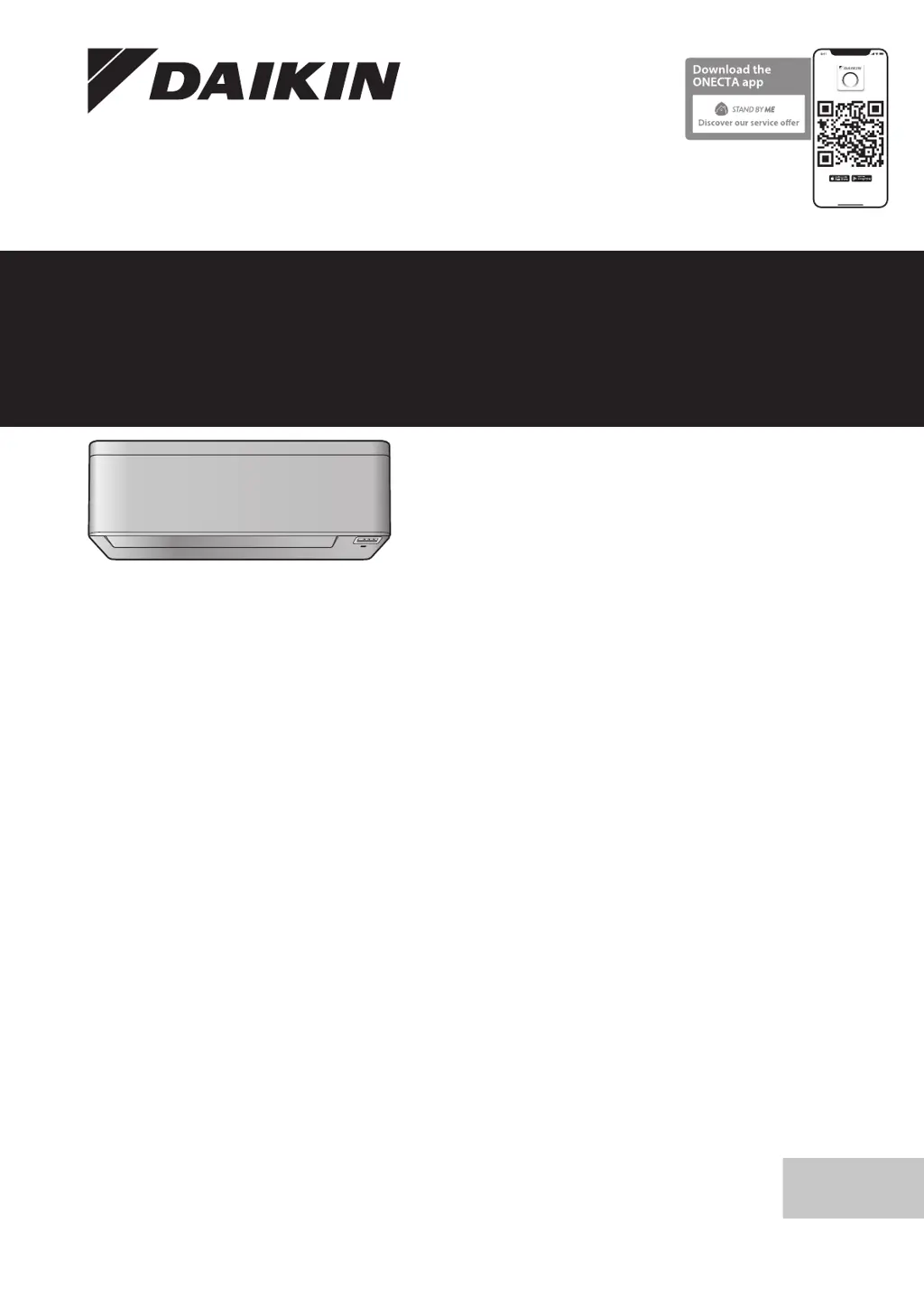
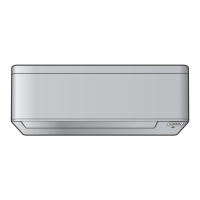
Daikin FTXA35C2V1BW - User Manual

Daikin FTXA35C2V1BW
20 pages
Print Icon
To Next Page IconTo Next Page
Loading...
Operation manual
Daikin room air conditioner
English
Operation manual
Daikin room air conditioner
CTXA15C2V1BW
FTXA20C2V1BW
FTXA25C2V1BW
FTXA35C2V1BW
FTXA42C2V1BW
FTXA50C2V1BW
CTXA15C2V1BS
FTXA20C2V1BS
FTXA25C2V1BS
FTXA35C2V1BS
FTXA42C2V1BS
FTXA50C2V1BS
CTXA15C2V1BB
FTXA20C2V1BB
FTXA25C2V1BB
FTXA35C2V1BB
FTXA42C2V1BB
FTXA50C2V1BB

Table of Contents

Other manuals for Daikin FTXA35C2V1BW

Questions and Answers

Summary

User Safety Instructions

Safe Operation Instructions

Detailed safety precautions and warnings to prevent hazards.

Before Operation

Clock and Display Settings

Operation

Operation Modes and Temperature

How to select operation modes and set the desired temperature.

Airflow Rate Adjustment

Instructions for adjusting the fan speed and airflow rate.

Airflow Direction and Features

Airflow Direction Control

How to control the direction of airflow (vertical, horizontal, 3D).

Comfort and Intelligent Eye

Using Comfort airflow and Intelligent eye features for enhanced comfort and energy saving.

Special Operation Modes

Powerful Operation

Activating Powerful operation for maximum cooling or heating.

Econo and Quiet Operation

Using Econo and Outdoor unit quiet operation for energy saving and noise reduction.

Timer and Air Cleaning Functions

Timer Operations

Setting and using various timer functions (24hr, 12hr countdown).

Timer Control and Wireless LAN

Wireless LAN Connection

Connecting the unit to a home network for remote control.

Wireless Connection Setup and Management

Wireless Connection Setup

Steps to connect the unit to the wireless network via WPS or SSID/KEY.

Wireless LAN Control and Energy Saving

Energy Saving and Optimum Operation

Tips and features for efficient energy use and optimal performance.

Maintenance and Service

Filter Maintenance

Panel and Troubleshooting

Troubleshooting

Wireless LAN Troubleshooting

Solutions for common problems related to wireless LAN connectivity.

Summary

User Safety Instructions

Safe Operation Instructions

Detailed safety precautions and warnings to prevent hazards.

Before Operation

Clock and Display Settings

Operation

Operation Modes and Temperature

How to select operation modes and set the desired temperature.

Airflow Rate Adjustment

Instructions for adjusting the fan speed and airflow rate.

Airflow Direction and Features

Airflow Direction Control

How to control the direction of airflow (vertical, horizontal, 3D).

Comfort and Intelligent Eye

Using Comfort airflow and Intelligent eye features for enhanced comfort and energy saving.

Special Operation Modes

Powerful Operation

Activating Powerful operation for maximum cooling or heating.

Econo and Quiet Operation

Using Econo and Outdoor unit quiet operation for energy saving and noise reduction.

Timer and Air Cleaning Functions

Timer Operations

Setting and using various timer functions (24hr, 12hr countdown).

Timer Control and Wireless LAN

Wireless LAN Connection

Connecting the unit to a home network for remote control.

Wireless Connection Setup and Management

Wireless Connection Setup

Steps to connect the unit to the wireless network via WPS or SSID/KEY.

Wireless LAN Control and Energy Saving

Energy Saving and Optimum Operation

Tips and features for efficient energy use and optimal performance.

Maintenance and Service

Filter Maintenance

Panel and Troubleshooting

Troubleshooting

Wireless LAN Troubleshooting

Solutions for common problems related to wireless LAN connectivity.

Daikin FTXA35C2V1BW Specifications

General IconGeneral
Cooling Capacity3.5 kW
Heating Capacity4.0 kW
Energy Efficiency Class (Cooling)A++
Energy Efficiency Class (Heating)A+
RefrigerantR32
TypeSplit
Seasonal Energy Efficiency Ratio (SEER)6.10
Power Supply220-240V, 50Hz
Indoor Unit Noise Level19 dB(A)

Related product manuals