2 About the system
Operation manual
3
FTXP20~71L2V1B
R32 split series
3P511999-1C – 2018.01
WARNING
▪ Do not modify, disassemble, remove, reinstall or repair
the unit yourself as incorrect dismantling or installation
may cause an electric shock or fire. Contact your
dealer.
▪ In case of accidental refrigerant leaks, make sure there
are no naked flames. The refrigerant itself is entirely
safe, non-toxic and mildly flammable, but it will
generate toxic gas when it accidentally leaks into a
room where combustible air from fan heaters, gas
cookers, etc. is present. Always have qualified service
personnel confirm that the point of leakage has been
repaired or corrected before resuming operation.
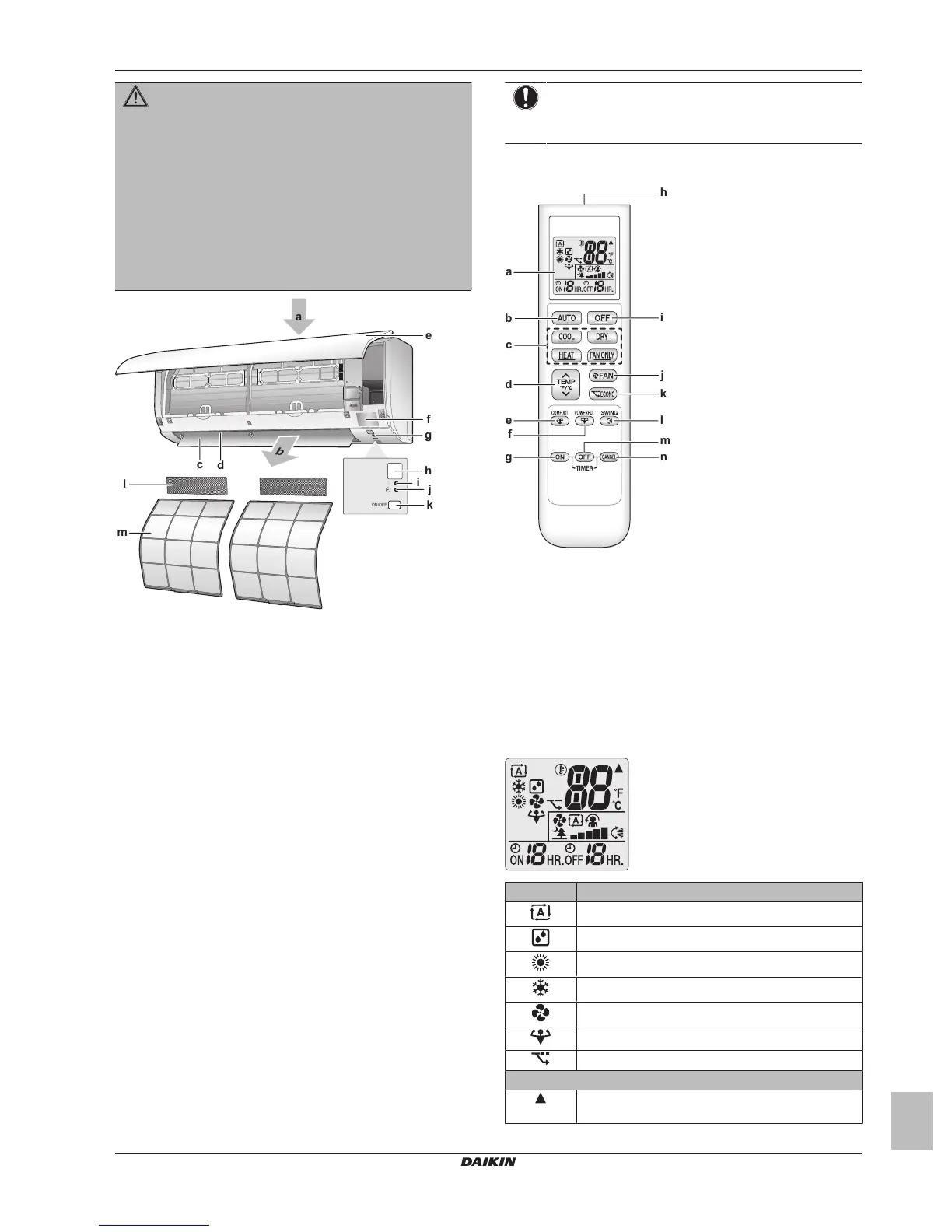
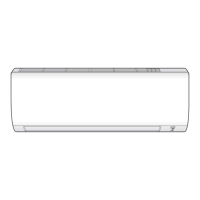
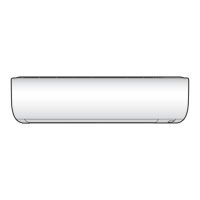
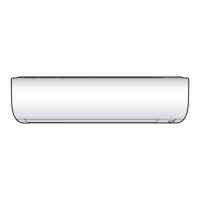
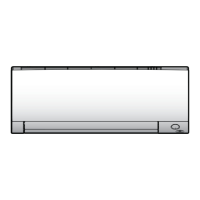
a Air inlet
b Air outlet
c Flap (horizontal blade)
d Louvers (vertical blades)
e Front panel
f Model name plate
g Room temperature sensor
h Signal receiver
i Operation lamp (green)
j Timer lamp (orange)
k Indoor unit ON/OFF switch
l Titanium apatite deodorizing filter
m Air filter
ON/OFF button
If the user interface is missing, you can use the ON/OFF button on
the indoor unit to start/stop operation. When operation is started
using this button, the following settings are used:
▪ Operation mode = Automatic
▪ Temperature setting = 25°C
▪ Airflow rate = Automatic
2.2 About the user interface
▪ Direct sunlight. Do NOT expose the user interface to direct
sunlight.
▪ Dust. Dust on the signal transmitter or receiver will reduce
sensitivity. Wipe off dust with a soft cloth.
▪ Fluorescent lights. Signal communication might be disabled if
fluorescent lamps are in the room. In that case, contact your
installer.
▪ Other appliances. If the user interface signals operate other
appliances, move the other appliances, or contact your installer.
▪ Curtains. Make sure that the signal between the unit and the user
interface is NOT blocked by curtains or other objects.
NOTICE
▪ Do NOT drop the user interface.
▪ Do NOT let the user interface get wet.
2.2.1 Components: User interface
a Display (LCD)
b Auto button
c Direct operation button
d Temperature adjustment button
e Comfort button
f Powerful button
g ON timer button
h Signal transmitter
i OFF button (Night set mode)
j Fan setting button
k Econo button
l Swing button
m OFF timer button
n Timer cancel button
2.2.2 Status: User interface LCD
Icon Description
Operation mode = Automatic
Operation mode = Drying
Operation mode = Heating
Operation mode = Cooling
Operation mode = Fan only
Powerful operation is active
Econo operation is active
The indoor unit receives a signal from the user
interface



 To Next Page