2
9. OFF timer setting
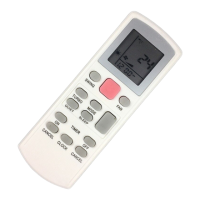
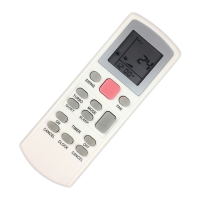
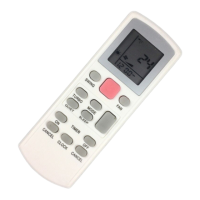
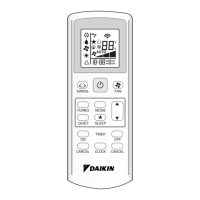
• Press the SET button will activate the off timer function.
• Set the desired off time by pressing the SET button continuously.
• Press the CLR button to cancel the off timer setting.
10. Automatic air swing (optional)
• Press the SWING button to activate the automatic air swing function.
• To distribute the air to a specific direction, press the SWING button and wait
until the louver move to the desired direction and press the button once again.
11. Sleep mode setting
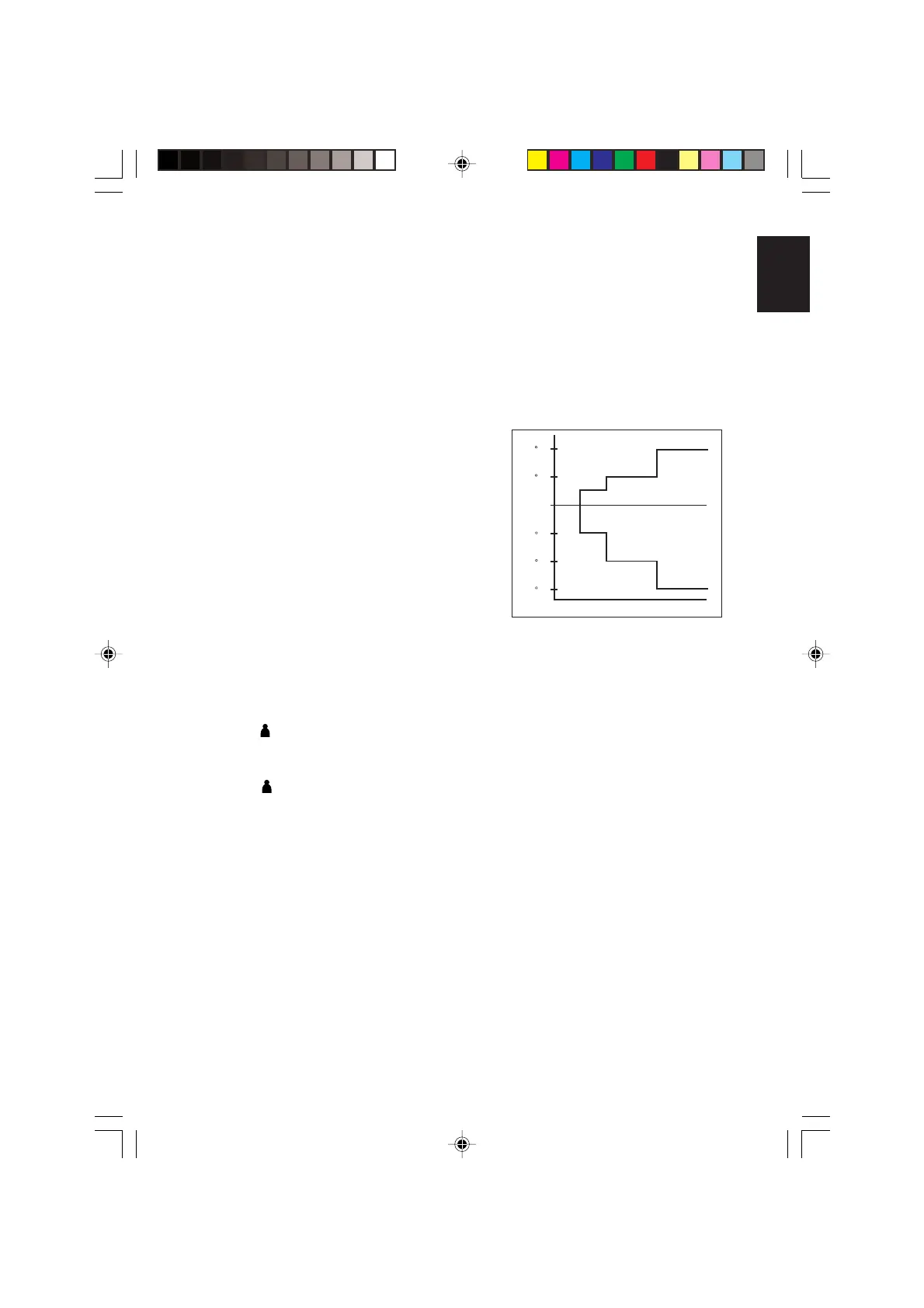
• Press the SLEEP button will activate the sleep mode function.
• This is an energy saving option. When the unit is
operating under cooling mode, the set temperature
is increased by 0.5°C after the first half an hour,
another 0.5°C after the second half an hour and
1°C after the following 1 hour.
• When the unit is operating under heating mode,
the set temperature is decreased by 1°C after
the first half an hour, another 1°C after the
second half an hour and 1°C after the following
1 hour.
• This function is available under COOL,
HEAT and AUTO mode.
12. Clock time setting
• Press ▲ button to increase the clock time.
• Press ▼ button to decrease the clock time.
13. Personalize setting
•
Press and hold for 3s, then
P1
will blink. Press again to cycle between
P1
and
P2
.
• Set the desire setting, then leave the handset for 4s without pressing any key and
it will save the setting into the programme.
• Press once to activate the P1 setting, press again to cycle between P1 and P2.
• Press any key to deactivate the personalize setting.
+2 C
+1 C
- 1 C
- 2 C
0 0.5 1 1.5 2
- 3 C
ENGLISH
OM-G15-1008-Daikin 11/17/08, 9:25 AM2


 To Next Page