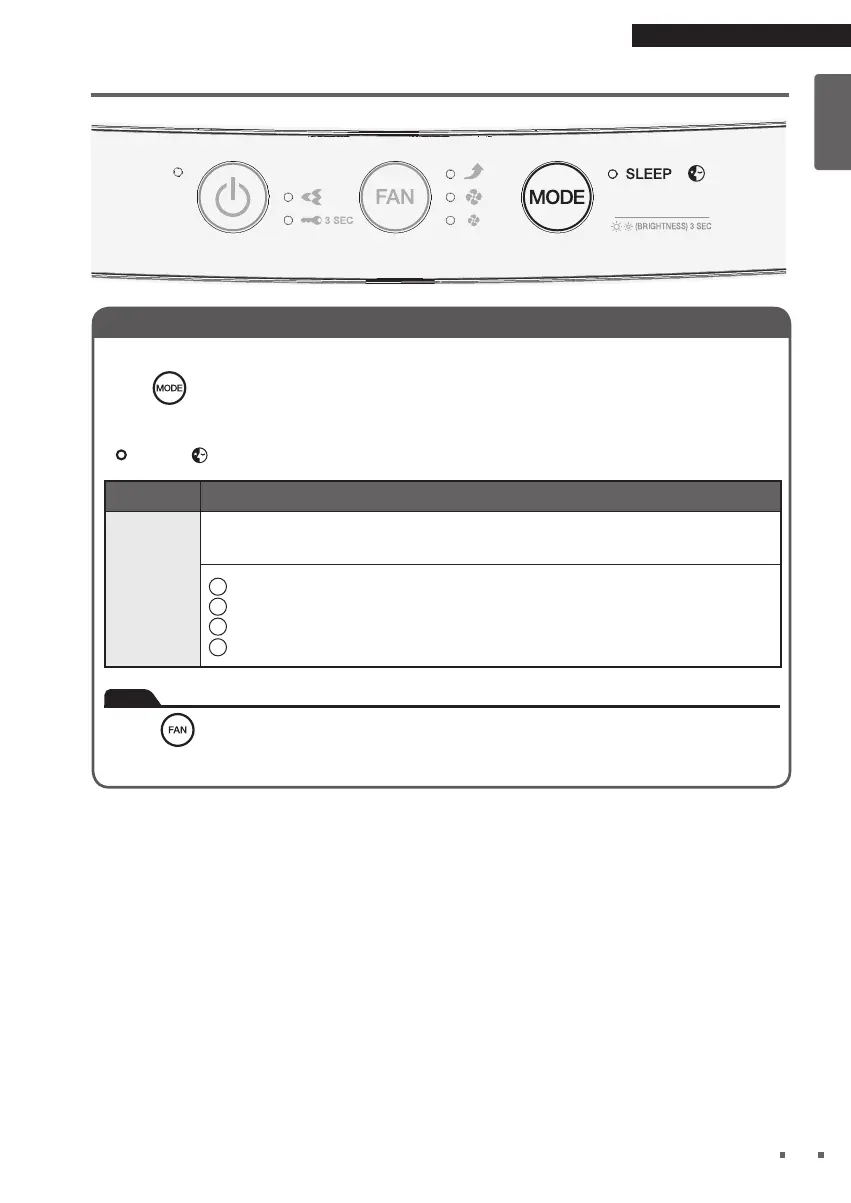
Operating the Unit in a MODE
Select the MODE according to your needs.
Press .
• Each press will activate and deactivate SLEEP MODE [blue].
MODE Usage and Function
SLEEP
MODE
Provide a quieter and comfortable sleep experience.
1
FAN setting will operates at Quiet fan to provide the less noise condition.
2
FAN lamp and Streamer lamp will turn OFF.
3
This mode will operates for 8 hours.
4
After 8 hours, it will end automatically and switch back to the previous settings.
Note
•
Press
will terminate SLEEP MODE.
• When the SLEEP MODE is terminated, it will switch back to the previous fan speed.


 To Next Page