EasyManua.ls Logo

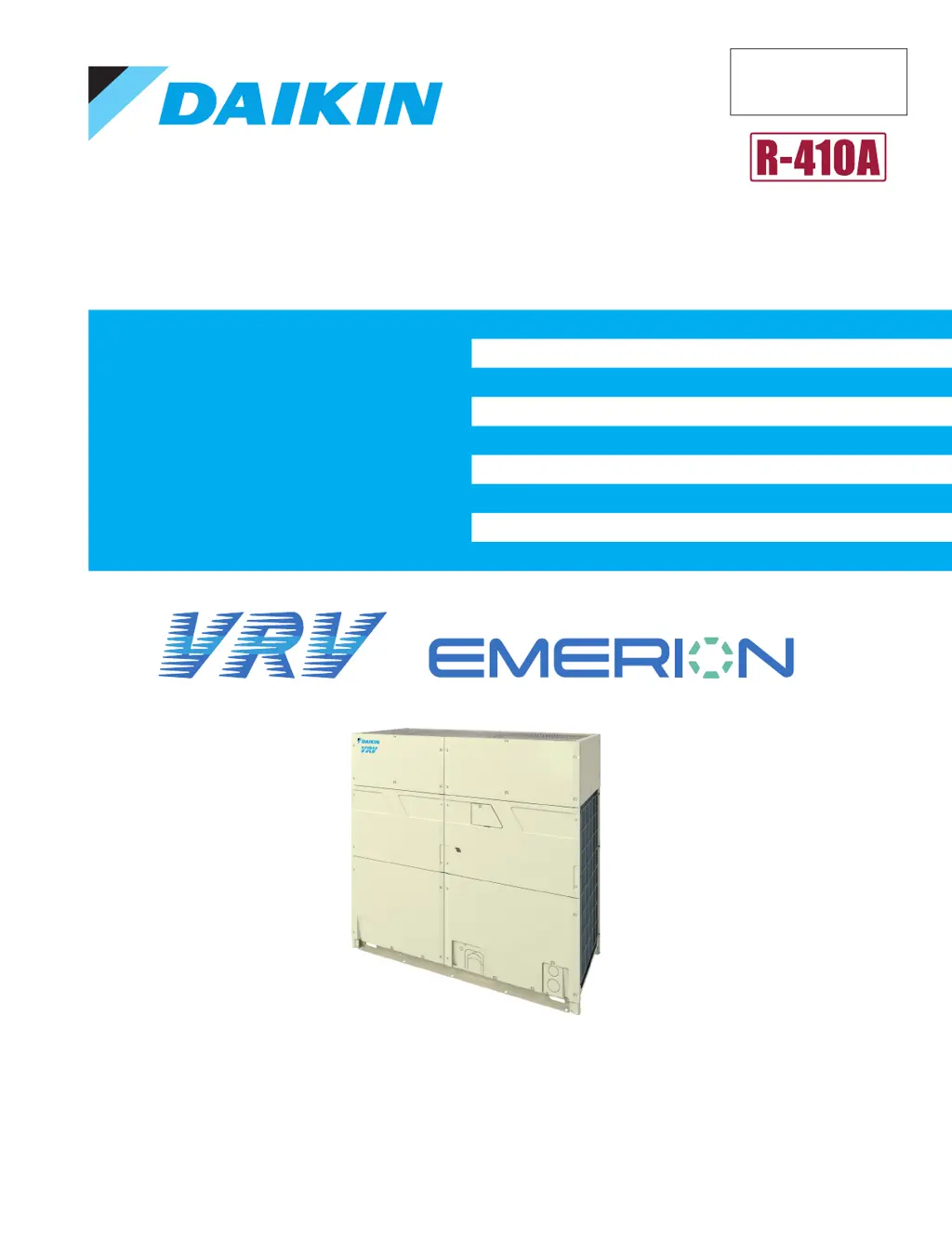
Daikin REYQ-AATJA - User Manual

Daikin REYQ-AATJA
495 pages
Print Icon
To Next Page IconTo Next Page
Loading...
Servi ce
Manual
Heat Recovery 60 Hz
REYQ-AATJA, 208/230 V
REYQ-AAYDA, 460 V
SiUS372201EA

Table of Contents

Questions and Answers

  • C
    Charles JohnsonAug 7, 2025
    Why is my Daikin REYQ-AATJA not cooling or heating air well?
    • S
      Sherry RamirezAug 7, 2025
      If your Daikin Chiller system doesn't cool or heat air effectively, check for these potential causes: * Ensure that neither the indoor nor outdoor unit's air inlet or outlet is blocked; if blocked, remove any obstructions. * Clean any clogged air filters. * If the outdoor unit is enclosed, remove the enclosure. * Adjust the temperature to an appropriate level and ensure the airflow rate is properly set. * Make sure the air diffusion is directed correctly. * Close any open windows or doors. * If cooling, use curtains or shades to block direct sunlight. * Ensure the model is suitable for the number of people in the room. * If in drying mode, switch to cooling mode, as drying mode may not significantly reduce room temperature.
  • T
    Tony VasquezAug 13, 2025
    What to do if my Daikin REYQ-AATJA does not start?
    • M
      Mrs. Ashley BanksAug 13, 2025
      If your Daikin Chiller system does not start, check the following: * If any fuses have blown, turn off the power supply and replace them. * If any breaker has tripped (knob in the tripped position), do not turn ON the power supply. If the knob of any breaker is in its OFF position, turn ON the power supply. * If there was a power failure, restart the system after the power is restored. * Ensure that all connectors are securely plugged in by turning off the power supply first, then verifying the connections.
  • D
    daviswilliamAug 19, 2025
    What to do if my Daikin Chiller starts then stops immediately?
    • N
      Nicole WilliamsAug 19, 2025
      If your Daikin Chiller system starts but stops immediately, the issue might be: * A blocked air inlet or outlet on either the indoor or outdoor unit. Clear away any obstacles. * Clogged air filters. Clean the air filters.
  • C
    Courtney RodriguezAug 25, 2025
    How to stop odors coming from my Daikin REYQ-AATJA?
    • C
      Carol HallAug 26, 2025
      If your Daikin Chiller is emitting odors during operation, the inside of the indoor unit needs cleaning.
  • J
    John DanielAug 31, 2025
    What to do if Daikin REYQ-AATJA fan is running but not cooling?
    • A
      Anthony ReidAug 31, 2025
      If your Daikin Chiller is only operating the fan and not cooling or heating immediately after being turned on, allow approximately 10 minutes for the system to begin cooling or heating.

Summary

Introduction

1. Safety Cautions

Details warnings and cautions for workers and users to ensure safe operation and maintenance.

2. Icons Used

Explains the meaning of various icons used in the manual for clarity and attention.

3. Revision History

Lists the versions and revised contents of the manual.

Part 1 General Information

1. Model Names

Lists the available model names for outdoor units, branch selector units, and indoor units.

2. External Appearance

Provides visual representations of the outdoor, branch selector, indoor, and air treatment equipment.

3. Combination of Outdoor Units

Details the possible combinations of outdoor units based on system capacity.

4. Capacity Range

Defines the connection ratios and capacity limitations for various configurations.

5. Specifications

Provides detailed technical specifications for different REYQ models.

Part 2 Refrigerant Circuit

1. Refrigerant Circuit (Piping Diagrams)

Illustrates the refrigerant piping diagrams for outdoor, branch selector, indoor units, and air processing units.

2. Functional Parts Layout

Shows the physical layout of functional parts within various outdoor unit models.

3. Refrigerant Flow for Each Operation Mode

Details the refrigerant flow for different operation modes like cooling, heating, and simultaneous operations.

Part 3 Remote Controller

1. Applicable Models

Lists the indoor unit models compatible with different wired and wireless remote controllers.

2. Names and Functions

Describes the names and functions of various remote controllers like BRC1E73 and BRC1H71W.

3. Main;Sub Setting

Explains how to set remote controllers as Main or Sub for controlling a single indoor unit.

4. Address Setting for Wireless Remote Controller

Details the procedure for setting addresses for wireless remote controllers and receivers.

5. Centralized Control Group No. Setting

Guides on setting group numbers for centralized control using remote controllers.

6. Service Settings Menu, Maintenance Menu

Provides access to service settings and maintenance data via the remote controller.

7. Administrator Menu, Installer Menu

Outlines the menus available for administrator and installer configurations.

Part 4 Functions and Control

1. Operation Flowchart

Visual representation of the system's operational flow and control logic.

2. Stop Control

Details various stop controls including error stops and sub-unit stops.

3. Standby Control

Explains controls related to system standby, such as restart and crankcase heater.

4. Startup Control

Describes procedures and controls for compressor startup in cooling and heating.

5. Basic Control

Covers fundamental control operations like normal control, PI control, and step control.

6. Protection Control

Details protection mechanisms like high/low pressure, discharge pipe, and inverter protection.

7. Special Control

Explains special control functions like pump down, oil return, defrost, and mode switching.

8. Other Control

Covers additional control functions such as backup, demand, and heating prohibition.

9. Outline of Control (Indoor Unit)

Provides an overview of indoor unit control logic, including operation flowcharts and specific controls.

Part 5 Field Settings and Test Operation

1. Field Settings for Indoor Unit

Details field settings for indoor units using remote controllers and applicable settings.

2. Field Setting from Outdoor Unit

Explains how to perform field settings directly from the outdoor unit's PCB and software.

3. Field Settings for Branch Selector Unit

Covers field settings for single and multi branch selector units, including miswiring checks.

4. Test Operation

Outlines procedures for checks before test operation and specific checkpoints.

Part 6 Service Diagnosis

1. Symptom-based Troubleshooting

Guides troubleshooting based on observed symptoms for indoor units and gas furnaces.

2. Troubleshooting with Remote Controller

Provides troubleshooting steps for errors and warnings displayed on the remote controller.

3. Troubleshooting by Error Code

Lists and explains various error codes, their supposed causes, and troubleshooting steps.

Part 7 Appendix

1. Wiring Diagrams

Provides detailed wiring diagrams for outdoor units, branch selector units, indoor units, and air treatment equipment.

2. Electrical Component Box Removal

Illustrates the procedure for safely removing electrical component boxes.

Daikin REYQ-AATJA Specifications

General IconGeneral
ModelREYQ-AATJA
CategoryChiller
RefrigerantR410A
Sound Pressure Level65 dB(A)
Weight920 kg

Related product manuals