28
Starting the grinder
Settings and adjustments
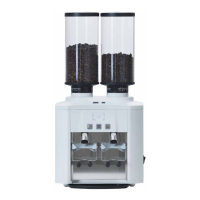
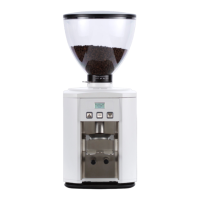
Switch on the appliance with the ON/OFF switch
(Pic.1).
When the display shows the notice contained in the
flow chart below, the coffee grinder is ready.
dc one can be operated in 2 modes, which can be set
by the installer during the set-up stage;
Mode 1
• Press to obtain 1 coffee dose (Single Shot)
• Press to obtain 2 coffee doses (Double Shot)
Mode 2
If the filter holder is attached to its support, dc one
automatically recognises which dose to supply.
In this mode, if the filter holder is removed from its
support before the grinding ends, the ground coffee
supply stops and the remaining grinding time is kept
in memory (the button of the interrupted dose blinks
as a reminder).
To cancel the remaining grinding time, just press
the blinking button.
If you want to access the main menu to get informa-
tion or modify dc one grinder setting parameters,
press the button for 3 seconds.


 To Next Page