36
(accessible by service only)
(accessible by the user - no PW needed)
This menu contains the list of alarms that have been stored in the grinder memory (a maximum of
50 alarms can be displayed).
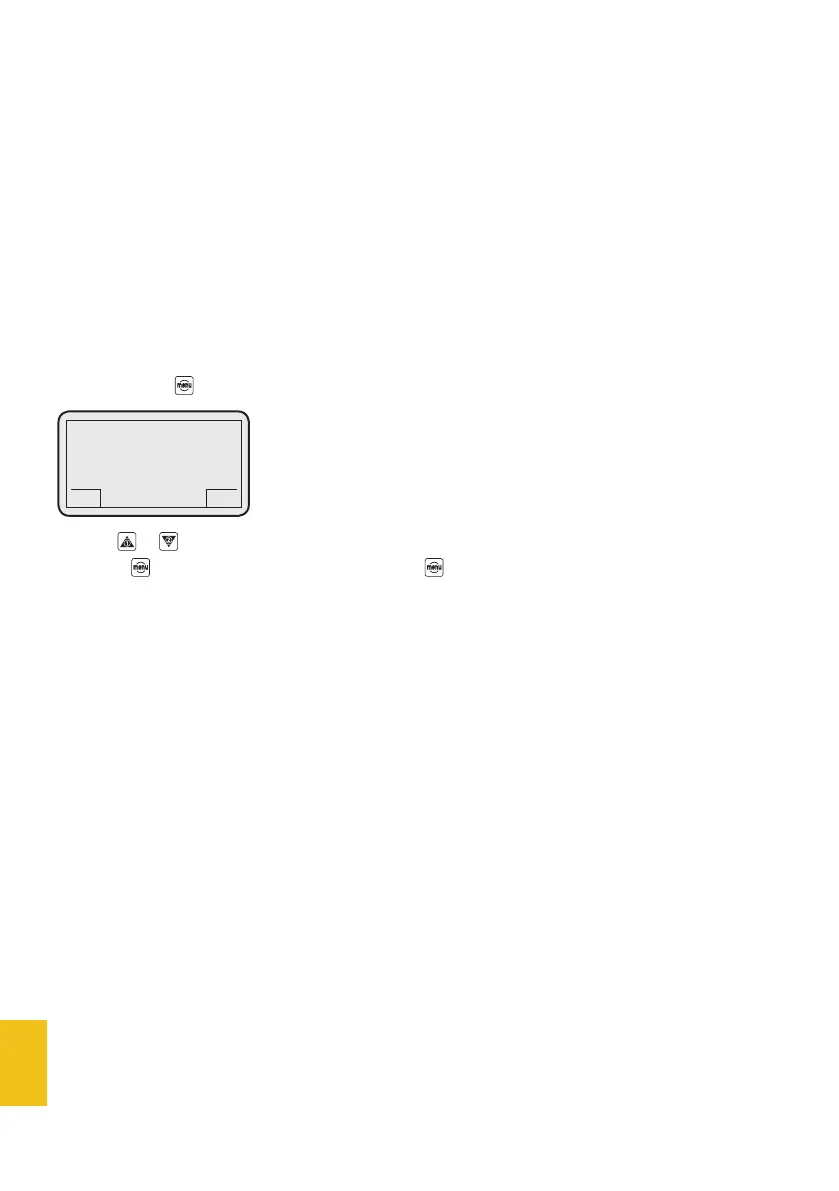
If you press the button, the following data are displayed:
Use the or buttons to display all the alarms stored in the coffee grinder memory.
Press the button to go back to the menu list or for 3 seconds to go back to the main page.
9. Test
8. Alarms
DC-ONE
GCS
Alarm memory
Empty
GCS
(accessible by service only)
This menu is used for coffee grinder set-up.
7. Settings menu


 To Next Page