68 |
You can access the MENU by pres-
sing the selector knob for 3 seconds
in order to view useful information or
adjust the parameters of the espres-
so machine.
Turn the selector knob to scroll
through the MENU items and press
it to access the submenu.
Press the selector to change a pa-
rameter; once the parameter is fla-
shing we can change its value by
turning the knob; press the selector
again to confirm the value and then
the parameter will stop flashing.
To return to the previous/main
MENU, press and hold the selector
for 3 seconds.
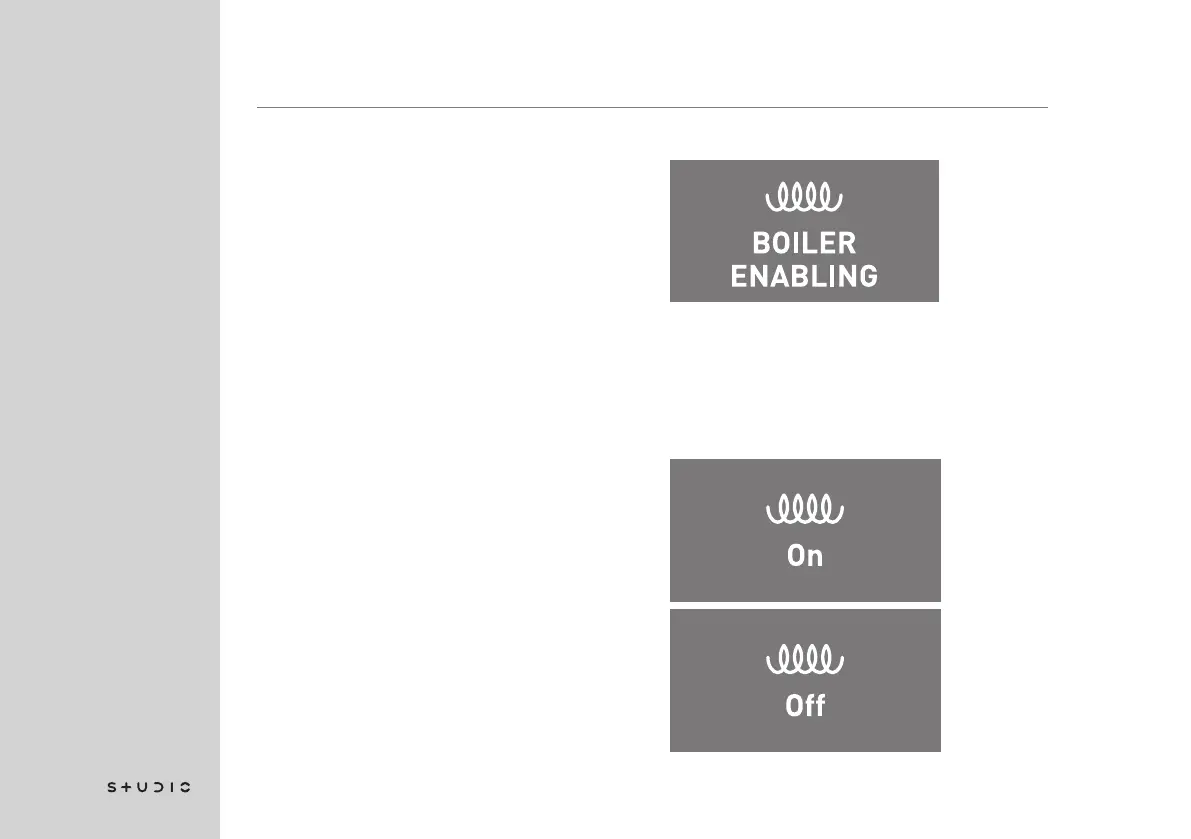
BOILER ENABLING
This menu item allows you to enable
or disable the operation of the steam
boiler.
Press the selector knob to access
the menu.
8. Menu














 To Next Page