| 71
Press the selector knob for 3 seconds
to return to the previous menu.
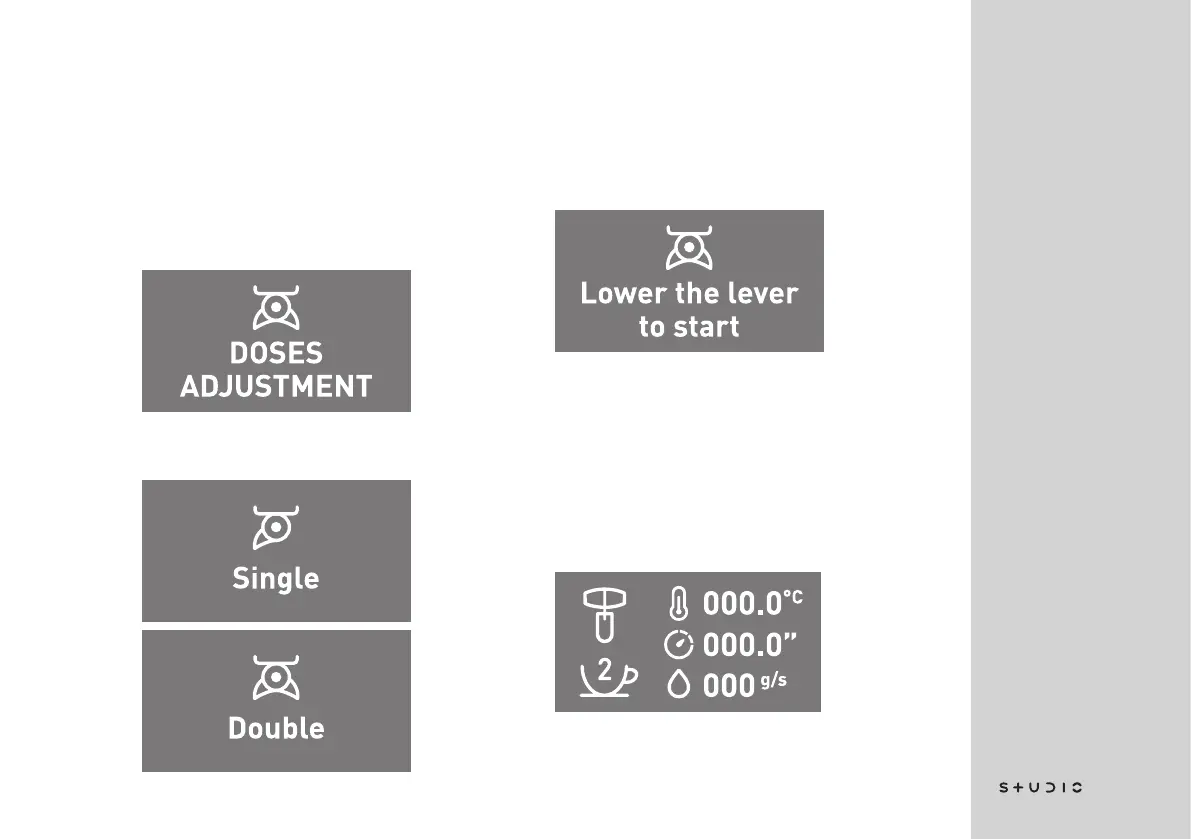
DOSES ADJUSTMENT
This menu item allows you to adjust
the automatic doses for both single
and double coffee.
Press the selector knob to access
the menu.
Here you can choose whether you
want to adjust the single or the dou-
ble dose.
Choose by turning the selector knob
and confirm by pressing it.
This screen will display the mes-
sage “Lower the lever to start” in-
dicating that the machine is ready
for programming. Then prepare the
machine for brewing the espresso
by placing the selector in the correct
position.














 To Next Page