| 73
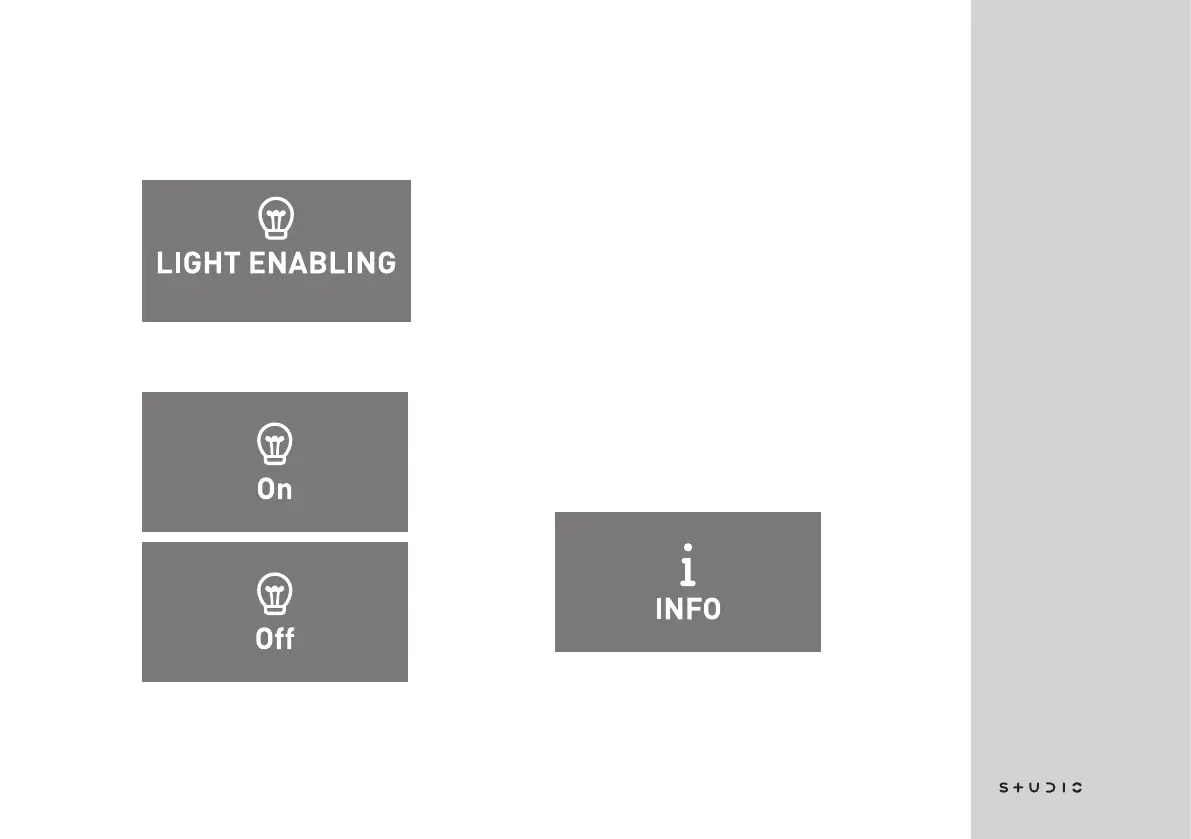
LIGHT ENABLING
This menu item allows you to enable
or disable the front light of the espres-
so machine.
Press the selector knob to access
the menu.
The value will start flashing by pres-
sing the selector knob; you can adjust
the value by turning the knob. Press
the selector knob again to confirm.
The light will be enabled by selecting
ON, and will be disabled by selecting
OFF.
Press the selector knob for 3 seconds
to return to the previous menu.
INFO
This browsing menu is able to di-
splay a series of useful information.
Press the selector knob to access
the menu.
Then turn the selector knob to scroll
through the menu items.














 To Next Page