| 81
Press the selector knob to access
the menu.
Then turn the selector knob to scroll
through the menu items. The value
will start flashing by pressing the se-
lector knob; you can adjust the value
by turning the selector.
Press the selector knob again to
confirm.
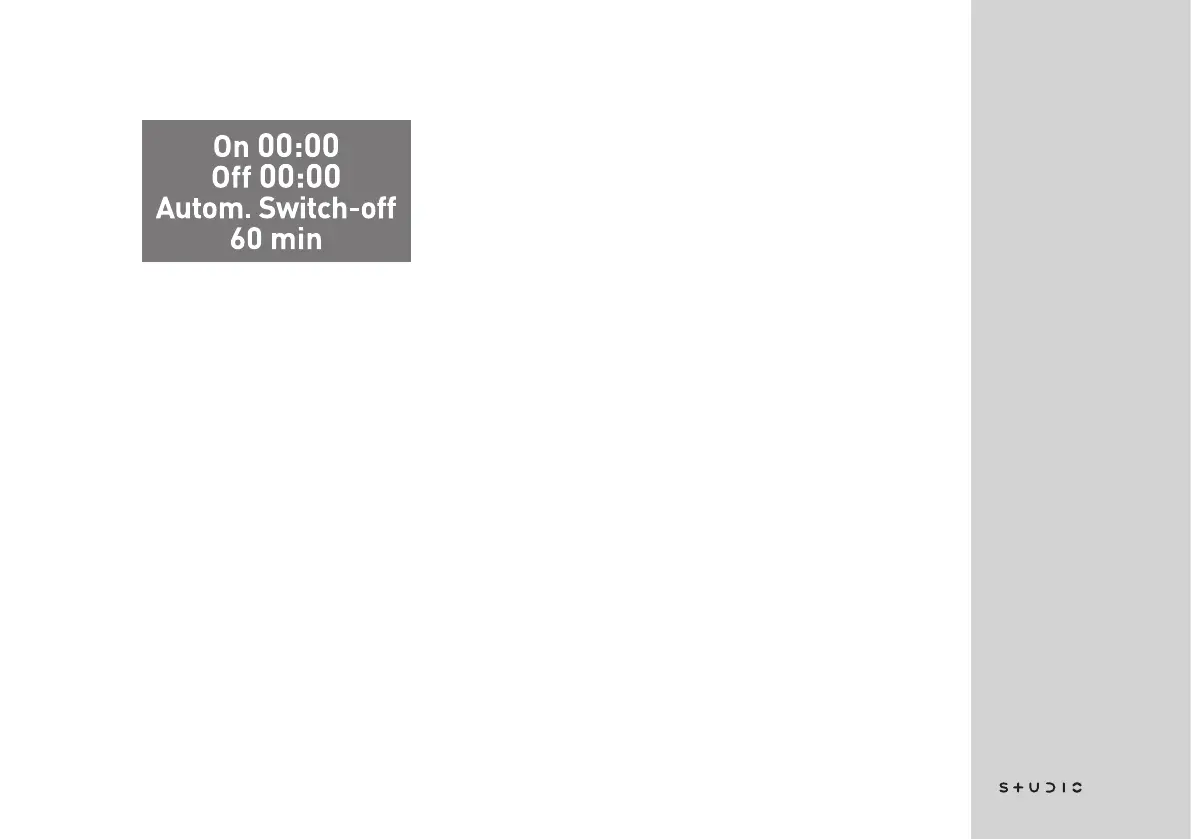
ON indicates the time at which the ma-
chine will be enabled automatically.
OFF indicates the time at which the
machine will be disabled automati-
cally.
Automatic Switch-off indicates how
much time must pass after the last
coffee prepared outside the set time,
so that the machine will switch off
again. It can be set from a minimum
of 30 minutes up to a maximum of
120 minutes.
Press the selector knob for 3 seconds
to return to the previous menu.














 To Next Page