OPERATING INSTRUCTIONS
18
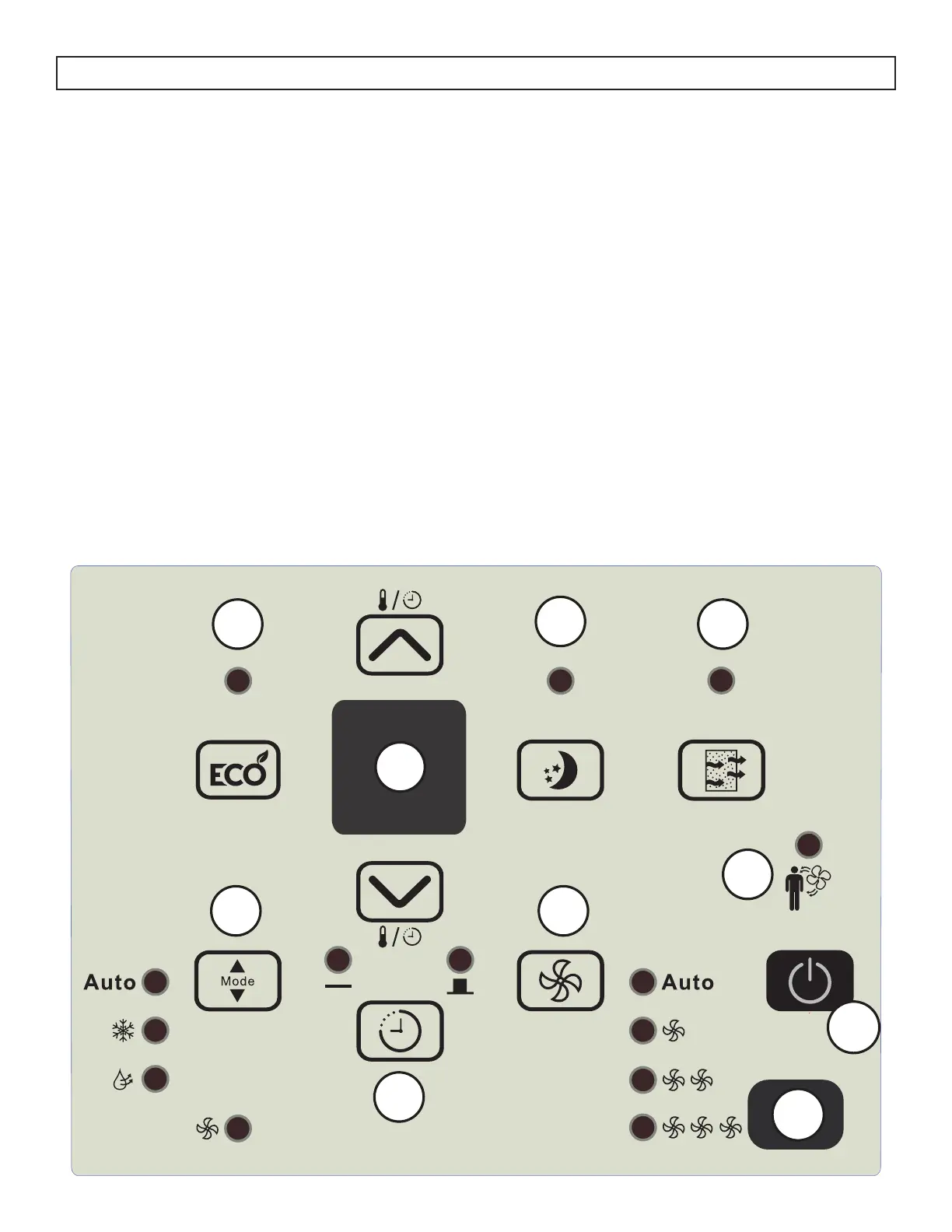
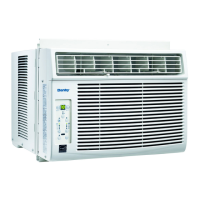
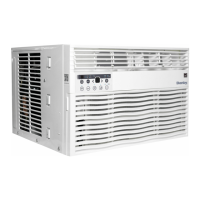
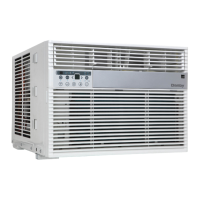
CONTROL PANEL
1. Energy Saver Button: Used to set the energy
saver function.
2. Display Screen and Temperature Control
Buttons:
• Display screen shows the set temperature, the
ambient temperature and the timer settings.
• To change the temperature scale being
displayed, press the temperature control
buttons at the same time.
• Temperature control buttons are used to
adjust the set temperature and the timer
function.
3. Sleep Button: Used to set the Sleep function.
4. Filter Button: The indicator light will illuminate
as a reminder to check the filter. Once the filter
has been cleaned, use this button to resume
operation.
1
2
3
4
5
6
7
8
10
9
5. Mode Button: Used to choose the operating
mode.
6. Timer Button: Used to set the auto on and auto
off timer.
7. Fan Button: Used to set the fan speed. The fan
can be set to Low, Medium, High and Auto.
8. Follow Me indicator: Light will illuminate to
indicate that the Follow Me feature is active.
9. Power Button: Used to turn the appliance on or
off.
10. Remote Control Receiver: Ensure this receiver
is not obscured by curtains or other items as it
could impact remote control functioning.




 To Next Page