OPERATING INSTRUCTIONS
7
1
2
3 4
5
6 7 8
9
A
B
C
D
E
F
G
H
I
J
K
L
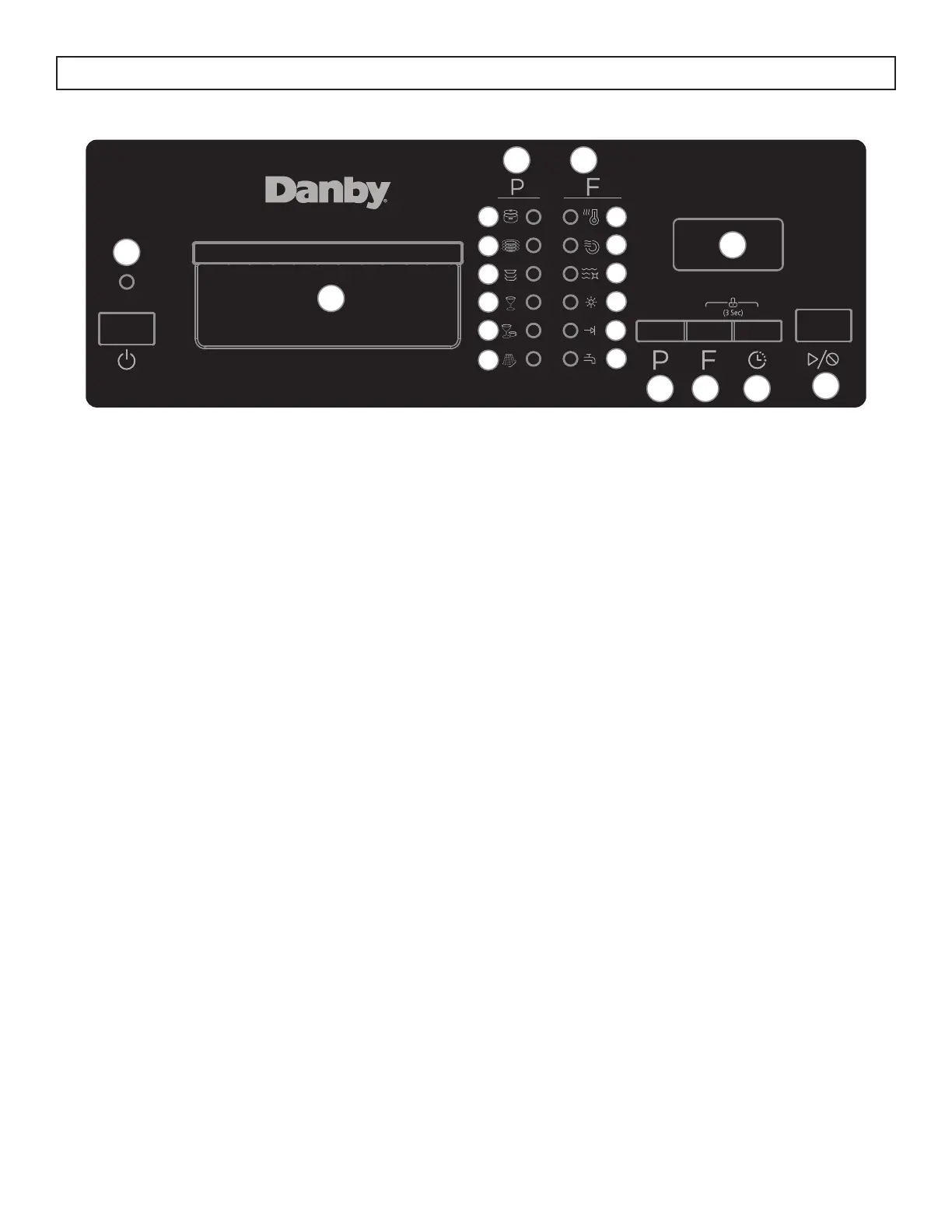
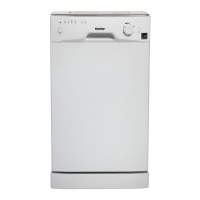
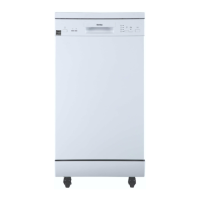
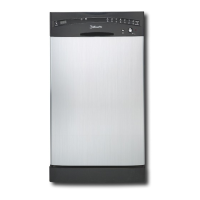
CONTROL PANEL
1. Power button: Use to turn the appliance on or off.
2. Handle
3. Programs: The light will illuminate to show which program has been selected.
A: Heavy wash
B: Normal wash
C: ECO wash
D: Glass wash
E: Rapid wash
F: Rinse
4. Features: The light will illuminate to show which features have been selected.
G: High temp wash - water temperature will be maintained at 60°C (140°F)
H: Heated dry - the heater will operate during the drying cycle
I: Sanitize - water temperature will be maintained at 69°C (156°F)
J: Rinse aid indicator light - light will illuminate when the rinse aid dispenser is empty
K: Cycle end indicator light - light will illuminate when the program is fi nished
L: Faucet warning indicator light - light will illuminate when the appliance is not receiving enough
water; turn on the nearby water faucet to correct the water fl ow
5. Display screen: Shows the remaining running time in the current program.
6. Program button: Press to select the desired program.
7. Features button: Press to select the desired features.
8. Timed delay button: Press to set the desired time delay.
9. Start/Cancel button: Press to start the desired program. Press to cancel a program which it is in
operation.




 To Next Page