8
Ensure the unit is plugged in and has power.
The
OPERATION
indicator on
the display
panel
of
the unit
illuminates.
Swing Setting
airflow direction .
2 seconds, the auto-swing feature of the louver
is activated. The horizontal louver will swing
up/down automatically. Press it again to stop.
NOTE: When the louver swings or moves to a
position which would affect the cooling
it will
automatically change the swing/
moving
direction.
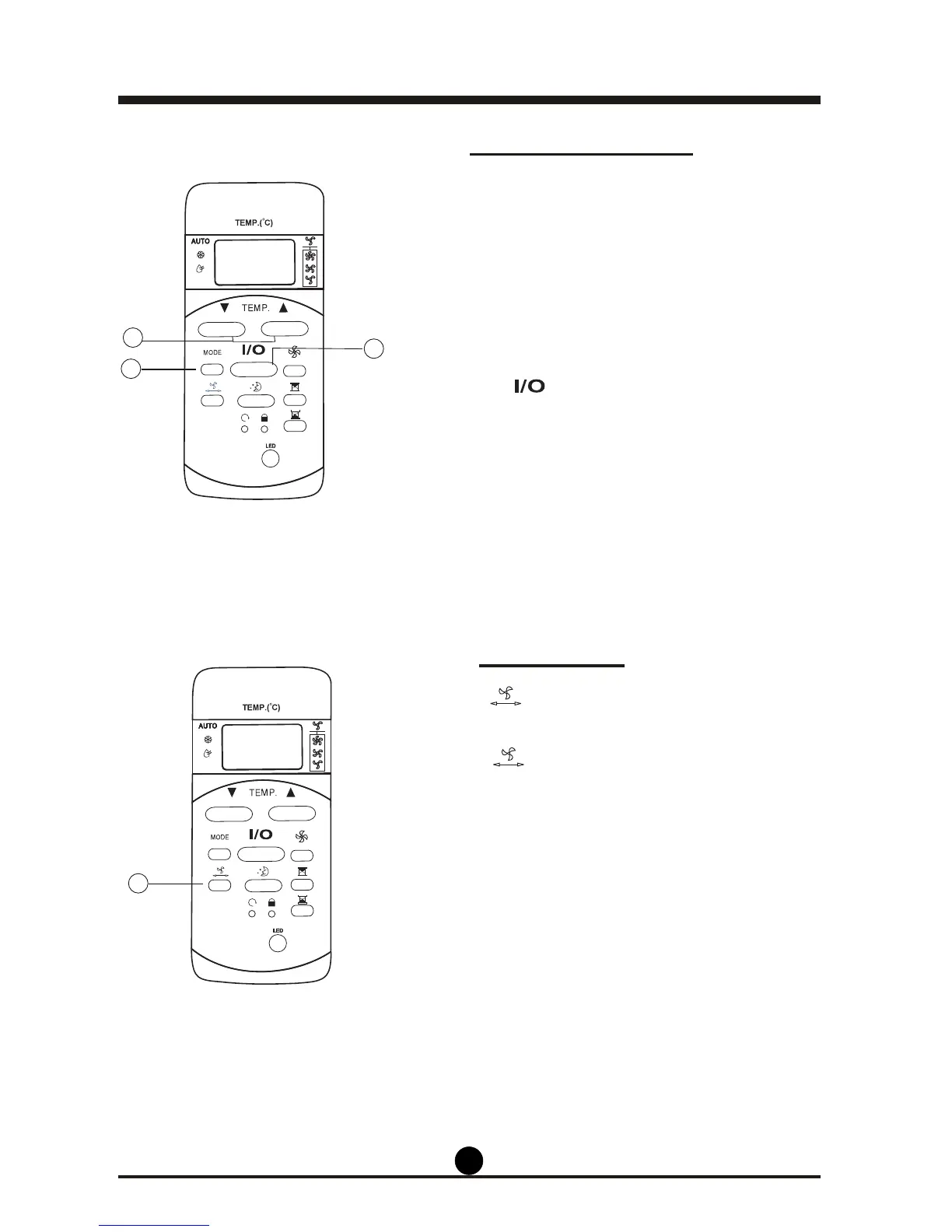
Dehumidifying Setting
selected.
2. Press the TEMP button to set the desired
temperature. The temperature can be set within a
range of 17°C (62°F) to 30°C (86°F) by 1°C (2°F)
increments.
ing mode.
1
3
2
1
Use the button to adjust the Up/Down
ability of the air conditioner,
1. Press the MODE button until DRY mode is
3. Press the
button to start dehumidify-
1. If the button is held down for more than



 To Next Page