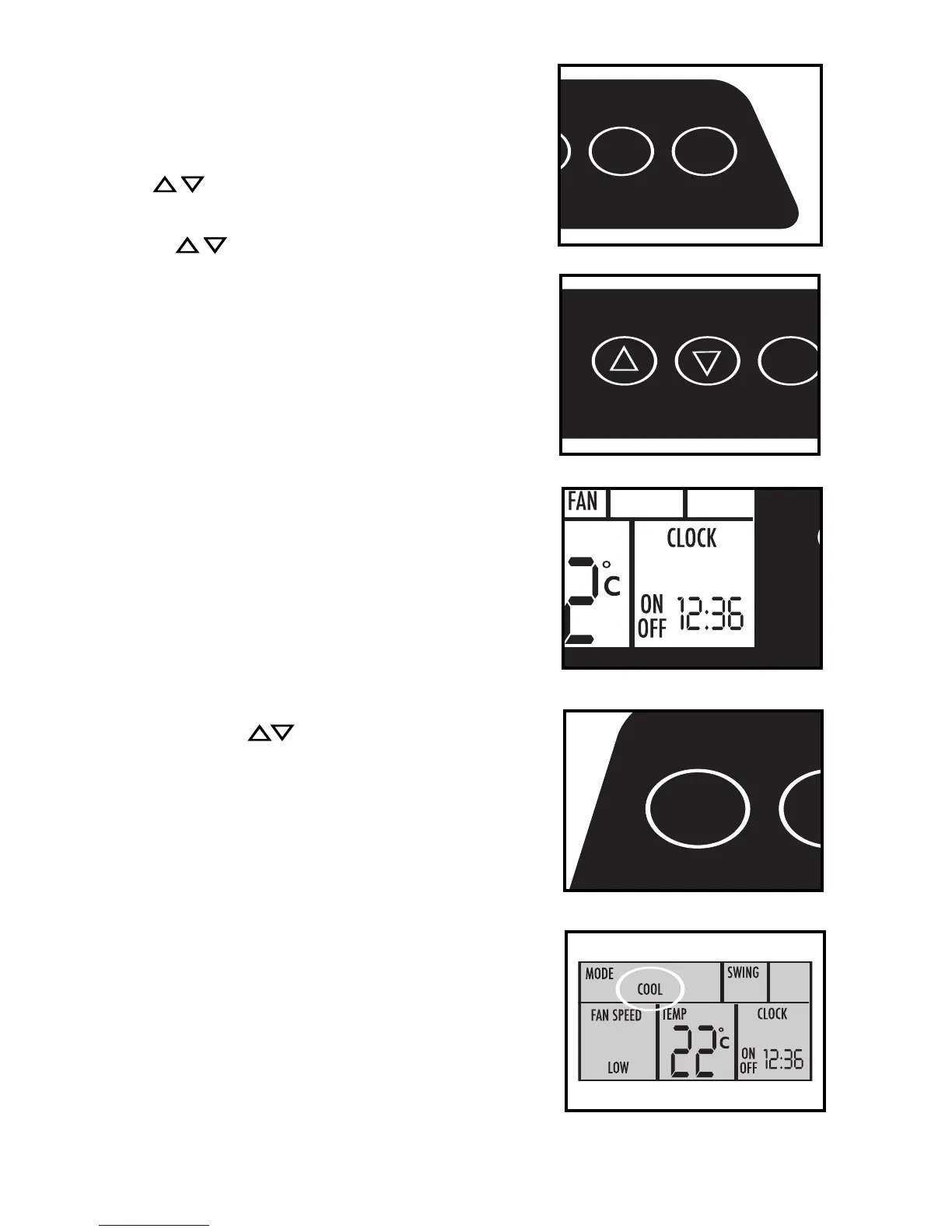
Setting TIME OF DAY (Clock) Instructions:
NOTE: This is a 24:00 hour clock system
Push and hold the CLOCK (TIMER ON / TIMER OFF) key
pads simultaneously. The word clock appears in the display
and the minute “00” digits start flashing. Press the
TEMP/TIMER buttons until the correct time (in
minutes) is displayed. Press either of the clock (TIMER ON /
TIMER OFF) buttons. The hour “0” digit start flashing. Press
the TEMP/TIMER buttons until the correct (hour) time
is displayed. When the correct time appears in the display,
press the CLOCK (TIMER ON / TIMER OFF) key pads
simultaneoulsy. The colons (:) between the hour and
minutes start flashing indicating the time of day is now set.
Important Note: Any interruption to the electrical
power supply will automatically cancel the TIME
OF DAY clock program. In the event this should
happen, you will be required to re-set the
clock program.
Operating Instructions (Air Conditioning):
NOTE: Both exhaust hoses and external water
tank must be installed during air conditioning
mode.
1) Press the I/O (on/off) key pad to switch on the
unit.
2) Press the MODE key until the word COOL
appears in the display window. Each depression
of the MODE key will advance to a different
mode setting (Auto-Cool-Dry-Fan).
3) Press the appropriate (TEMP / TIMER/ADJ)
keys to select a suitable operating temperature
setting. Temperature settings are adjustable
between 16°C (61°F) to 31°C (88°F ). The set
temperature will flash in the display window for
approximately 5 seconds then automatically
revert back to display actual room ambient
temperature conditions. NOTE: The set operating
temperature must be programed within the 5
second (temperature flashing) condition.
T
o view
the “set” temperature any time, press either of
the TEMP/TIMER ADJ buttons. The blue indicator
light will come on indicating the air conditioning
mode is operational (there may be a slight delay
of 10-30 seconds before the cycle begins, this
is normal).
9
CLOCK
TIMER ON TIMER OFF
WATER FULL
RUN
TEMP/TIMER
ADJ
FAN
SWING
CLOCK
TIMER ON TIMER OFF
WATER FULL
RUN
TEMP/TIMER
ADJ



 To Next Page