13
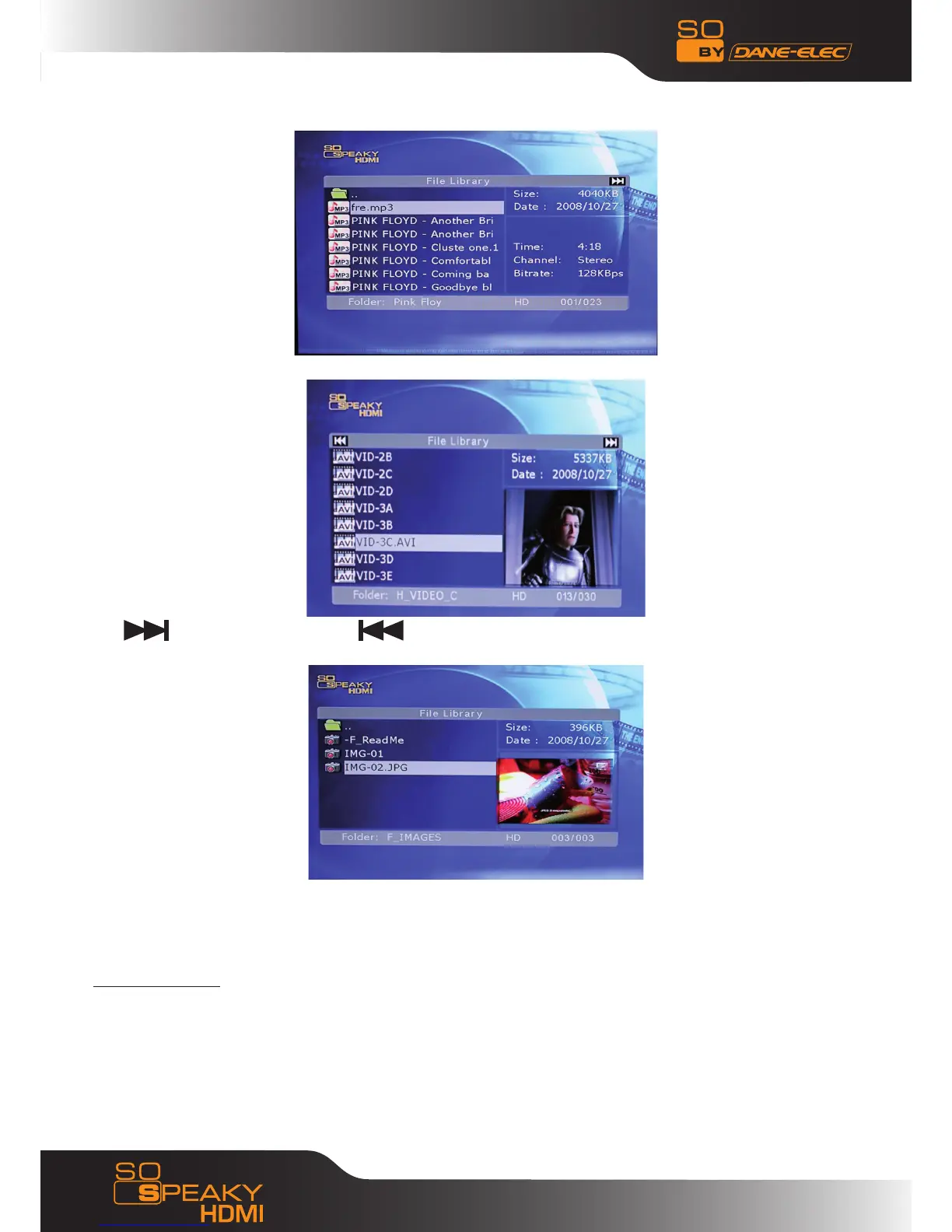
The interface allows you to browse faster the data in the HDD structure with an explorer.
If the title is longer than the display field then the title scrolls from right to left in the display field.
Use button for next page and button for previous page. The Up and the Down buttons of the
remote control are used to go to Previous file and to Next file of the current page.
It is advisable to put the files in subdirectories (not in the root of HDD) and not more than 6000 files in
each directory.
MPEG2 and DivX codecs are fully supported and not WMV and H.264.
5.3 Photo Display
Select the photo you want to see with the arrows button on the remote control, put the highlight and
automatically you will have the preview. If a black screen appears, it means that the photo format is not
supported by the So Speaky HDMI.



 To Next Page