9
5. USING THE DEVICE
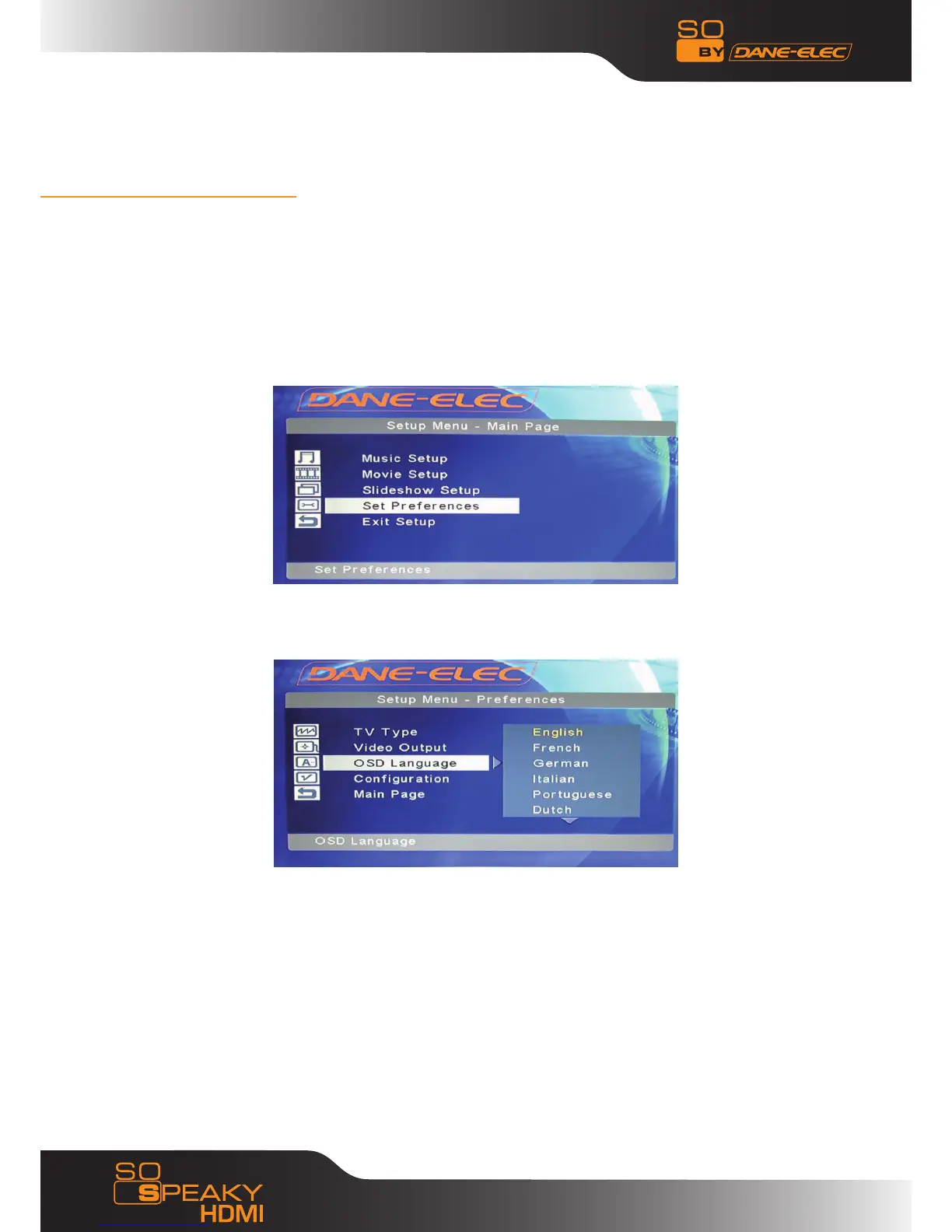
The default language setting on your So Speaky HDMI is English. To change the
language please follow the instructions below:
- Turn on your So Speaky HDMI
- Press the Setup button on the remote
- Using the “Up, Down, Left, Right” buttons on your remote select “Set
Preference” then “Enter”
- Select key “OSD language”
- Select the desired language
- Confirm by pressing “Enter”
- Press “Setup” to save the change
- The language is amended



 To Next Page