18
Extraction Procedure :
For the security of your player and to ensure that no data is lost, please always follow the
procedure below to disconnect your device. Otherwise, an error message will appear on the
screen.
- Turn off all applications
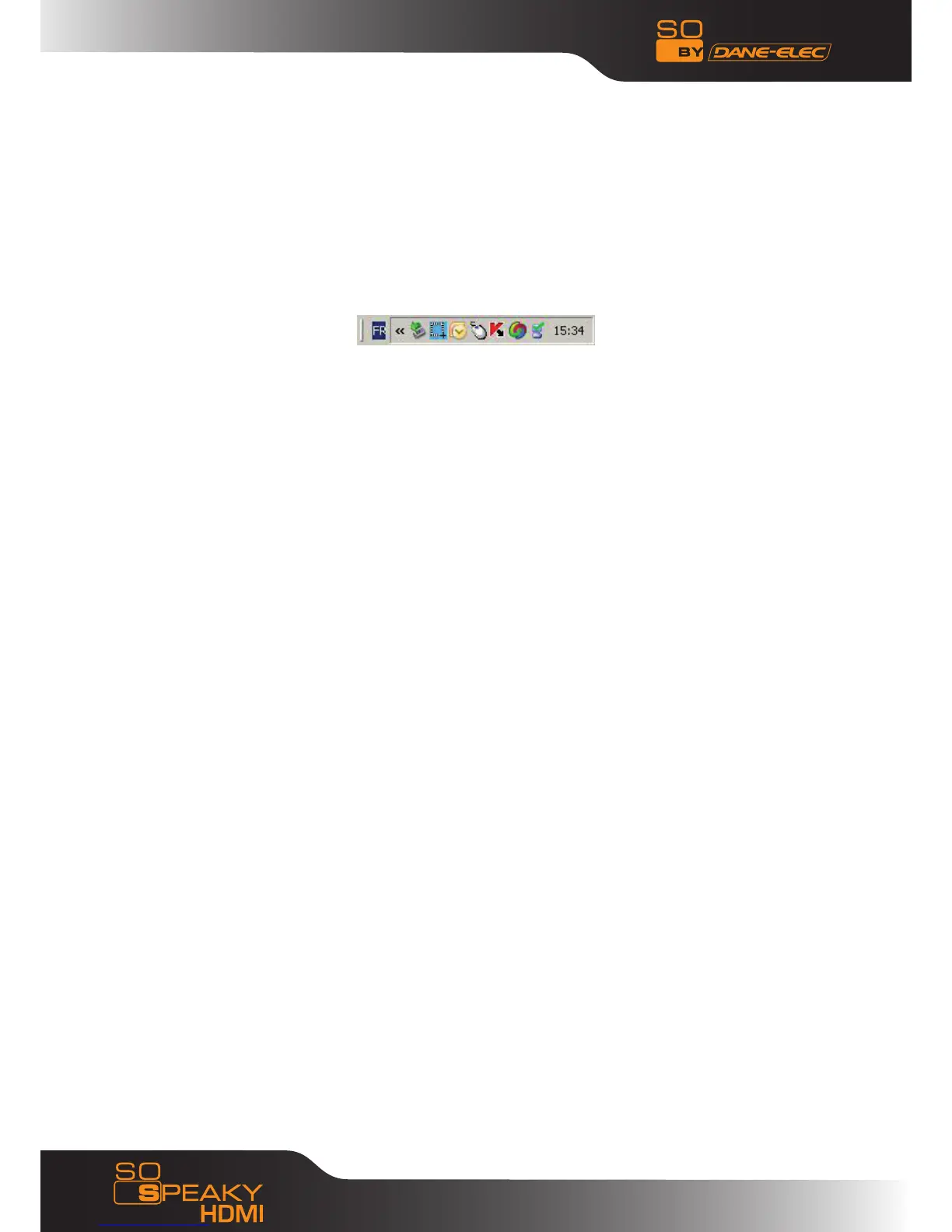
- Click on the Task Bar icon for external storage devices
- Select your external hard disk and confirm that you would like it to be stopped
- Disconnect the USB cable that connects the So Speaky HDMI to the computer.
Note: Before disconnecting any cables from your So Speaky HDMI, turn it off.



 To Next Page