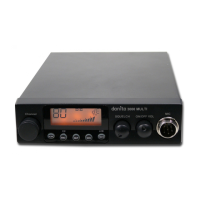
danita 340 CB Radio
8
(1)
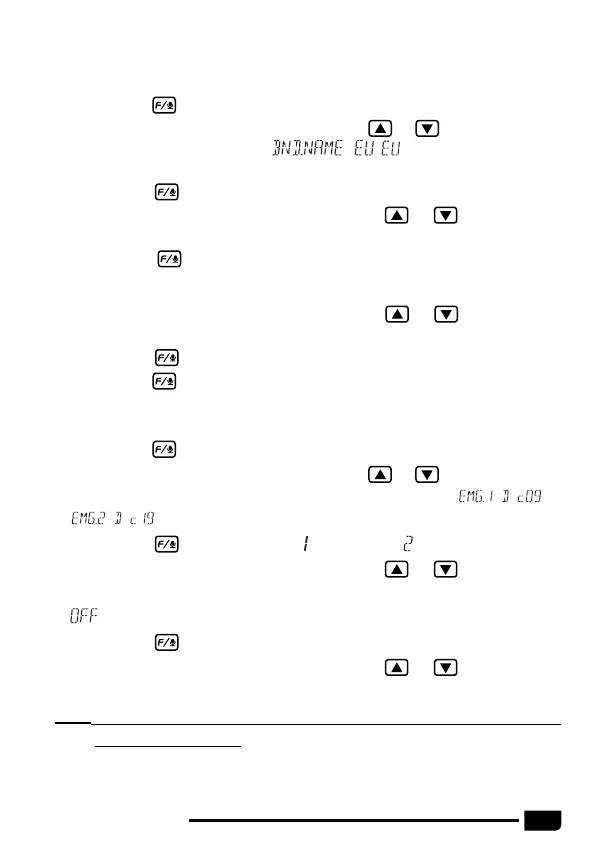
Choose a band to be modified.
(2)
Long press key to enter menu list.
(3)
Short press microphone [
UP
] or [
DN
] or or
to choose NO.17
function memu, LCD displays
, stands for current band
name.
(4)
Short press key, the first digit blinks on LCD.
(5)
Short press microphone [
UP
] or [
DN
] or or
to choose the
character of the first digit.
(6)
Short press key to validate the first digit. The second digit blinks on
LCD.
3.12
Band Name Setting
......................................................................
(7)
Short press microphone [
UP
] or [
DN
] or or
to choose the
character of the second digit.
(8)
Short press key to validate the second digit and exit setting.
(9)
Long press key or wait 20 seconds to store exit MENU.
(1)
Long press key to enter menu list.
(2)
Short press microphone [
UP
] or [
DN
] or or
to choose NO.18
function memu or NO.19 function memu, LCD displays
or
.
(3)
Short press key, the number " " or number " " blinks on LCD.
(4)
Short press microphone [
UP
] or [
DN
] or or
to choose the
emergency channel is valid.
: stands for turn off current emergency channel.
(5)
Short press key, the band name blinks on LCD.
(6)
Short press microphone [
UP
] or [
DN
] or or
to choose the
frequency band.
Note:
This frequency band selection is valid only when the radio work in HF
model or HAM model.
3.13
Emergency Channel Setting
......................................................


 To Next Page