6
※ The display cannot return to normal status until the problem is solved; the E-bike’s electric components will not operate if
there is an error in the system. However, the bike can still be operated conventionally (without electric assistance).
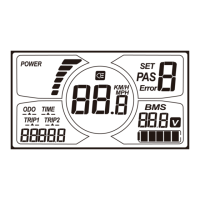
※ Hold ON/OFF and SET at the same time to show the error code.
4.3 WALK MODE
Hold DOWN (-) for 2 seconds to enter the power-assisted walk mode. When the AUTO icon is lit, the E-bike will travel at
6km/h without the need for the rider to pedal. Assisted walk mode will cease when the button is no longer being pressed.
4.4 SET OPERATION


 To Next Page