7
4.4.1 KM/H and MPH
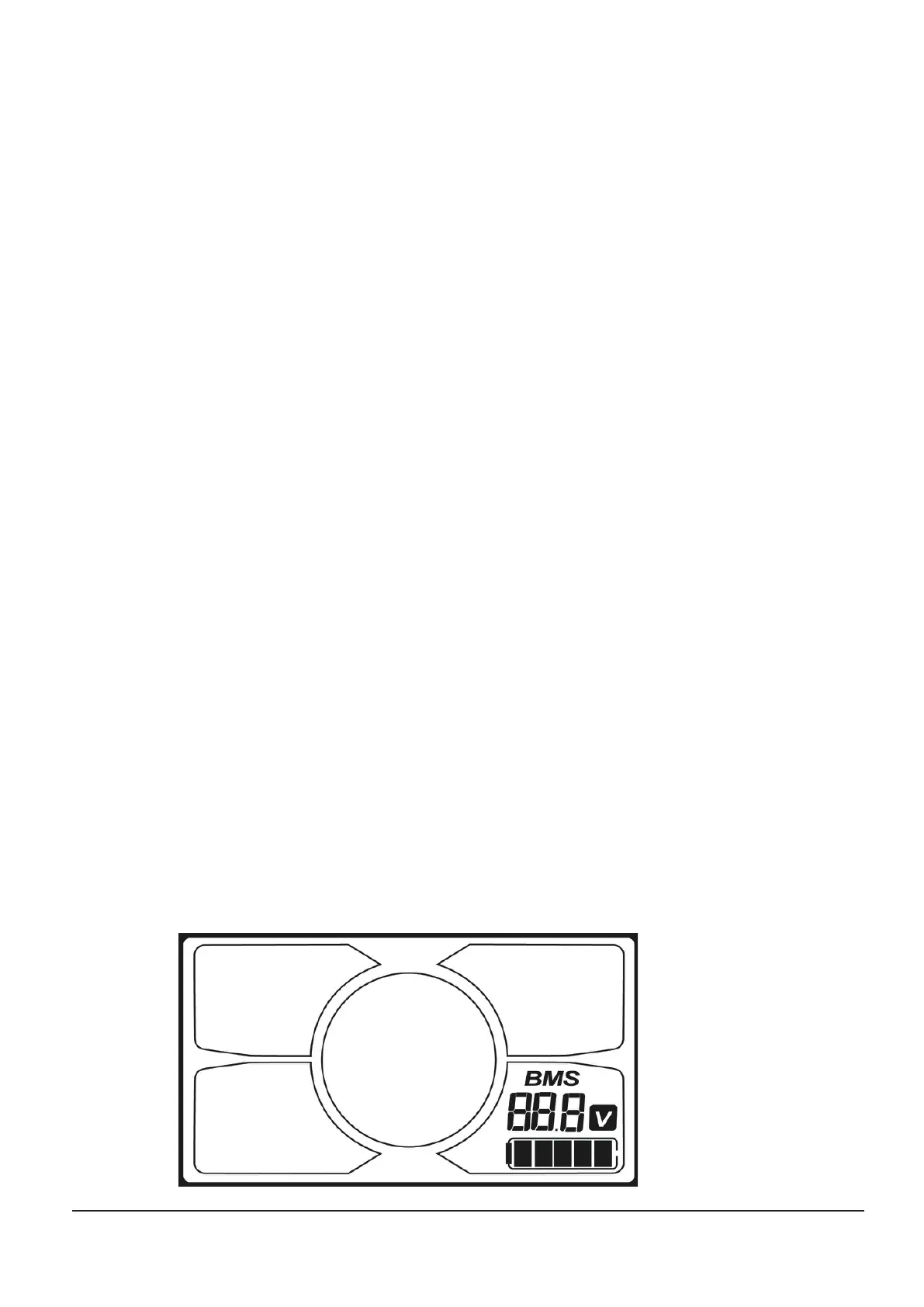
Hold UP (+) for 8 seconds to enter the unit of measurement selection mode, then press UP (+) or DOWN (-) to switch
between KM/H and MPH and press SET to confirm and exit.
4.4.2 Trip Distance
Press the SET button for 2 seconds to clear Trip 1.
4.2 Additional Setting
Hold UP (+) and DOWN (-) at the same time for 5 seconds to bring up the SET display and enter the password; press UP
(+) or DOWN (-) to change the number and SET to confirm. The password is 8088. Press SET to confirm the password
and enter settings.
4.4.2.1 Assit Speed Setting
In the settings: press SET until you reach the assit speed mode setting, then press UP or DOWN to make changes.
4.4.2.2 Throttle Setting
In the settings: press SET until you reach the throttle mode setting, then press UP or DOWN to make changes.
4.4.2.3 Wheel Diameter Setting
In the settings: press SET until you reach the wheel diameter setting. Select the correct wheel diameter value to ensure
display accuracy for speed and distance. Press SET for 1 seconds to confirm and exit settings.
4.4.2.4 ODO Setting
In the settings: hold UP (+) for 5 seconds and the display icon will flash at 1Hz, keep holding for 5 more seconds to clear
the ODO data.
4.4.2.5 Voltage
In the settings: press SET to select the voltage setting, then press UP or DOWN to switch between 36V and 48V.
4.4.2.6 Three Riding Modes
In the settings: press SET to select the riding mode setting, then press UP or DOWN to switch between the three riding
modes. This controls the maximum power output of the motor.
Section 5:
5.1 BATTERY INDICATOR


 To Next Page