55
2.3 Direct PC/Laptop Access via Static IP
The IP streaming server will use an assigned Web IP address “192.168.1.99 “ and IP out address
“192.168.2.100” for fi rst sample the IP Setting is Static mode.
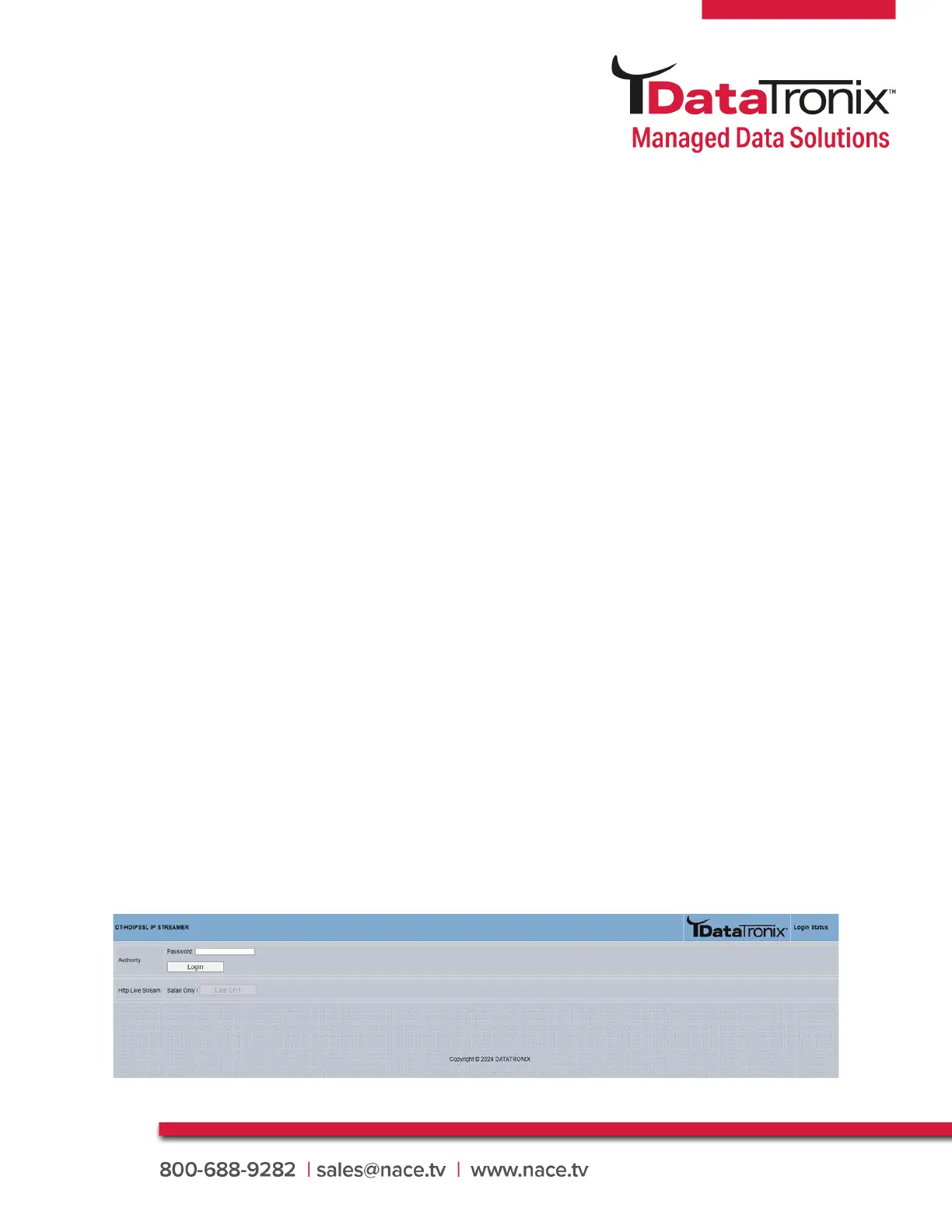
Login Password:
Default Password: 0000
3.2 Login
DT-HDIPSSL Manual
3. Operating Instructions
3.1 Beginning Setup
DEVICE Programming and Setup
1. Apply power.
2. Connect Audio / Video source
Connecting to the GUI Interface:
1. Connect an Ethernet cable directly to the Web Management Ethernet port on the rear panel of
the HD IP streaming server or connect the Ethernet cable to an Ethernet switch /router. Connect
an Ethernet Cable to your PC.
2. Using a Windows-based PC Select Windows Icon
3. Check Streamer IP address can be confi gured by using the LCD screen on the front of the unit
using the right button.
4. After selecting Network- the IP streamer Icon will show up on the right side under Media Devices.
Each device found will be displayed by the Device Address.
5. Right Click on the device icon, Select ‘View Device Webpage’



 To Next Page