9
DT-HDIPSSL Manual
Selecting “Reset to default” will automatically reset all saved settings back to factory default settings.
All saved settings will be lost.
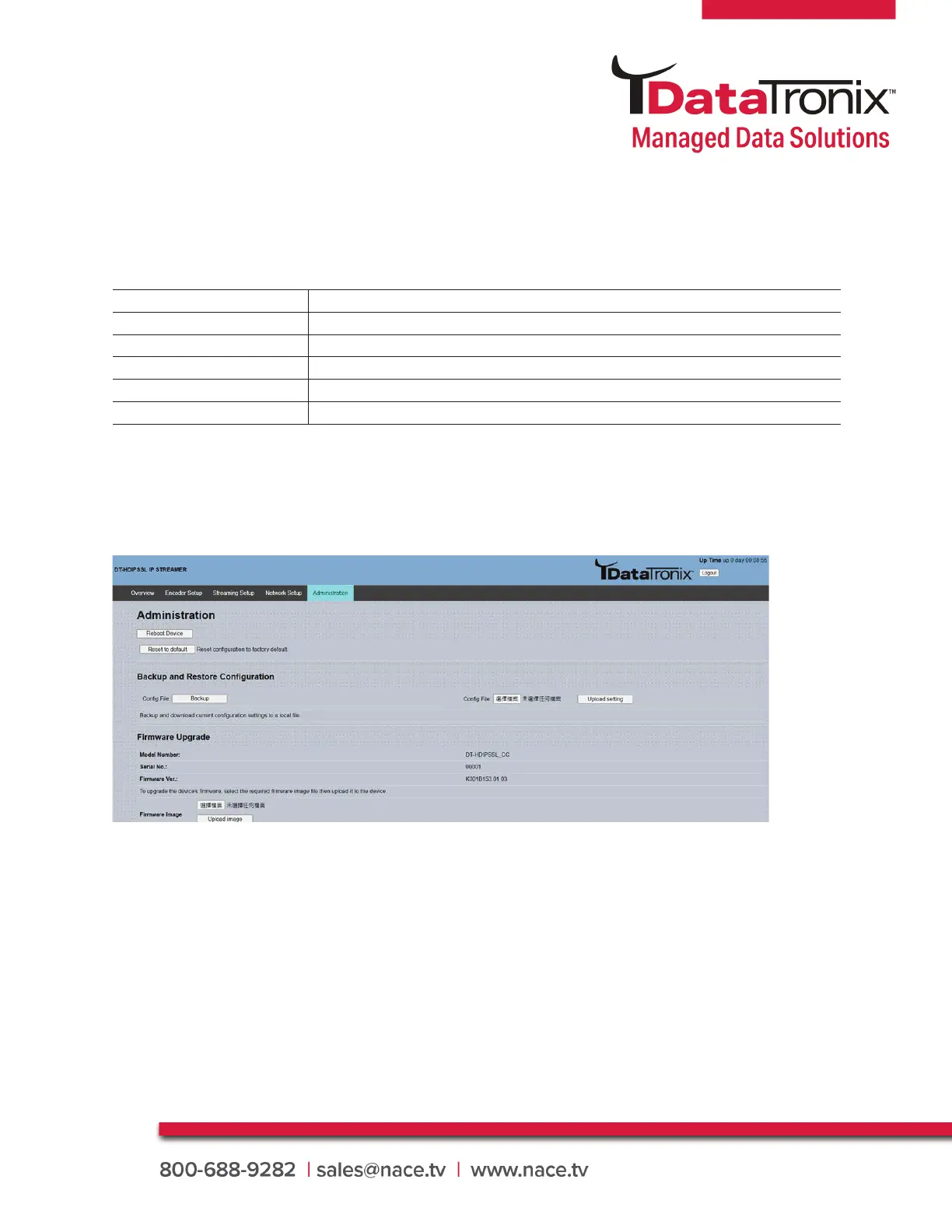
Use the Admin Setup Tab to set the device’s reboot, confi guration, software update, password change.
3.8 Administration
Page Functions Actions
Reboot Device
Reboot device
Reset to Default
Reset confi guration to factory default
Confi guration
User can upload the fi le with pre-saved confi guration settings to device
Firmware Upgrade
Upload a saved fi rmware fi le
Change Password
Create and save new password for GUI
To upload a confi guration fi le- simply click “Choose File” then locate the fi le you want to upload.
Click “Upload” to install the confi guration fi les. This function is helpful to the installer when installing a
large number of encoders in a single system.
Saving your confi guration fi les:
We highly recommend you save your confi guration fi les. Simply Click the “Backup” button and the
confi g fi les will be saved to your computer.
To upload a confi guration fi le- simply click “Choose File” then locate the fi le you want to upload. Click
“Upload Settings” to install the confi guration fi les. This function is helpful to the installer when install-
ing a large number of streamer in a single system. We highly recommend saving the settings of your
streamer. A “backup_param.confi g” fi le will be created. Locate the fi le follow up browser settings.



 To Next Page