EasyManua.ls Logo

Data Count JR - User Manual

Data Count JR
25 pages
Print Icon
To Next Page IconTo Next Page
Loading...
Operation Manual
Version 1.4

Questions and Answers

  • M
    Mr. Gabriel TaylorAug 2, 2025
    What to do if Data Cash Counter display screen is blank?
    • D
      Donald PerkinsAug 2, 2025
      If the display screen of your Data Cash Counter is blank and the machine isn't working, it means no power is reaching it. First, check if the machine is properly plugged in. Then, verify that the power switch is turned on and the top LED is illuminated. If there was a power failure during counting, restart the Data Cash Counter once the power is restored.
  • U
    uhillAug 8, 2025
    Why is my Data Cash Counter incorrect?
    • L
      lisabarronAug 8, 2025
      Your Data Cash Counter might be providing incorrect counts due to several reasons. Ensure the machine is set to count the correct seed size and recount. Remove any broken seeds or dust particles from the batch and try again. Also, verify that the track width is appropriately set to accommodate one to two seeds.
  • J
    Joseph ScottAug 14, 2025
    What to do if Data Cash Counter machine has stopped and shows 'Place Cup or Bag'?
    • T
      taylorcaitlinAug 14, 2025
      If your Data Cash Counter stops and the display shows 'Place Cup or Bag', it means the bag was removed while the machine was operating. Manually collect any seeds that fell through the machine's outlet. Then, replace the bag to resume counting.
  • D
    Daniel WeissAug 21, 2025
    What to do if Data Cash Counter machine does not start counting and displays Call Service ErX?
    • J
      Joseph DeleonAug 21, 2025
      If your Data Cash Counter isn't starting and the display shows 'Call Service ErX', it suggests a synchronization problem. Try turning the machine off, waiting five seconds, and then turning it back on.
  • A
    andersonzoeAug 27, 2025
    Why does Data Cash Counter beep before counting all seeds?
    • P
      Patricia JonesAug 27, 2025
      The Data Cash Counter might beep to indicate it has finished counting before counting all the seeds, or before reaching the preset number, because seeds may be stuck inside the bowl. Carefully remove any trapped seeds. You can then press the BOOST button to continue counting or the OK button to end the counting process.

Summary

Product Specifications

Laser Safety Precautions

Protective Housing for Laser Safety

Encloses laser beams within a solid housing to prevent radiation leak.

Product Identification and Warning Labels

Labels on the product identifying classification and warning for laser safety.

Introduction to Seed Count JR

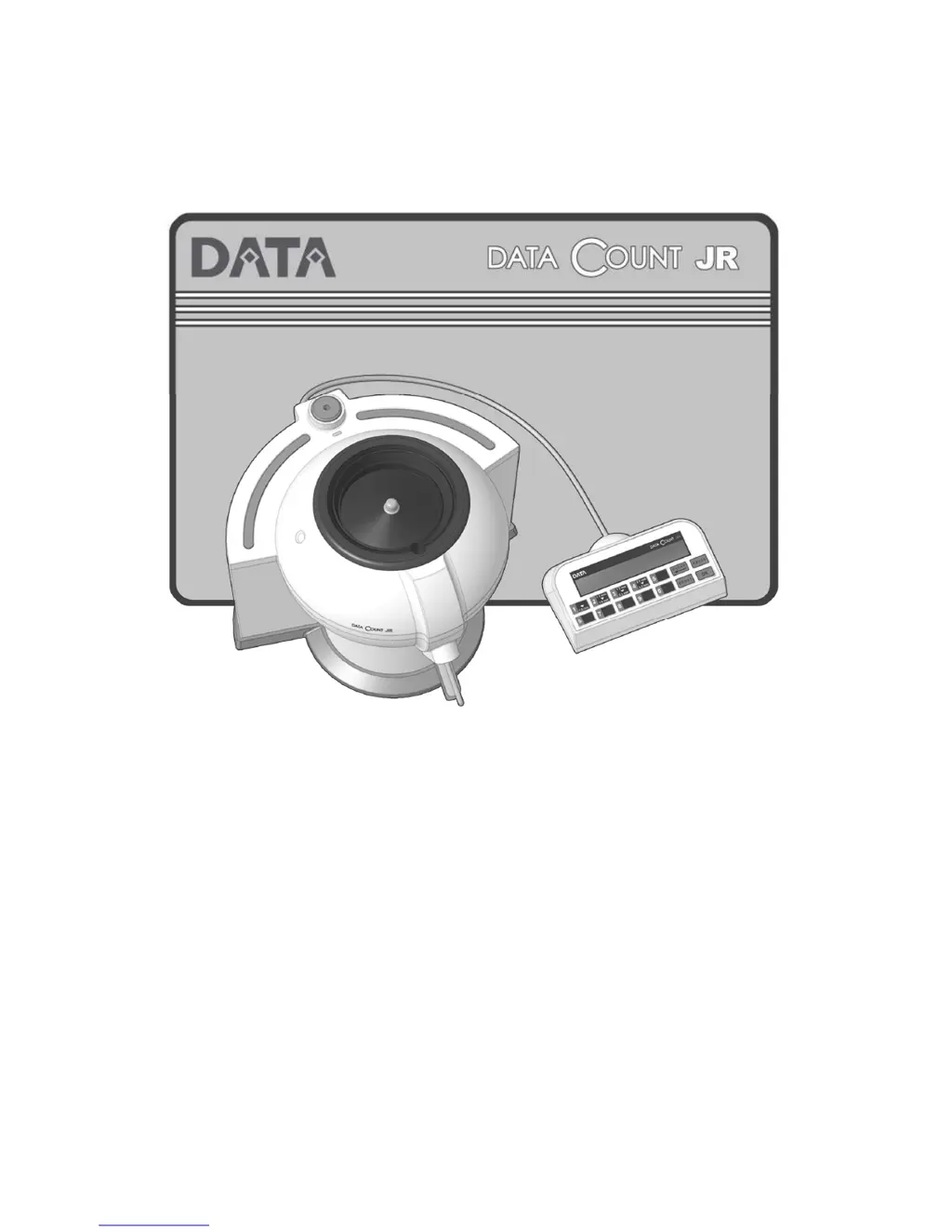
SEED Count JR Machine Overview

Overview of the SEED count JR machine, identifying its main parts and connections.

Control Panel Operation

Control Panel Buttons and Their Functions

Details the function of each button on the control panel for precise operation.

Unpacking and Package Contents

Important Operational Notes

Cleaning Counting Detectors

Basic Counting Procedures

Counting a Group of Seeds

Step-by-step guide for counting an unspecified quantity of seeds.

Using the Boost Button for Faster Counting

How to use the boost button to speed up the seed counting process.

Recovering the Last Counted Seed Number

Method to recover the last counted number if it was lost.

Pausing and Restarting the Counting Process

How to pause and resume the counting process on the device.

Stopping and Restarting the Counting Process

How to stop and restart the counting process on the device.

Counting a Preset Number of Seeds

Using Custom Seed Sizes

Bluetooth PC Connectivity

Troubleshooting Common Issues

Seed Size Reference Table

Millimeter Seed Size Ranges

Table listing seed size ranges and examples in millimeters for selection.

Data Count JR Specifications

General IconGeneral
Stacker Capacity200 bills
Detection MethodUV, MG
FunctionsBatch
Power SupplyAC 50Hz/60Hz
Counting Speed1000 notes/min