20
Using Custom Sizes
You can set custom sizes for regularly used sizes and shapes of
seeds. You can have them set according to your specific needs and
desire.
To use the custom sizes, they have to be configured by a qualified
technician.
After the sizes have been set, you can use them as you use any
other size.
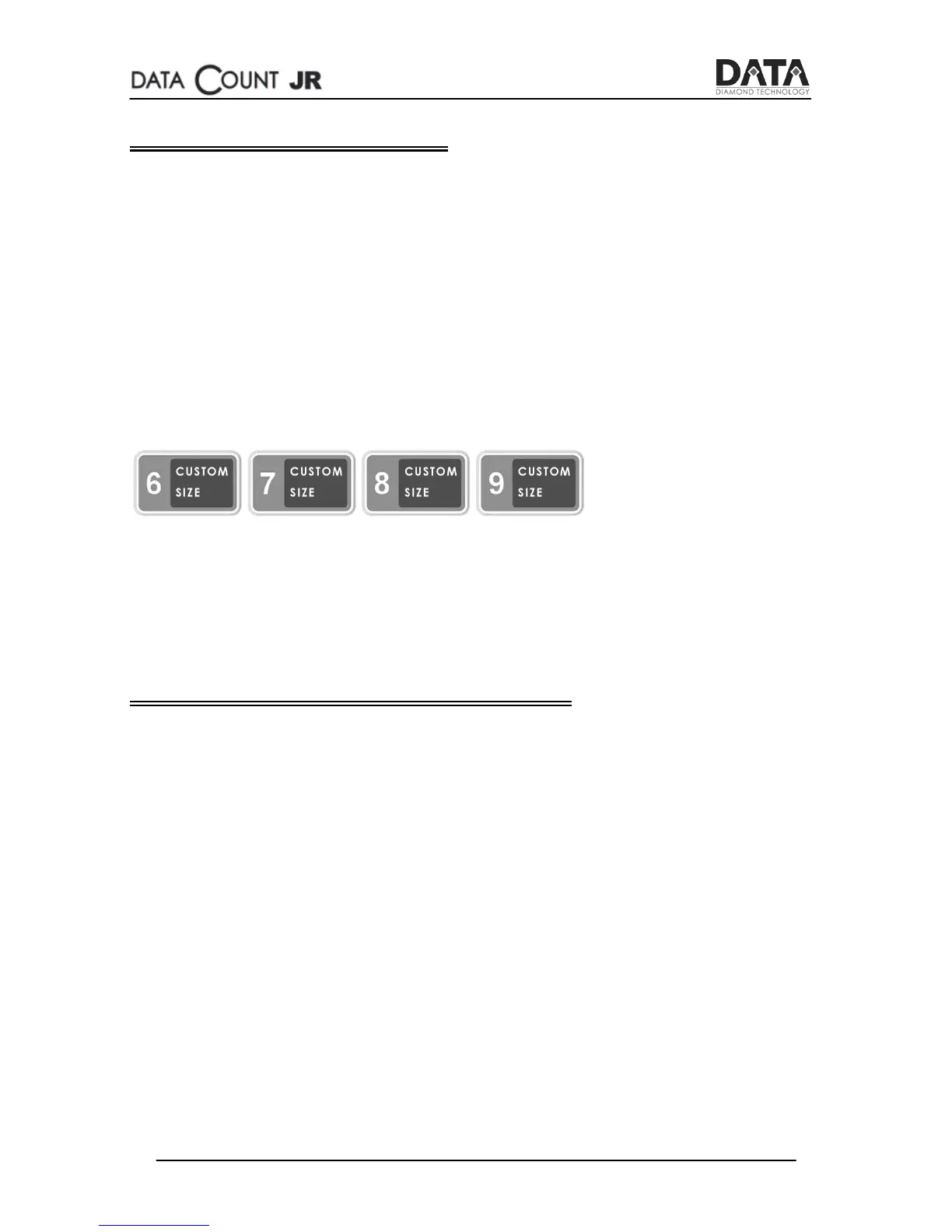
The buttons used for custom sizes are:
Each button can be configured separately.
Bluetooth Connection to PC
The SEED count JR can be connected to a PC by Bluetooth.
Using DATA’s proprietary software called DATA Count Manager,
you can send and receive information from the SEED count JR
machine.
For further details, please refer to the DATA Count Manager
Manual.


 To Next Page