EasyManua.ls Logo

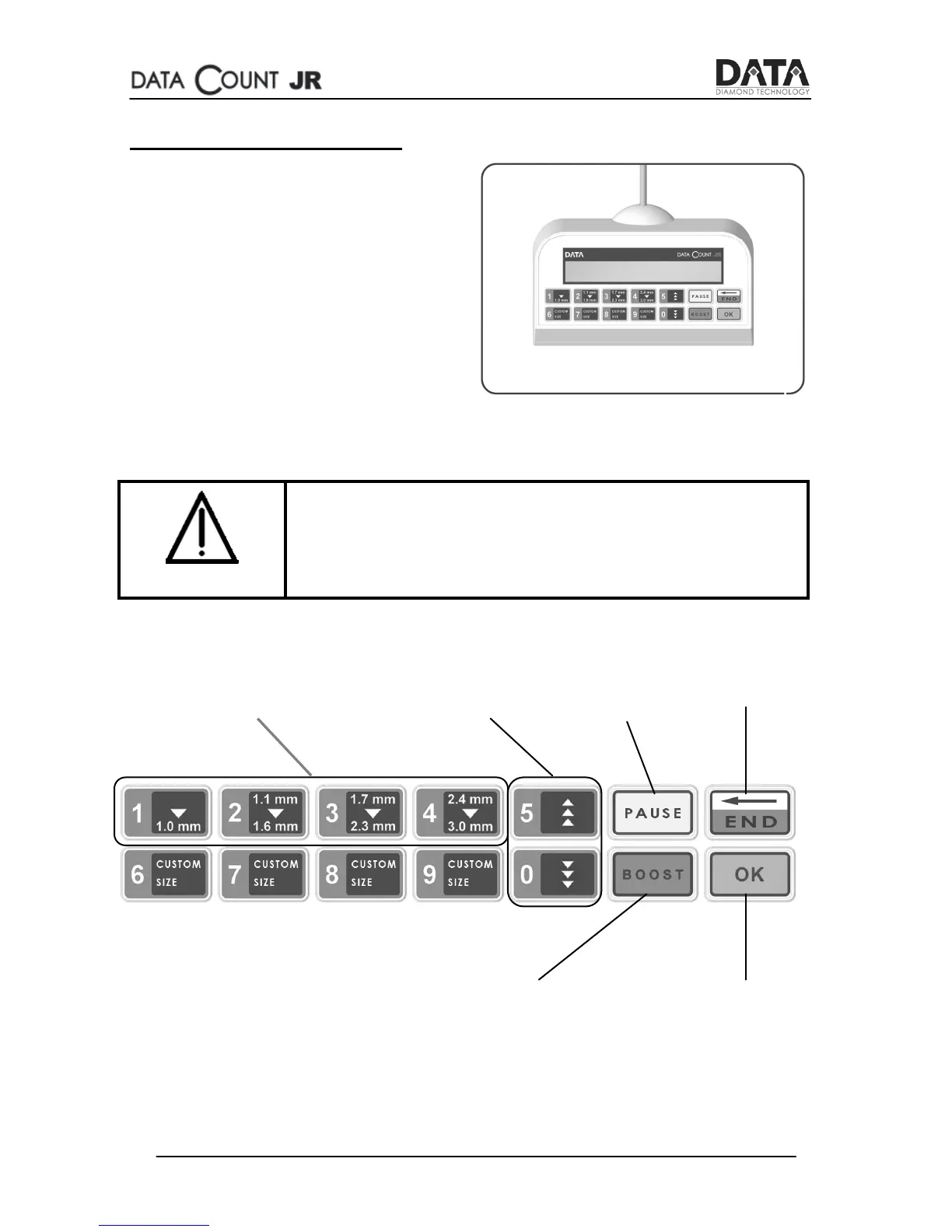
Data Count JR - Control Panel Operation; Control Panel Buttons and Their Functions

Data Count JR
25 pages
Print Icon
To Next Page IconTo Next Page
To Previous Page IconTo Previous Page
Loading...
8
Go Back /
End
Counting
Show Last
Count /
Pause
Counting
Confirm Action
/ Next
Boost Stones
Movement
Size Ranges
Selection Buttons
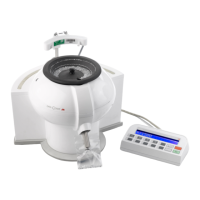
The Control Panel
The SEED count JR’s control
panel is connected by a
detachable cable to the main
machine’s body through a USB
socket.
Make sure you connect the cable
to the back of the machine
before switching it on.
Caution
Do not connect anything other than the control
panel to the USB socket on the back of the
machine.