To count a preset number of seeds:
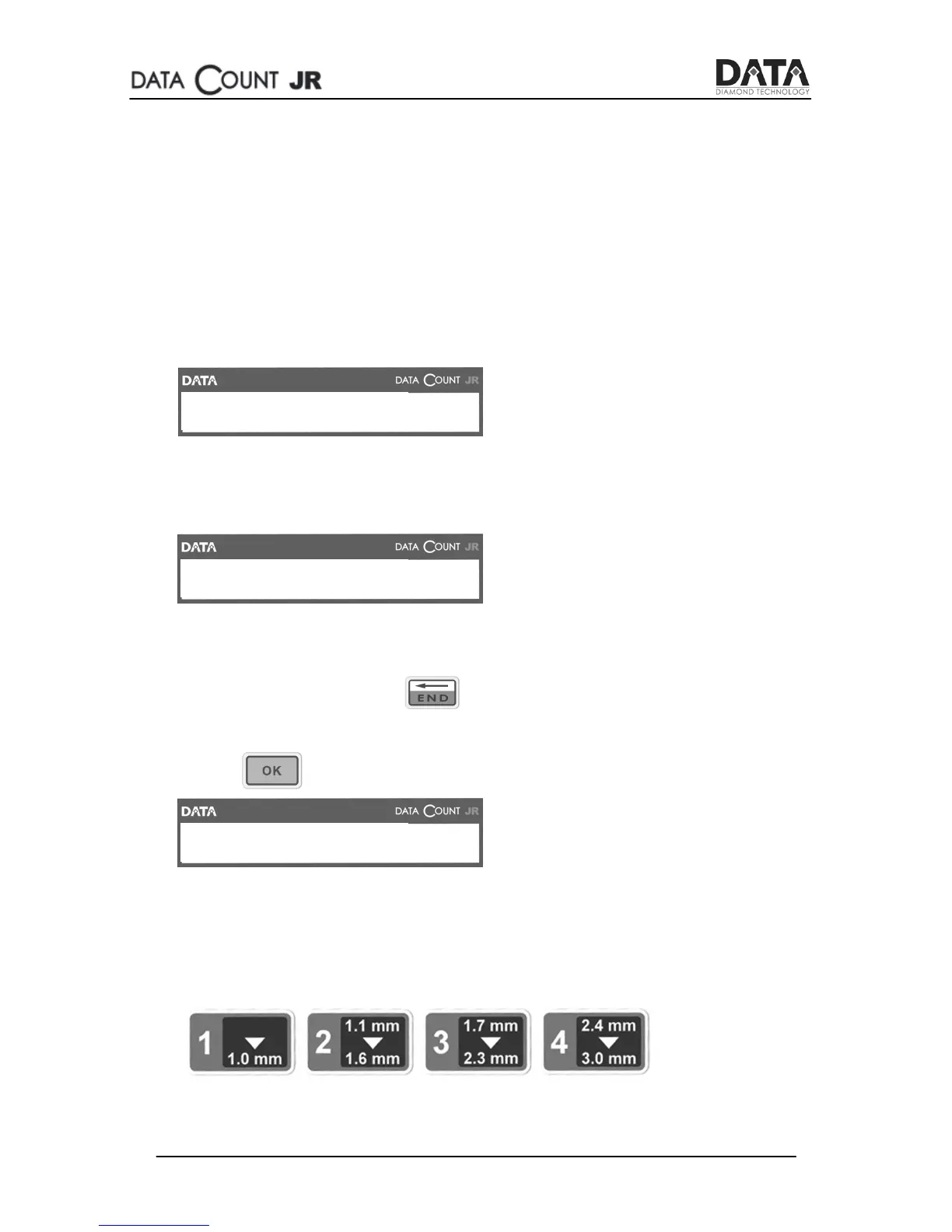
1. Sort your seeds by size according to the SEED count JR Sizes.
Remove any broken seeds and dust to ensure accurate
counting.
2. Turn on the power switch located at the back of the machine.
3. The display screen shows for a moment:
4. Carefully pour your seeds into the bowl. The display screen
shows:
5. Enter the number of seeds you want to count. For instance,
press 100 to count 100 seeds. If you accidentally pressed the
wrong number, press and enter the preset number
again.
6. Press on the control panel. The display screen shows:
7. Choose the correct seed size according to the seeds size
table at the end of this manual.
Press to select one of the sizes on the control panel:


 To Next Page