DKG-175 User Manual V-1 (24.07.2017)
- 7 -
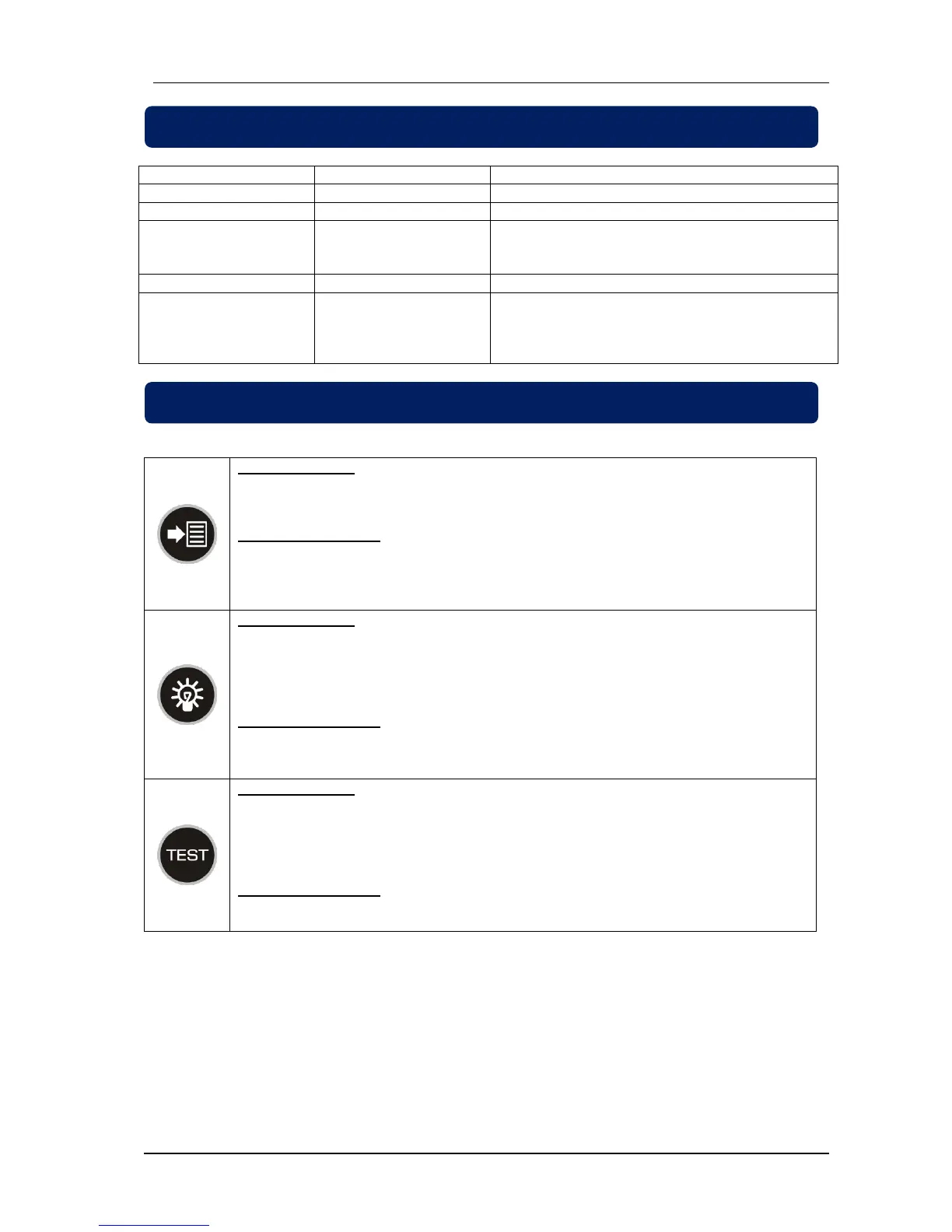
Generator voltage is within limits.
Generator contactor is energised.
Mains voltage and frequency is inside within limits.
Shows that mains waiting timer is counting if it is
blinking.
Mains contactor is energised.
Mains voltage or frequency is outside the
programmed limits. Phase order is wrong if ALARM
led is blinking.
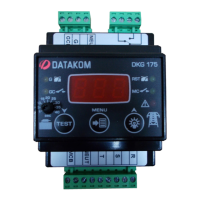
Displays name of the measured value.
Programming Mode:
Click menu button to display current value of the parameter. Click menu button to return
back programming menu after parameter is changed.
Navigate to next parameter.
Lamp test mode enable, when held pressed for 2 seconds.
Programming Mode:
Increase related value.
Operation Mode:
Navigate to previous parameter.
Test mode enable, when held pressed for 2 seconds.
Programming Mode:
Decrease related value.


 To Next Page