DKG-175 User Manual V-1 (24.07.2017)
- 9 -
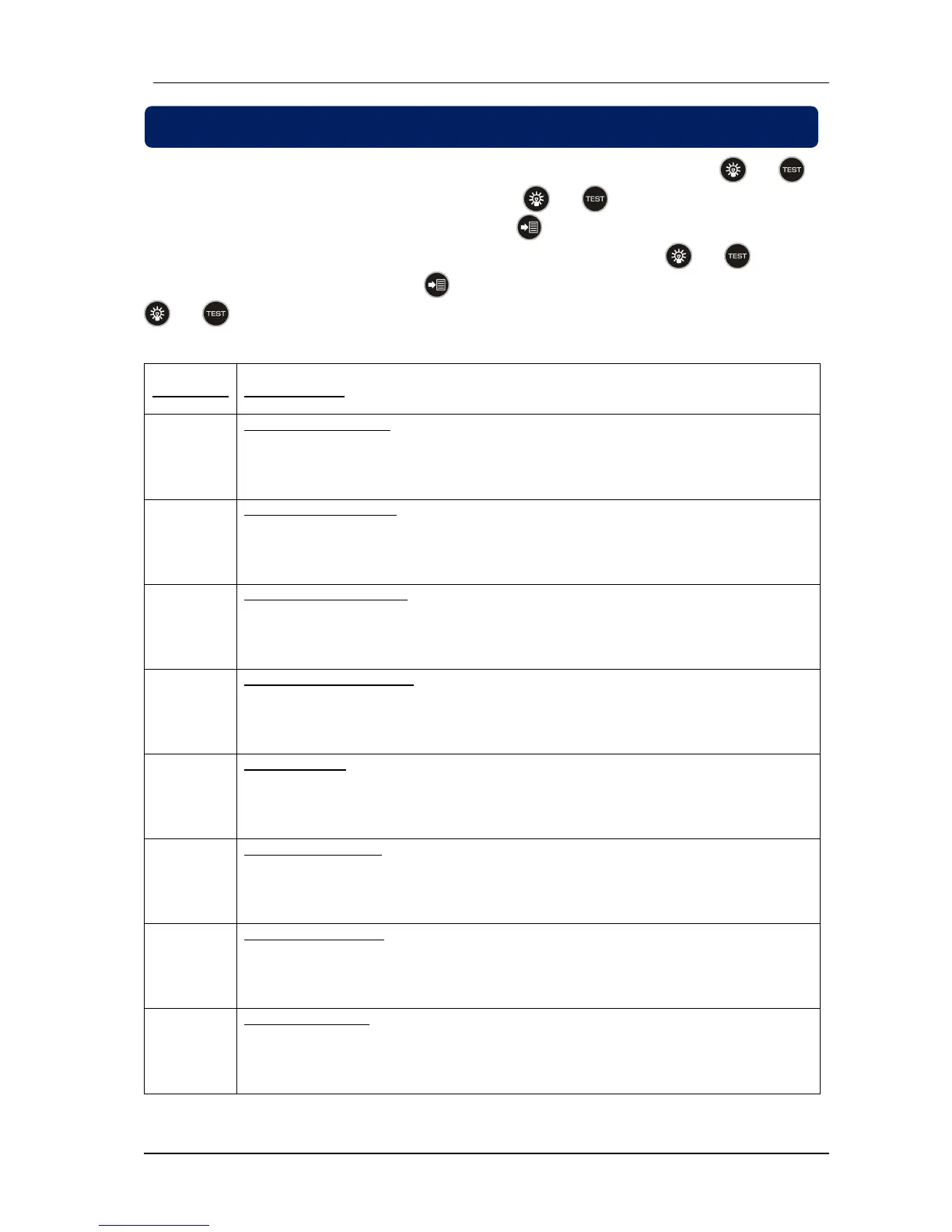
DKG-175 has programmable parameters to provide flexibility to the user. Press and hold and
buttons for 5 seconds to enable programming mode. Click and buttons to navigate between
parameters when device displays program number. Click button to display value of the program
parameter. Value of the program parameter can be increased or decreased with and buttons.
Once program parameter is changed, click button again to display program number. Press and hold
and buttons for 5 seconds to exit programming mode.
3-phase of the mains voltages must be higher than program parameter P1 to energise
mains contactor.
3-phase of the mains voltages must be lower than program parameter P2 to energise
mains contactor.
Mains frequency low limit
Mains frequency must be higher than program parameter P3 to energise mains
contactor.
Mains frequency high limit
Mains frequency must be lower than program parameter P4 to energise mains
contactor.
Cooldown timer
Remote start signal will be off after the delay adjusted with program parameter P5.
Cooldown timer will start counting when generator contactor is off.
Remote start signal will be on after the delay adjusted with program parameter P6.
Generator start delay timer starts counting when mains contactor is off.
Mains contactor will be on after the delay adjusted with program parameter P7. Mains
contactor timer starts counting when generator contactor is off.
Generator contactor will be off after the delay adjusted with program parameter P8.
Mains waiting timer starts counting when mains is available.


 To Next Page