OMNI MAX - User Guide
© 2014 Datamars SA. All rights reserved. Page 3 of 20
2 OMNI MAX Basics
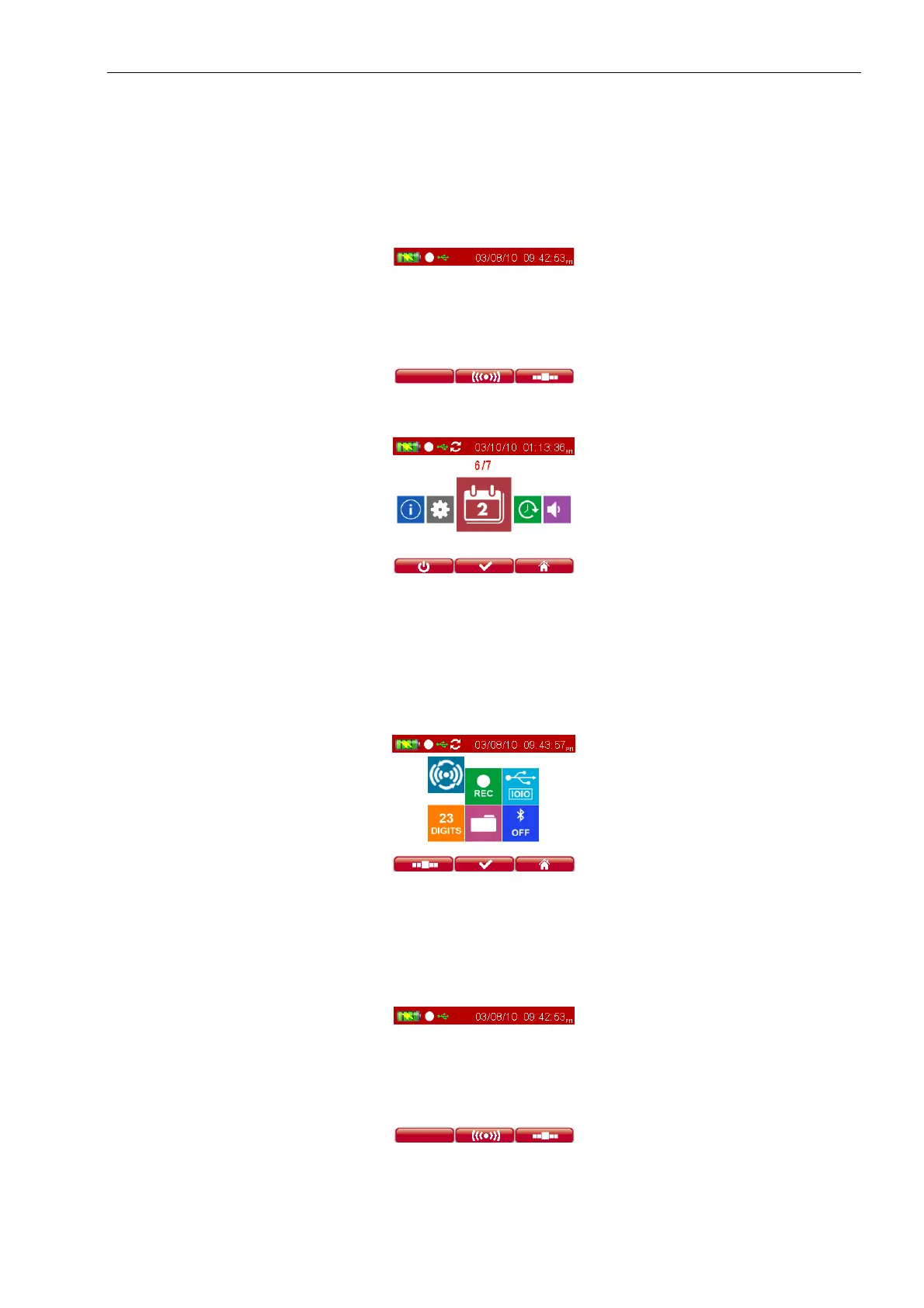
There are three menus:
• HOME MENU used to start or stop a reading session:
• MAIN MENU used to set volume, brightness, calendar and to access the info menu:
• ADVANCED MENU used to select additional, advanced settings:
o single read vs. continuous read,
o enable/disable recording of microchips,
o USB mode,
o select 15/23 digit microchip format,
o access memory folders,
o set/connect optional Bluetooth mode (only if Bluetooth model was purchased)
2.1 How to switch OMNI MAX on and off
Switching On The Scanner
o Press the “on” button, which is located in the center of the scroll-wheel for two seconds.
o The Home menu will appear:


 To Next Page