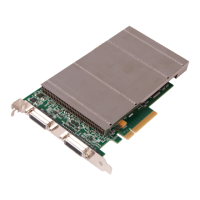
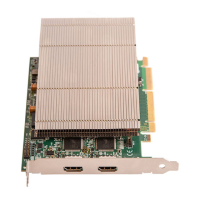
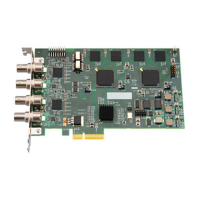
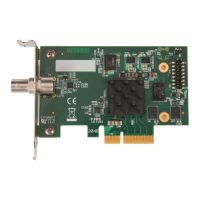
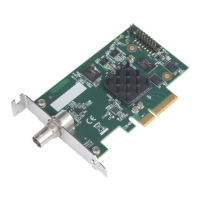
Multiple cards can be installed in a system providing a large number capture channels. Combinations of
Vision capture cards in the same machine are supported by the Vision driver.
In order to control the order in which the driver uses the cards, it is recommended when installing multiple
cards that the J5 links on the VisionSC-SDI4 are congured. The example below shows the jumper link
settings for up to 32 cards in a single system. When two cards share the same link settings, their order is
determined by the PCIe bus.
10
DirectShow
If you change the link ordering after installation you must run dplinks.exe. This program will update the
existing input names used by the windows DirectShow interface.
To run the dplinks program open the Run dialogue by clicking on Start/Run and type dplinks and then
press Enter.
The program will run, however no notications are displayed.
Fig. 5
Installing Multiple Cards



 To Next Page