iBootBar Page 5
ibootbar_v1.2x
Installation
Rack Mounting
The iBootBar is designed for mounting in a standard 19” equipment cabinet.
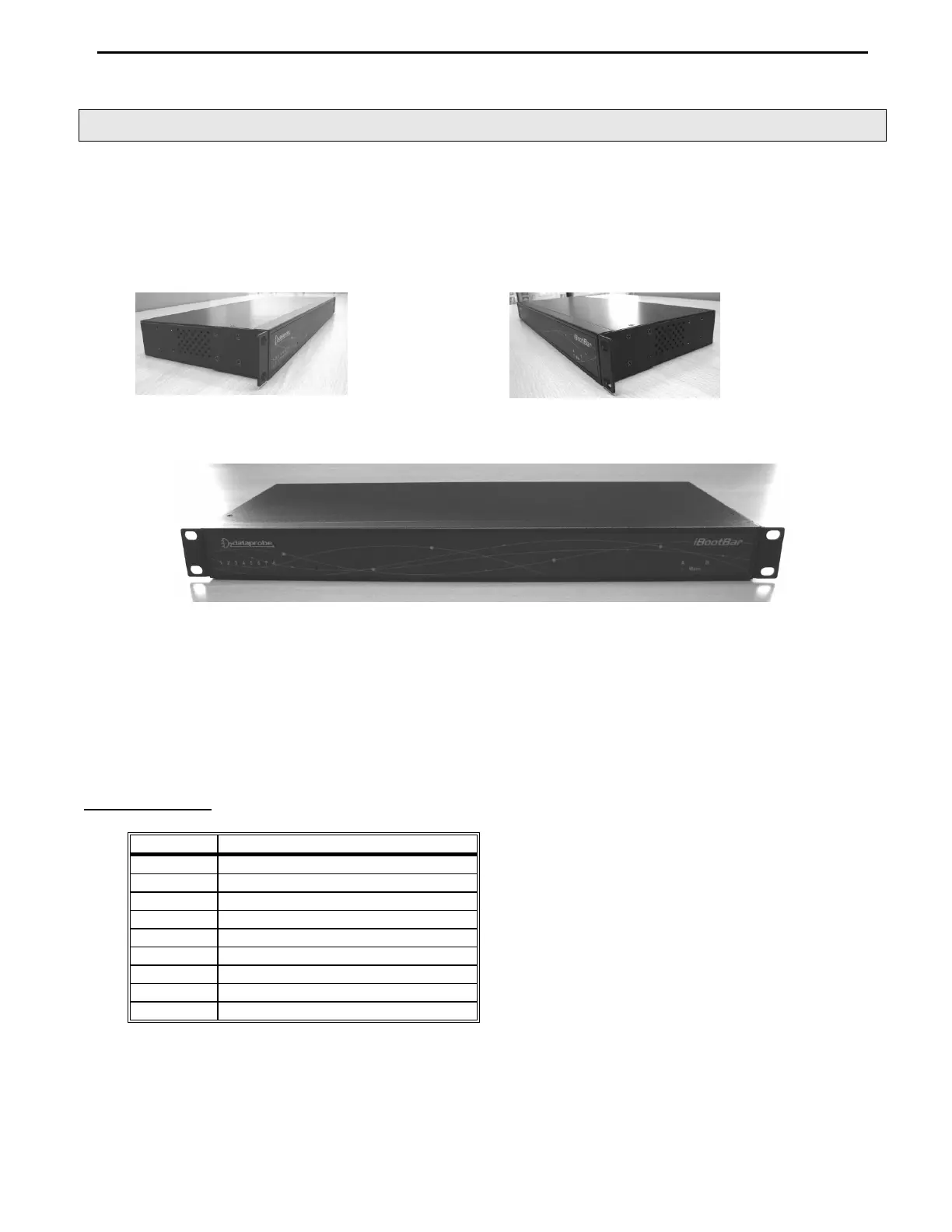
1. There are two L-shape brackets marked as “L” and “R”, install the “L” bracket on the left side of the iBB chassis
then the “R” bracket on its right side.
Installed L bracket:
Installed R bracket:
2. Install the iBB to the standard 19-inch rack.
Ethernet
The iBootBar has a 10/100 Ethernet port. The default address is 192.168.0.254
Serial Port
The iBootBar has a 9 pin D subminiature connector for RS-232 serial control. The connector is configured as DCE for
direct connection to a laptop or other terminal device. Default serial parameters are 115,200 bps, 8 data, no parity, 1 stop
bit (115200,8,n,1).
Serial Port pinout:
Pin No Description
1 Data Carrier Detect
2 Receive Data
3 Transmit Data
4 Data Terminal Ready
5 Signal Ground
6 Data Set Ready
7 Request to Send
8 Clear to Send
9 Ring Indicator


 To Next Page