12. Except as specifically explained elsewhere in this manual, do not
attempt to service this product yourself. Opening or removing covers
that are marked “Do Not Remove” may expose you to dangerous
voltage points or other risks, and will void your warranty. Refer all
service issues to qualified service personnel.
13. Unplug this product from the wall outlet and refer to qualified service
personnel under the following conditions:
a. When the power cord is damaged or frayed;
b. When liquid has spilled into the unit;
c. When the product has been exposed to rain or water;
d. When the product does not operate normally under normal
operating conditions. Adjust only those controls that are covered by
the operating instructions in this manual; improper adjustment of
other controls may result in damage to the unit and may often
require extensive work by a qualified technician to restore the unit to
normal operation;
e. When the product has been dropped or the cabinet has been
damaged;
f. When the product exhibits a distinct change in performance,
indicating a need for service.
Disposal
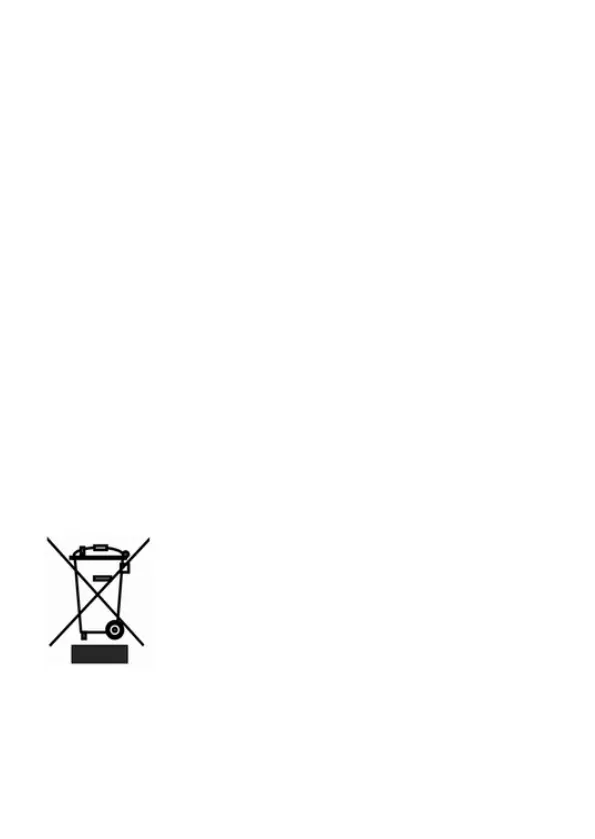
For EU Customers only - WEEE Marking
This symbol on the product indicates that it should not
be treated as household waste. It must be handed
over to the applicable take-back scheme for the
recycling of Waste Electrical and Electronic Equipment.
For more detailed information about the recycling of
this product, please contact your local Datavideo office.



 To Next Page