Firmware Update
1. Disconnect DC 12V Power Supply from DAC-90 and remove Mini-USB
connection
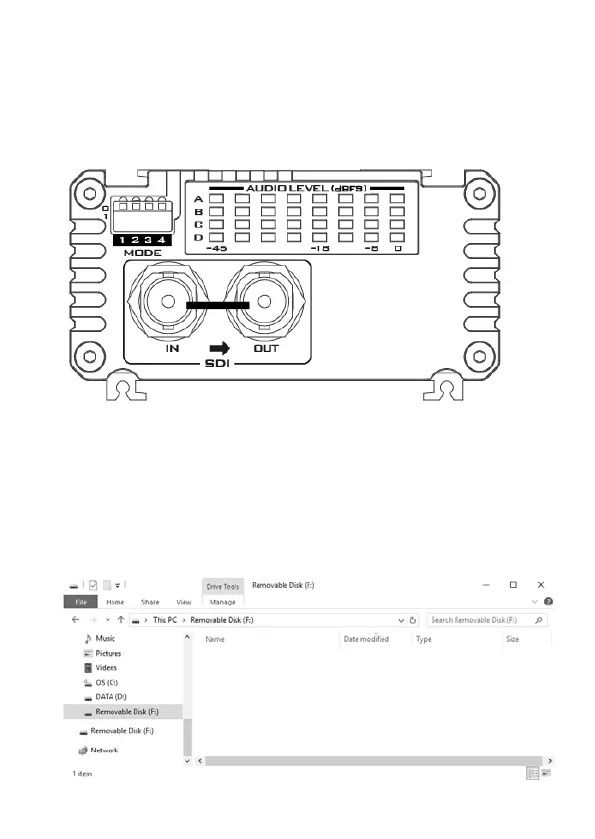
2. Set DIP SW4 to 1 (1: down; 0: up)
3. Connect the DAC-90 mini-USB port to the PC via a USB cable (you do not
need to connect the DC 12V Power at this point and the PWR LED should be
off)
4. The PC will detect the USB device. If this is your first time connecting the
DAC-90 to the PC, you will see “DAC-90 Datavideo Tech USB Drive”
appearing at the bottom right hand corner of the desktop. You should see
an empty drive after it is opened.



 To Next Page