Baeries that have been enabled to work with Acon Replay (Secon 1)
always try to load Acon Replay as soon as your PSP is switched on. This
means that once you have enabled your baery, you must always have
your Acon Replay memory card inserted in order for the PSP to boot.
Quick-boong to the PSP’s browser menu
If you just want to access the PSP’s normal Home Menu (somemes
known as the XMB) to use features like the media player, web browser or
saves manager, you can do so by holding down the PSP’s two shoulder
buons (L+R) when you switch it on. Doing so causes your PSP to skip
Acon Replay and load into the standard PSP browser menu.
From here, if you want to run Acon Replay again, reboot the console
without holding the shoulder buons.
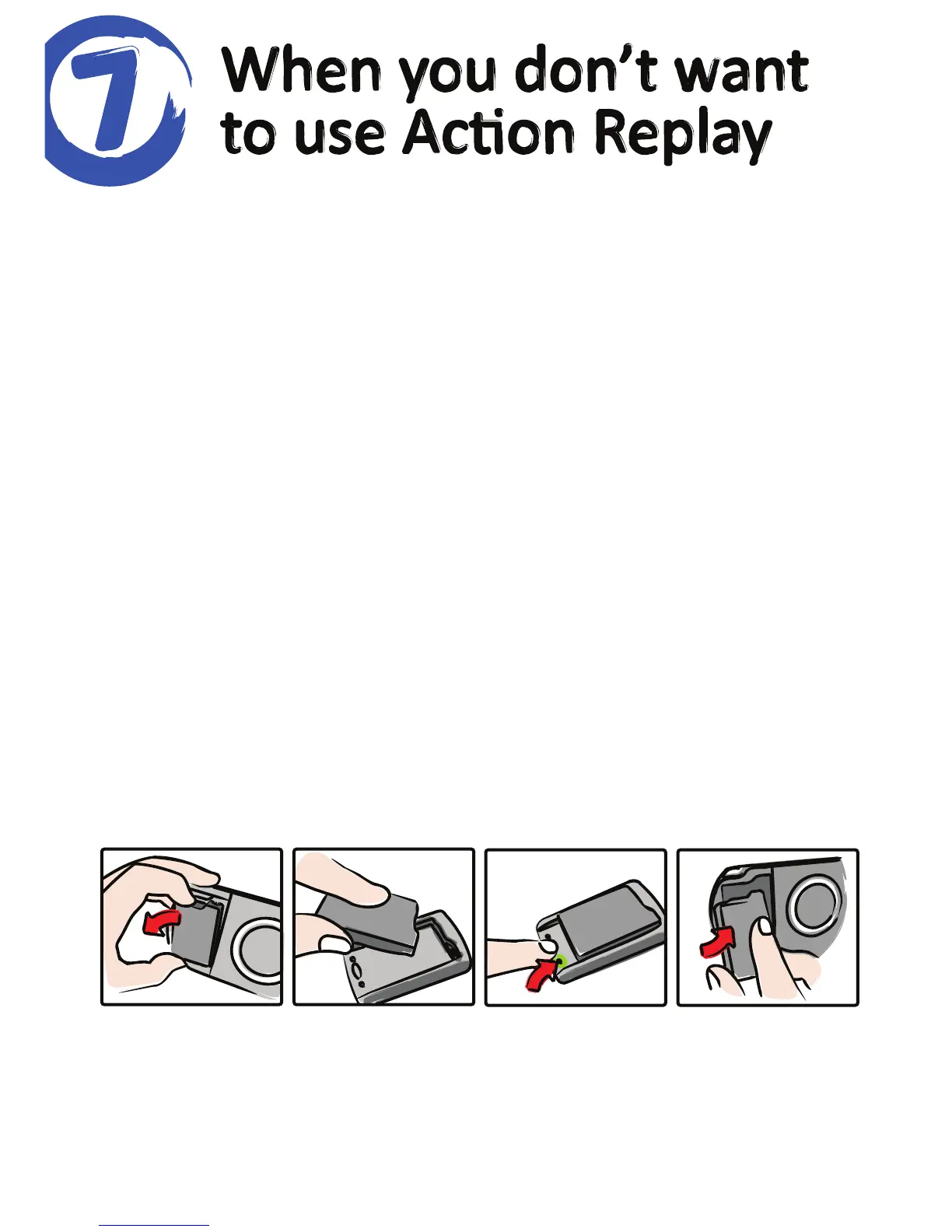
Reverng your PSP baery to a standard baery
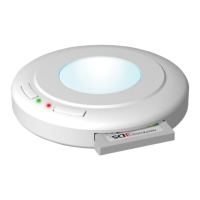
If you don’t wish to use Acon Replay and want to revert your baery to
its original configuraon, you can do this by returning it to the Acon
Replay Baery Enabler and pressing the buon once so that the light on
the right illuminates. This signifies that your baery is now back in normal
mode.
If you do this, you can’t use Acon Replay again unl you re-enable the
baery by following the steps in Secon 1.



 To Next Page