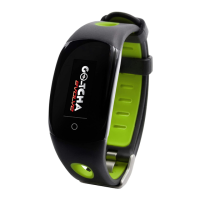
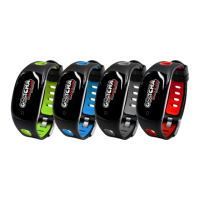
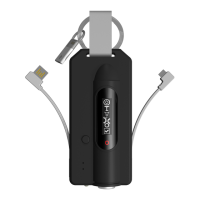
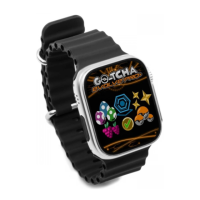
Attempting to pair the go-tcha while it is still in its charger, has also be
shown to increase chance of a connection, if your phone is struggling to
pair.
Also, try these steps if your Go-tcha is no longer seen (this normally
happens after a phone update or an update on the Pokemon app)
Go to the Bluetooth settings IN YOUR PHONE, click on the device
name and selected "Forget this device". (Do Not Try and Repair yet)
Launch the Pokemon Go app and go to Settings -> Pokemon Go Plus
and then pair the device – you should now get the prompt to pair!
If you are still struggling, then please contact either your seller or the manufacture
(contact details are in your Go-tcha box) for further technical support. All official
sellers are able to offer spare parts (like charge cables/straps) and one-to-one advice
about any issues you may have. They can also arrange replacements/repairs, with a
very quick turn about time.


 To Previous Page