26
Display
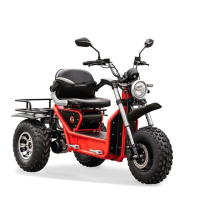
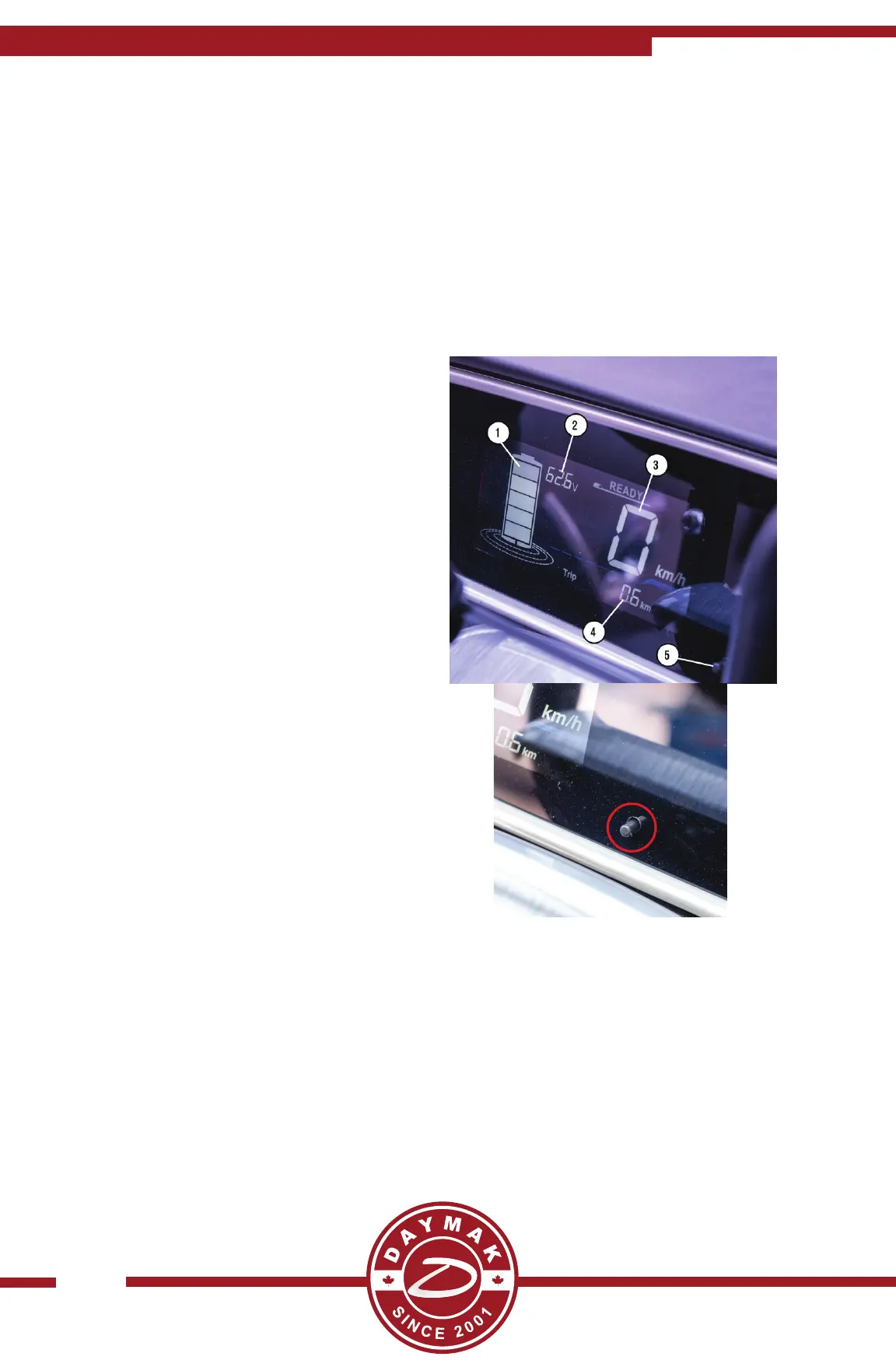
The Boomerbuggy X Pro has two displays, one that shows your speedometer and one
that controls your bluetooth MP3 playback, radio and more!
speedometer display
1) Baery Meter - Shows how much
baery power your unit has. 5 Bars is full
baery 3 bars is 50% and 1 Bar is almost
out of power
2) Voltage Reading - Shows you the Voltage
reading of your baery. (Refer to Voltage
Chart for more info)
3) Speedometer - Shows your current
speed
4) Odometer / Trip Meter - First shows
your total distance travelled. And then
shows how far you have travelled on the
current trip.
5) Trip Meter Reset - Press and hold this to
reset the trip meter. (See to the right)


 To Next Page
 Loading...