15
FRANÇAIS
ENGLISH
ESPAÑOL
PORTUGUÊS
MP3-/WMA- MODE
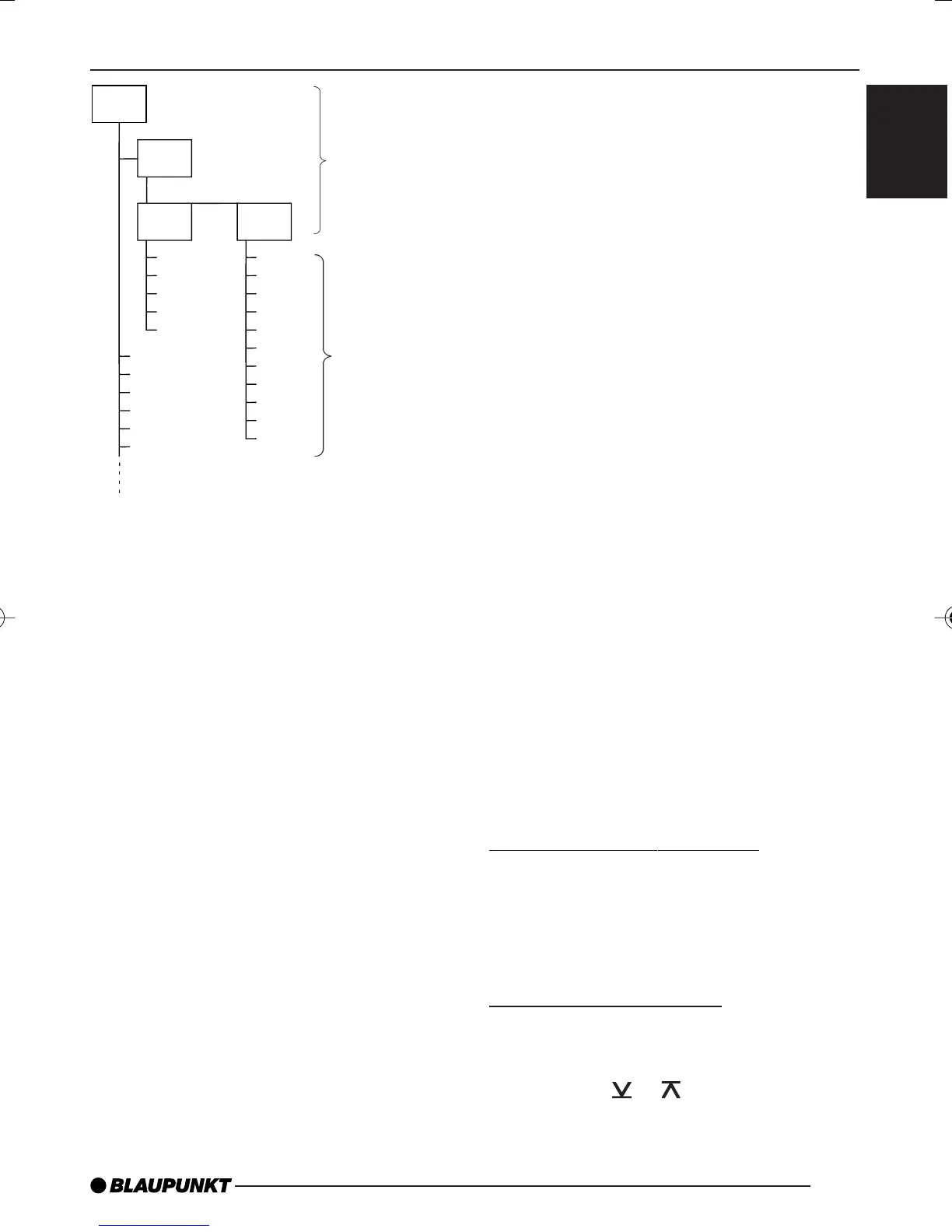
D01
D02
T001
T005
T004
T003
T002
D03
T001
T006
T005
T004
T003
T002
T011
T007
T008
T009
T010
D04
T001
T006
T005
T004
T003
T002
Each directory can be named using a
PC. The directory name can be dis-
played in the device’s display. Name the
directories and files using your CD burn-
er software. The software’s operating
instructions will provide details on how
to do this.
Note:
● When naming directories and files
you should avoid using special
characters.
If you like your files to be in the correct
order, you should use burner software
that places files in alphanumerical or-
der. If your software does not provide
this feature, you can also sort the files
manually. To do so, you should place a
number (e.g. “001”, “002”, etc.) in front
of each file name - the leading zeros
must also be included.
MP3 tracks can contain addition infor-
mation such as the artist, song and al-
bum names (ID3 tags). This device can
display ID3 tags if they are version 1.
When creating (encoding) MP3 files
from audio files, you should use bit rates
up to a maximum of 256 kbit/sec.
Only MP3 files with the “.MP3” file ex-
tension can be played on this device.
Note:
To ensure uninterrupted playback,
● Do not attempt to change the file
extension to “.MP3” of any files oth-
er than MP3 files and then attempt
to play them! These invalid MP3
files will not be selected during
MP3 playback.
● Do not use “mixed” CDs containing
both non-MP3 data and MP3 files.
The unit will only select MP3 files
during playback.
● Do not use mix-mode CDs contain-
ing both audio tracks and MP3
files. While attempting to playback
such CDs, only audio tracks will be
selected.
Switching to MP3 mode
MP3 mode is activated in the same way
as normal CD mode. For further details,
please read the “Switching to CD mode”
section in the “CD mode” chapter.
Selecting a directory
To move up or down to another directo-
ry,
➮ press the
or button 9 once or
several times.
Directories
Tracks/files
DaytonaMP26_EN2 3/15/06, 3:39 PM15


 To Next Page