20
CLOCK - Time
Setting the time
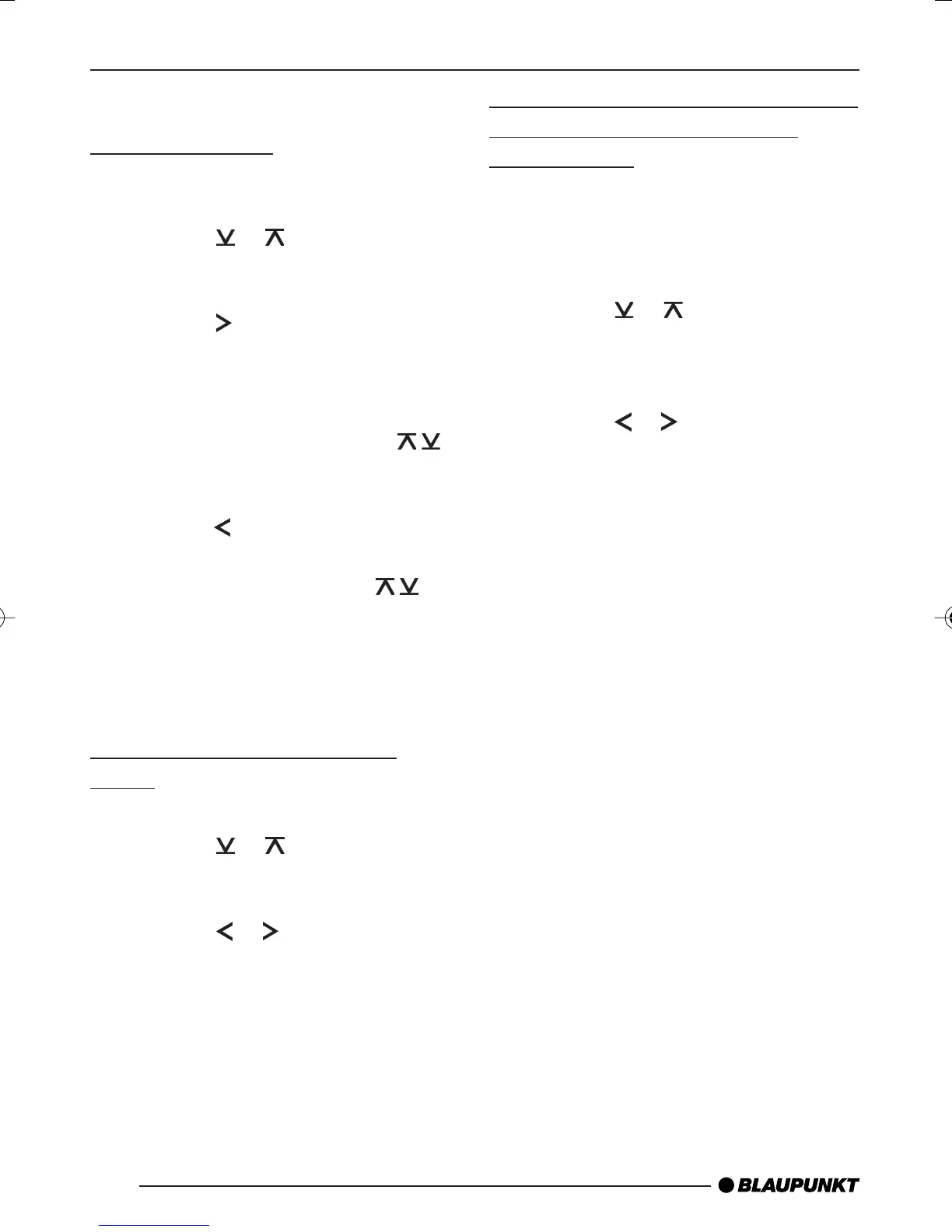
➮ To set the time, press the MENU
button 4.
➮ Press the
or button 9 repeat-
edly until “CLOCK SET” appears in
the display.
➮ Press the
button 9.
The time appears in the display. The
minutes flash on and off and can be
adjusted.
➮ Adjust the minutes using the
buttons 9.
➮ Once you have set the minutes,
press the
button 9. The hours
start flashing.
➮ Adjust the hours using the
buttons 9.
When you have finished making your
changes,
➮ press the MENU button 4 twice.
Selecting 12/24-hour clock
mode
➮ Press the MENU button 4.
➮ Press the or button 9 repeat-
edly until “12H MODE” or “24H
MODE” appears in the display.
➮ Press the
or button 9 to
switch between the modes.
When you have finished making your
changes,
➮ press the MENU button 4.
Displaying the time continuously
when the unit is off and the
ignition is on
“CLOCK ON” setting in the menu allows
you to display the time when the unit is
off and the vehicle ignition is on,
➮ press the MENU button 4.
➮ Press the
or button 9 repeat-
edly until “CLOCK OFF” or
“CLOCK ON” appears in the dis-
play.
➮ Press the
or button 9 to
switch between the ON/OFF set-
tings.
When you have finished making your
changes,
➮ press the MENU button 4.
CLOCK - TIME
DaytonaMP26_EN2 3/15/06, 3:39 PM20


 To Next Page