USER'S MANUAL
USER'S MANUAL
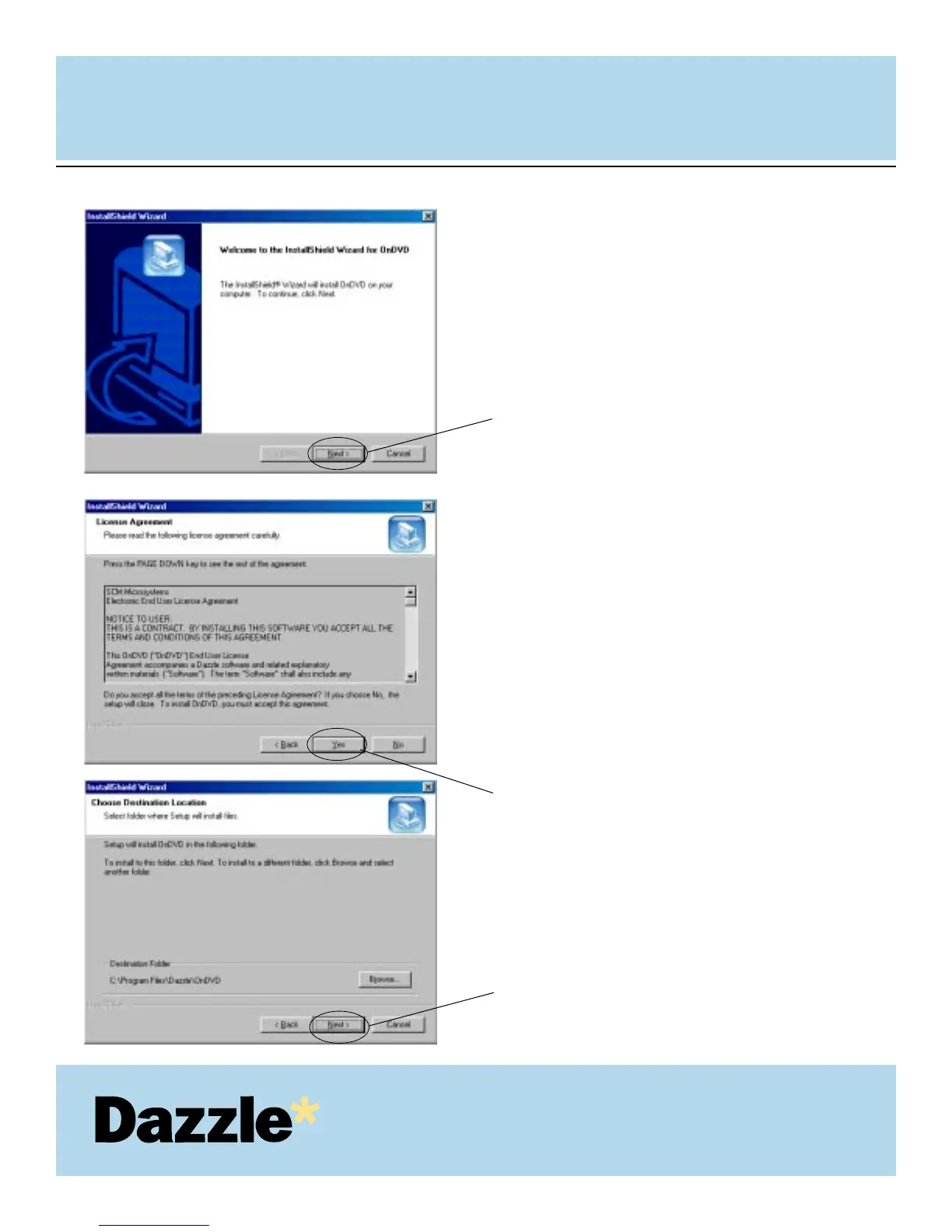
At the OnDVD Welcome Screen, click
“Next” to continue the installation.
Read the License Agreement. To agree
to the terms of the License Agreement
and continue with the OnDVD
installation, click “Yes” as shown on
left.
Click “Next”, to install OnDVD to the
default location on your computer.
12.
13.
Click Next.
Click Yes
14.
Click Next.



 To Next Page