Dazzle ZiO! Hi-Speed Portable Reader/Writer User’s Guide • Using the Reader/Writer • Page 31
6. Click OK in the warning dialog box.
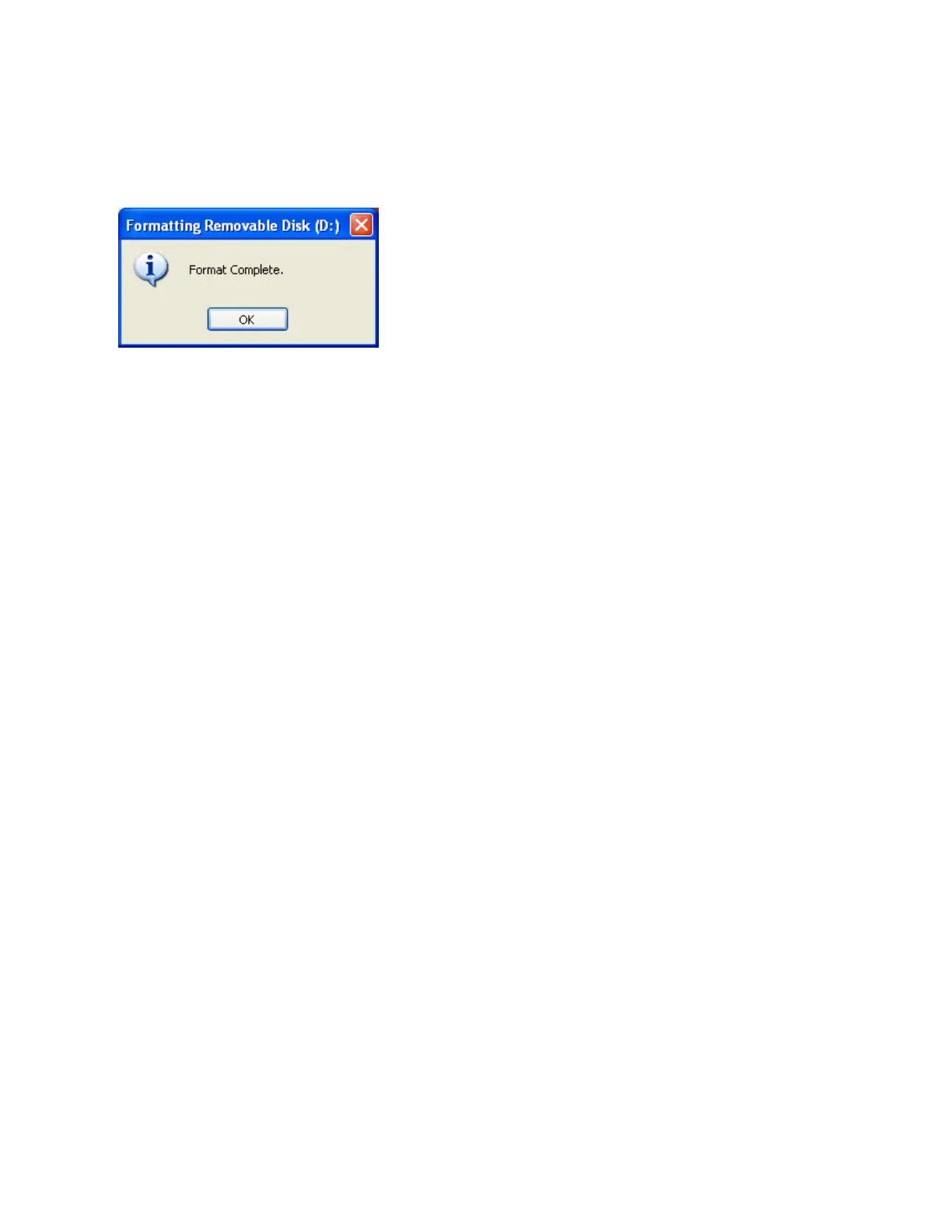
The formatting operation begins. When formatting is completed, a confirmation dialog
box appears.
7. Click OK in the confirmation dialog box.
Removing a Card on a PC
Before you remove a digital media card, make sure that the Access Indicator at the top of
the ZiO HS Reader/Writer is not flashing. The Indicator flashes when the ZiO HS Reader/
Writer is reading or writing data on a card. Please wait until the read/write operations are
complete and the Indicator stops flashing before you remove a card. Removing a card
during read/write access causes lost or corrupted data.
To remove a card, grasp the end of the card with your thumb and index fingers, and remove
it from the slot.



 To Next Page