15
Turn the mixer master faders down. Turn on the mixer.
Make sure the controls on your powered speakers are set the same on both speakers. For example, if
you’re using subs, and they have a polarity setting, make sure they’re both set to the same polarity.
Also, if your powered speakers have a Mic/Line setting, make sure they’re both set to Line, and if they
have their own EQ settings, disable the EQ settings on the powered speakers. Turn the level control
knobs on your powered speakers all the way down. Turn on your powered speakers and subwoofers now.
Now let’s load the preset you created to match your powered speakers (from the first half of this quick
start guide).
SETUP
AFS
RECALL
SUBHARMONIC
COMP/LIMITER
UTILITY
PRESET
NEXT PG
STORE
EQ
WIZARD
UTILITY
PREV PG
WIZARD
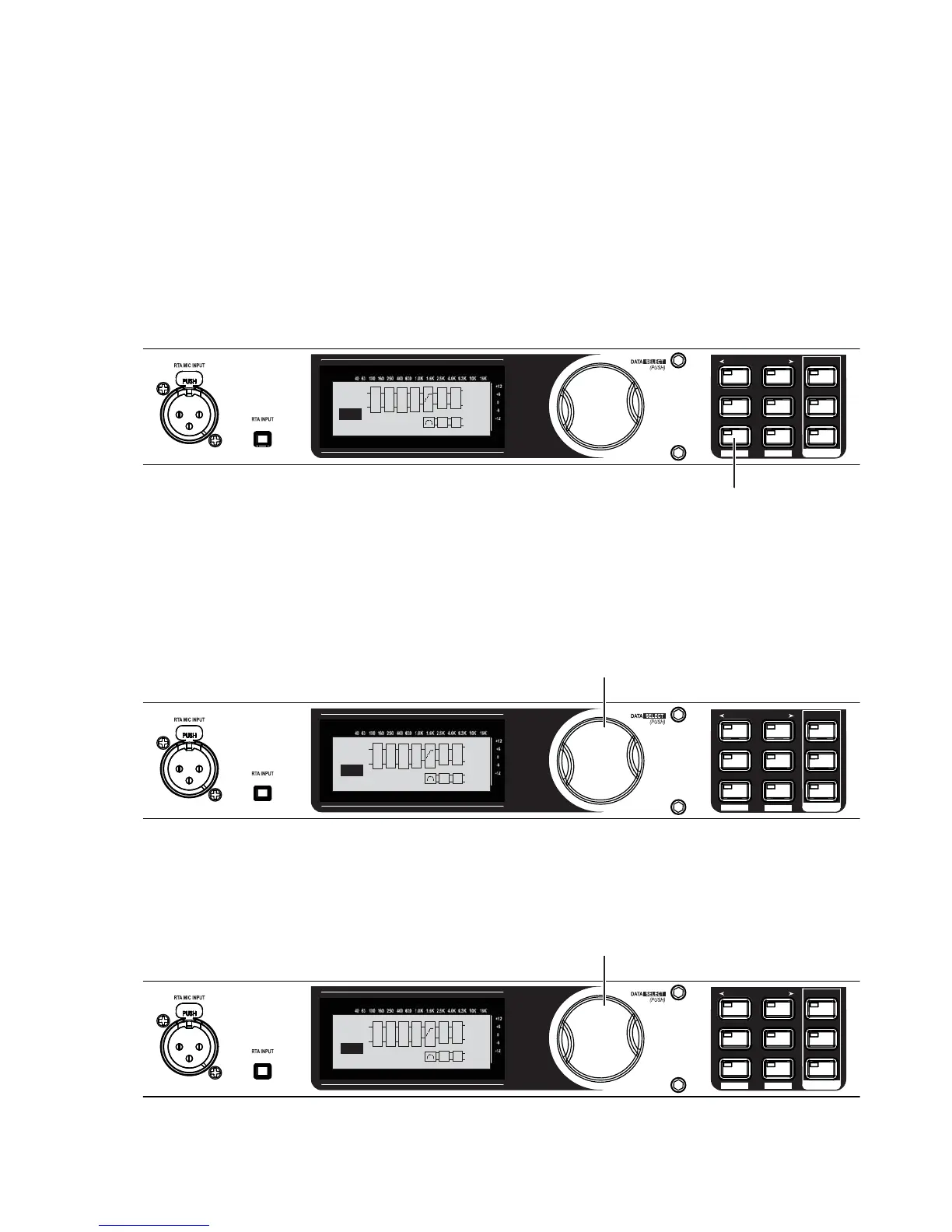
Press and hold the
PRESET/RECALL button
until “--Loaded--” is
flashing in the display.
E
L
P
L
R
OUT
SUB
L
PL
Q
R
C
A
F
S
S
U
B
--Loaded--
1
USER
L
R
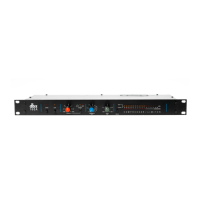
Turn the Data Wheel until the preset titled “MY PRESET” appears in the display.
SETUP
AFS
RECALL
SUBHARMONIC
COMP/LIMITER
UTILITY
PRESET
NEXT PG
STORE
EQ
WIZARD
UTILITY
PREV PG
WIZARD
Turn the Data Wheel until
MY PRESET appears in the display.
E
L
P
L
R
OUT
SUB
L
PL
Q
R
C
A
F
S
S
U
B
MY PRESET
1
USER
L
R
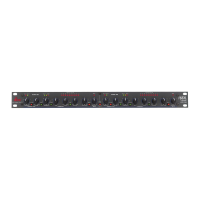
Press the Data Wheel to load “MY PRESET.”
SETUP
AFS
RECALL
SUBHARMONIC
COMP/LIMITER
UTILITY
PRESET
NEXT PG
STORE
EQ
WIZARD
UTILITY
PREV PG
WIZARD
Press the Data Wheel to load MY PRESET
E
L
P
L
R
OUT
SUB
L
PL
Q
R
C
A
F
S
S
U
B
MY PRESET
1
USER
L
R
4.
5.
6.
7.


 To Next Page