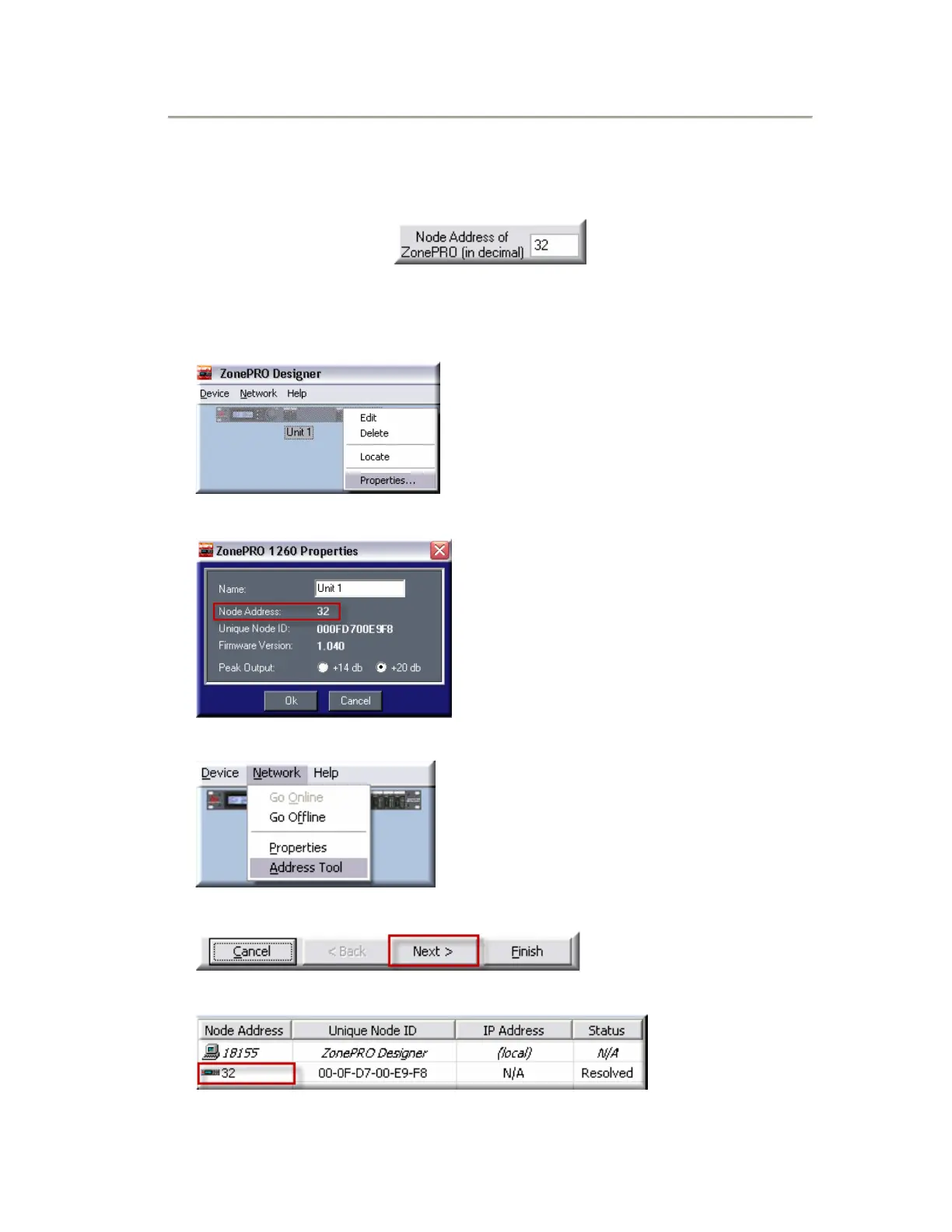
Step 4: Ensure that the Node Address matches the
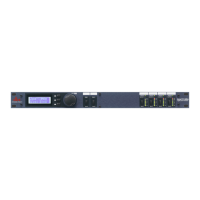
actual Node Address of the ZonePRO processor.
To get the Node Address of the ZonePRO device:
• Right click on the Device Icon and select Properties.
• The Node Address will be displayed.
Note: You can also find the Node Address under Network>Address Tool…
• Then click the Next Button.
• The Node Addresses of all networked ZonePRO devices will be displayed.


 To Next Page